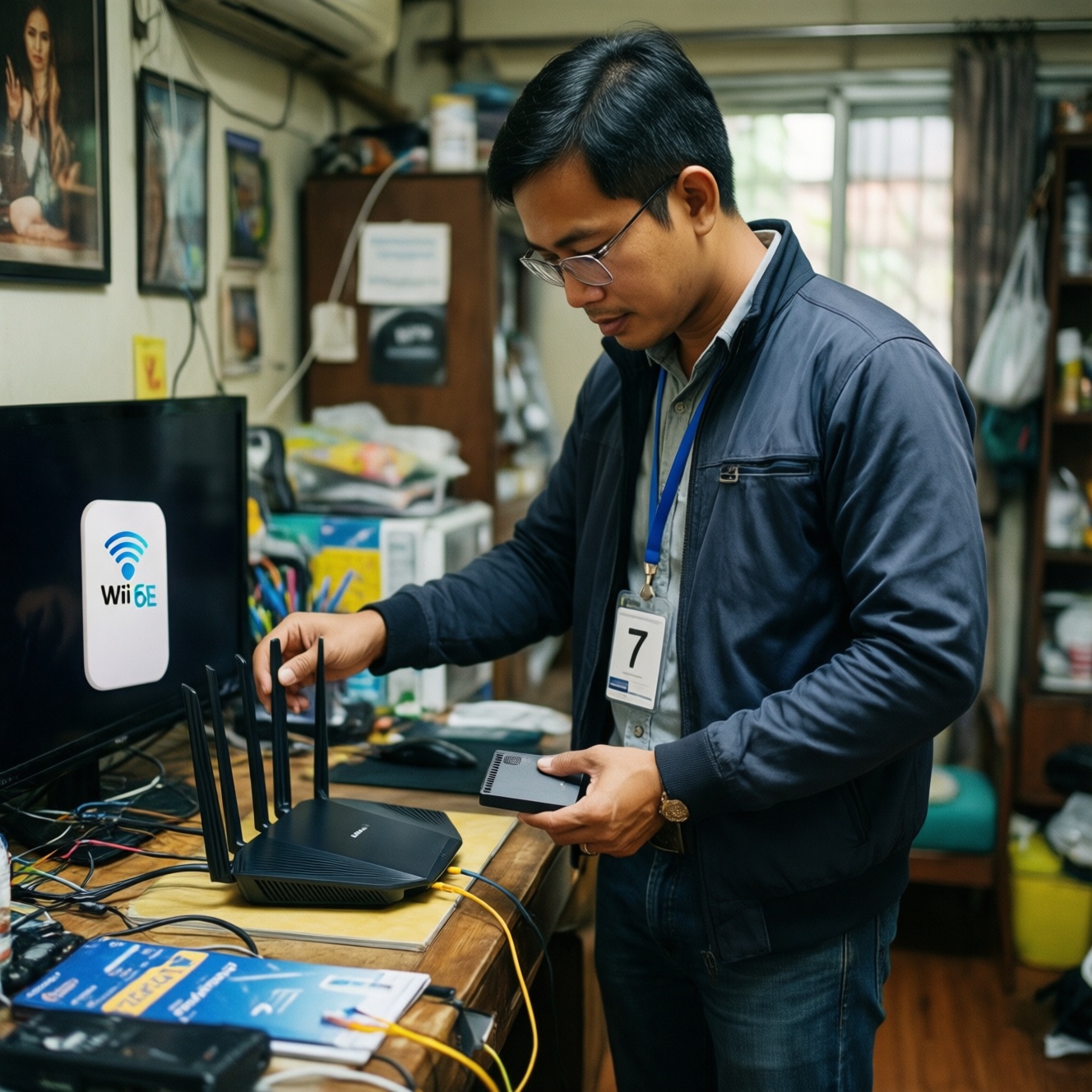
Upgrading to Wi‑Fi 6E or Wi‑Fi 7 is worth it only when you can actually use the 6 GHz band (6E/7) or multi-link features (7): that means a compatible router and at least one compatible client. For budget-focused buyers in Thailand, the smartest move is usually an incremental upgrade targeting your busiest room or one high-value device first.
Quick verdict: Is upgrading to Wi‑Fi 6E/7 a smart budget move
- Choose Wi‑Fi 6E if your main pain is congestion and you have at least one 6E-capable phone/laptop/PC nearby the router.
- Choose Wi‑Fi 7 if you plan a router refresh anyway and you want the longest "buy once, keep longer" runway for new devices.
- Without 6E/7 clients, a new 6E/7 router mostly improves capacity and features, not your device's peak performance.
- The cheapest "felt" upgrade is often better placement + wired backhaul + a targeted access point, not a full-router swap.
- Mesh upgrades only pay off when you fix backhaul; otherwise you just spread the same bottleneck to more rooms.
What Wi‑Fi 6E and 7 change in real home-network behavior
Use these criteria to decide whether Wi‑Fi 6E/7 will change your day-to-day experience (not just the spec sheet):
- 6 GHz usability in your layout: 6 GHz typically prefers shorter distances and fewer walls; it shines most in the same room or near-room setups.
- Congestion in 5 GHz: if your building has many neighboring networks, moving a key device to 6 GHz can reduce contention.
- Client mix: a single Wi‑Fi 6E/7 laptop/PC can justify the upgrade even if other devices stay on 2.4/5 GHz.
- Latency sensitivity: gaming/VR calls benefit more from cleaner airtime and stable links than from headline throughput.
- Backhaul reality: if your internet plan and wired LAN are already your bottleneck, new Wi‑Fi won't magically bypass it.
- Mesh topology: multi-node systems can improve coverage, but only if the inter-node link is strong (ideally wired).
- Channel planning: 6E adds 6 GHz options; Wi‑Fi 7 adds more flexibility, but it still needs sane placement and configuration.
- Device priorities: streaming boxes and IoT rarely need 6E/7; put the budget toward the devices that actually saturate airtime (PC, work laptop, flagship phone).
If you're asking "อัปเกรด Wi‑Fi 7 คุ้มไหม", treat it as a system question: router + client + placement/backhaul. Upgrading just one piece often underdelivers.
Mandatory and optional hardware: routers, client radios, and bridges
Wi‑Fi 6E/7 upgrades usually fall into a few practical bundles. The right choice depends on whether your bottleneck is coverage, congestion, or one high-value device.
| Variant | Who it's for | Pros | Cons | When to choose |
|---|---|---|---|---|
| Keep current router, optimize placement + wired Ethernet where possible | Budget-first homes with uneven coverage | Lowest cost; improves stability for everything; upgrades mesh backhaul the "right way" | Doesn't add 6 GHz; peak speeds on modern devices won't jump | If dropouts/weak signal are the main problem and you can run a cable to a key room |
| Wi‑Fi 6E router upgrade (single router) | Small/medium homes with at least one 6E client near the router | Adds 6 GHz option; can reduce 5 GHz congestion; simpler than mesh | 6 GHz range is more limited; legacy devices won't use 6 GHz | If you see many neighboring 5 GHz networks and your key device is close enough |
| Wi‑Fi 7 router upgrade (single router) | Buy-once planners and early adopters adding new devices soon | Best feature runway; can improve efficiency and multi-device performance on compatible clients | More expensive; benefits depend heavily on having Wi‑Fi 7 clients | If you're already shopping and comparing "เราเตอร์ Wi‑Fi 7 ราคา" and want maximum longevity |
| Wi‑Fi 6E/7 mesh with wired backhaul | Large homes or multi-floor homes needing coverage everywhere | Consistent coverage; predictable performance when nodes are wired | Higher total cost; setup complexity; without wired backhaul, gains can be modest | If you need multi-room coverage and can wire at least one node back to the main router |
| Add a 6E/7 access point (AP) to an existing router (wired) | Homes that like their current router but need 6 GHz in one zone | Targeted upgrade; can be cheaper than full replacement; isolates the spend to the room that matters | Requires Ethernet to AP; two-device management (router + AP) | If only your office/desk needs a fast, clean link and you can run one cable |
| Upgrade one PC with a Wi‑Fi 6E/7 adapter (only if your router supports it) | Desktop users wanting better wireless without changing the whole network | Directly improves the device you care about; can be a controlled, testable upgrade | Needs a compatible router to realize 6E/7; some USB adapters underperform vs internal solutions | If you're comparing "การ์ด Wi‑Fi 6E/7 สำหรับ PC ราคา" and you want a single-device performance uplift first |
When people compare "เราเตอร์ Wi‑Fi 6E ราคา" versus Wi‑Fi 7 pricing, the hidden cost is often the client side: without 6E/7 clients, the new router's headline features sit unused.
Measured speeds and latency by use case and frequency band
Real-world performance depends more on band choice, distance, and interference than on the label "6E" or "7". Use these scenario rules-of-thumb to pick a budget-friendly or premium path:
- If your gaming PC is in the same room as the router, then prioritize a 6 GHz-capable link (Wi‑Fi 6E/7) or Ethernet; on a budget, an AP near the desk (wired) often beats buying the most expensive router.
- If you game or video-call from a room behind multiple walls, then prioritize coverage and stability first (better placement, a wired AP, or mesh with wired backhaul). A premium Wi‑Fi 7 router won't fix a weak signal by itself.
- If you stream high-bitrate video and frequently download large files, then a clean 5 GHz or 6 GHz link near the router matters most; premium buyers can justify Wi‑Fi 7 for better multi-device handling, while budget buyers should focus on one strong cell (router/AP) rather than whole-home specs.
- If you have many smart-home devices, then keep IoT on 2.4 GHz and reserve 5/6 GHz for phones/laptops/PCs; upgrading to 6E/7 mainly helps by reducing airtime contention, not by making IoT faster.
- If your internet plan is the limiting factor, then spend first on reliability (wired backhaul, AP placement, QoS settings) before chasing the newest Wi‑Fi generation.
Interoperability: handling legacy devices and mesh systems
- List your devices and mark which are Wi‑Fi 6E or Wi‑Fi 7 capable; if none are, prioritize coverage/backhaul improvements first.
- Check whether you need 2.4 GHz for legacy/IoT; plan a dedicated SSID or band steering so newer devices don't get "stuck" on slower bands.
- If you use mesh, confirm whether nodes can do wired backhaul; if not, plan node placement carefully before spending on 6E/7.
- Decide where 6 GHz is actually usable (same room/near room); place the router/AP there rather than expecting whole-home 6 GHz coverage.
- Verify your ISP modem/ONT mode (router vs bridge) to avoid double NAT when swapping routers.
- After upgrading, re-pair critical devices to the intended band and retest stability at the times you normally experience congestion.
Price-performance analysis for budget-focused buyers

- Buying a Wi‑Fi 7 router while your important devices are still Wi‑Fi 5/6; you pay for features you can't use yet (common behind "อัปเกรด Wi‑Fi 7 คุ้มไหม").
- Overpaying for tri-band/mesh marketing when a single well-placed router or one wired AP would solve the real problem.
- Expecting 6 GHz to cover the same area as 2.4/5 GHz; budgeting for one strong 6 GHz zone is more realistic.
- Upgrading mesh nodes but leaving wireless backhaul weak; this often produces only small improvements and inconsistent latency.
- Ignoring client limitations (older phones/laptops with basic radios); the router can't compensate for a weak client antenna design.
- Choosing the cheapest adapter without driver/OS support planning; for PCs, stability matters as much as peak throughput.
- Not checking LAN ports and cabling; a wired bottleneck can make any Wi‑Fi upgrade feel pointless.
- Chasing model names instead of requirements; "แนะนำเราเตอร์ Wi‑Fi 7 รุ่นไหนดี" is only answerable after you define coverage, client mix, and backhaul.
Practical upgrade path: minimize cost, maximize benefit
Best value for one-room performance is usually a wired access point (or a router refresh placed properly) plus upgrading the single laptop/PC that matters most; best value for whole-home coverage is mesh only when you can wire at least part of the backhaul. If you're planning a full refresh anyway, Wi‑Fi 7 can be a sensible long-life choice; otherwise, Wi‑Fi 6E is often the more targeted step.
Short answers to frequent practical questions on upgrading
Do I need both a Wi‑Fi 6E/7 router and a 6E/7 device to benefit?
To use 6 GHz or Wi‑Fi 7-only features, yes: both ends must support it. Otherwise you mainly gain better routing features and potentially better handling of many devices, not a dramatic speed jump on older clients.
Will Wi‑Fi 7 automatically reduce gaming ping?
Only if your current issue is airtime contention or unstable links. If the problem is weak signal or poor mesh backhaul, placement and wiring usually matter more than the generation number.
Is a Wi‑Fi 6E router a safer budget buy than Wi‑Fi 7?
Often yes when you already have at least one 6E client and you mainly want access to 6 GHz. Wi‑Fi 7 makes more sense when you're buying for longer-term device upgrades.
Can I mix a Wi‑Fi 7 router with older mesh nodes?
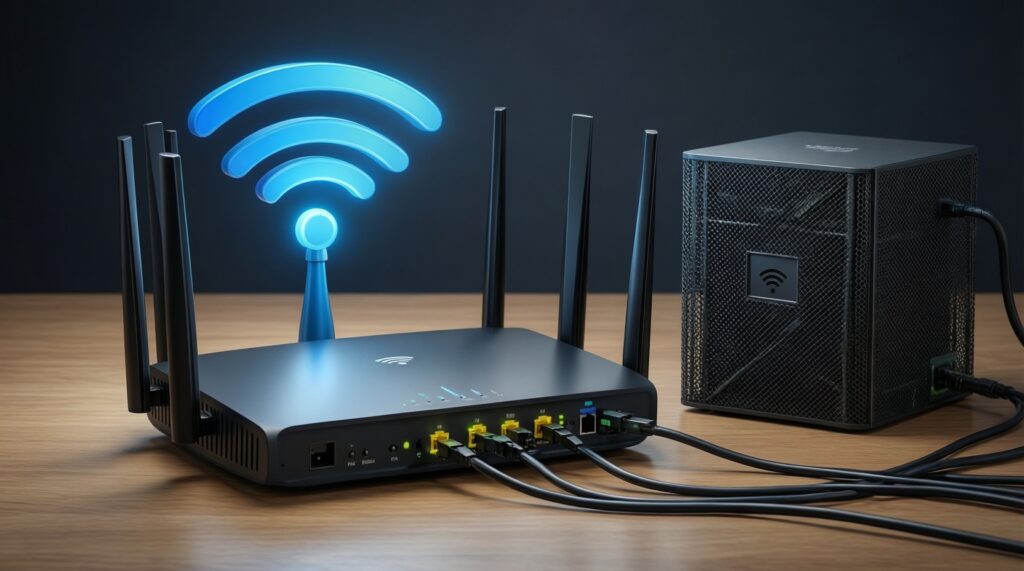
Usually you can, but the mesh will behave like the weakest link for backhaul and roaming. If nodes are older and wireless-backhauled, don't expect the new router to transform whole-home performance.
For a desktop PC, should I upgrade to internal or USB Wi‑Fi 6E/7?
Internal cards are commonly more consistent than small USB adapters due to antennas and placement. Either way, the upgrade only pays off if your router/AP supports the same band/features.
How do I decide between upgrading coverage versus upgrading to 6 GHz?
If you see weak signal or dead zones, fix coverage/backhaul first. If coverage is fine but the network gets "busy" at peak hours, 6 GHz (6E/7) for priority devices is the more direct lever.