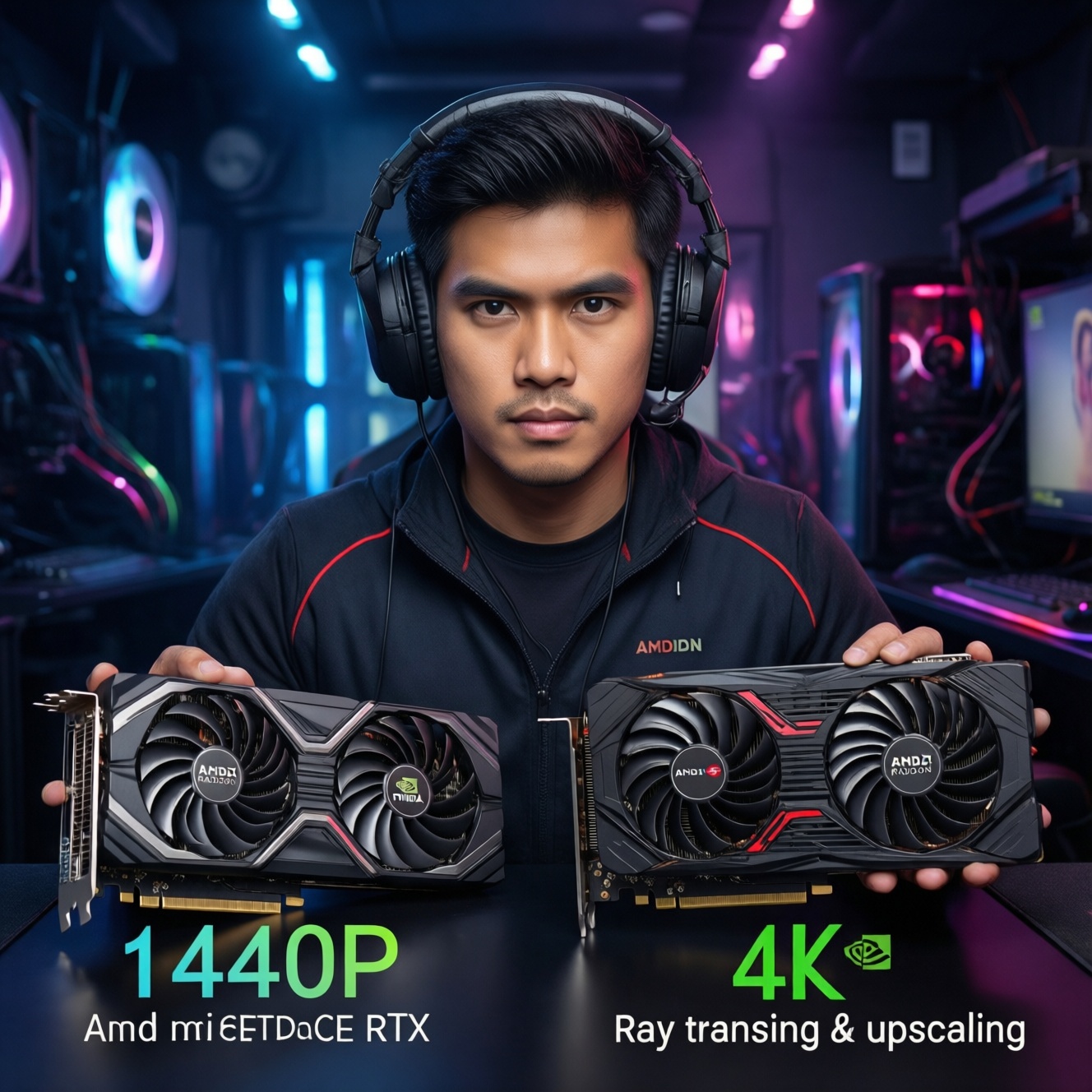
If you're choosing between latest AMD Radeon (red team) and NVIDIA GeForce RTX (green team) for gaming in Thailand, the "best" option depends on your target resolution, how much you care about Ray Tracing, and whether you'll rely on DLSS or FSR. Prioritize stable 1440p/4K performance per baht first, then decide on RT and upscaling.
Buyer's Snapshot: Performance, Ray Tracing and Upscaling
- For pure rasterized FPS (no RT), Radeon often competes strongly per baht; RTX often wins more consistently once RT is enabled.
- Ray Tracing performance is usually more predictable on RTX, especially when combined with DLSS.
- DLSS is typically the safer "set-and-forget" choice when available; FSR is more universal across GPUs and games.
- At 1440p, VRAM headroom and 1% lows matter as much as average FPS; at 4K, upscaling quality and stability become decisive.
- For small cases and hot rooms, board power and cooler quality can matter more than brand.
- Driver maturity tends to be game-dependent; check the exact titles you play before buying.
Frame-Rate Breakdown: 1080p, 1440p and 4K Benchmarks
Use these criteria to judge real gaming smoothness before comparing brand-to-brand. This is the cleanest way to handle การ์ดจอเล่นเกม 1440p 4K รุ่นล่าสุด ราคา without being misled by a single "average FPS" headline.
- Target resolution and refresh rate: 1080p high-Hz stresses CPU/latency; 1440p stresses balanced GPU; 4K stresses GPU + memory bandwidth + upscaling.
- Average FPS vs 1% lows: prioritize consistent frame pacing (stutter control) over peak FPS.
- VRAM capacity and memory bus behavior: higher textures/mods and some newer titles can pressure VRAM; insufficient VRAM can cause hitching regardless of brand.
- Raster vs RT performance split: decide whether you'll play with RT on; "RT-off" comparisons often flip once RT is enabled.
- Upscaling availability in your games: whether your top games support DLSS, FSR, XeSS, or only one of them.
- CPU/platform bottlenecks: at 1080p competitive settings, GPU choice matters less if the CPU limits frames.
- API and engine mix: DX11 vs DX12/Vulkan can change relative behavior (especially in older esports titles vs newer AAA).
- Thermal and noise limits: a "faster" GPU that throttles in a warm room can feel worse than a slightly slower stable card.
When people search เปรียบเทียบการ์ดจอ AMD vs NVIDIA รุ่นล่าสุด, the mistake is treating it like a single ranking. Treat it like a per-resolution decision with RT and upscaling as separate switches.
Ray Tracing: Real-World Impact and Performance Scaling
Ray Tracing isn't one feature; it's a bundle (reflections, global illumination, shadows) with very different costs. The practical question behind การ์ดจอ Ray Tracing ดีที่สุด NVIDIA vs AMD is: "Do I want RT as a default setting, or only occasionally?" Use the variants below as decision profiles rather than brand slogans.
| Variant | Who it suits | Pros | Cons | When to choose |
|---|---|---|---|---|
| RTX-focused build (modern GeForce RTX) | Players who want RT enabled in many titles with minimal tuning | Typically stronger RT scaling; often pairs well with DLSS to recover FPS | May cost more per frame in RT-off gaming; model tiers vary a lot | Pick this if RT is a "default on" preference and your games support DLSS |
| Radeon-focused build (modern AMD Radeon RX) | Budget-first buyers prioritizing RT-off FPS and VRAM headroom | Often strong raster value; broad FSR compatibility for upscaling | RT-on performance can require more compromises (settings/upscaling) depending on title | Pick this if you mostly play RT-off or only use RT selectively |
| Hybrid RT strategy (RT only in "showcase" games) | Gamers who mainly play competitive/esports but want RT sometimes | Lets you optimize per game; avoids paying primarily for RT hardware | Requires more per-title tweaking and expectations management | Choose this if you want strong everyday FPS and only occasional RT sessions |
| Upscaling-first RT gaming (RT + upscaling as standard) | 1440p/4K players comfortable with upscaling modes | Best path to "RT look" at higher resolutions; can stabilize frame times | Image quality depends on implementation; sharpening/ghosting can appear in some titles | Choose this if you accept upscaling as part of the baseline configuration |
| Creator + gamer mixed workload | Users who also do video/3D/AI-assisted tools alongside gaming | Ecosystem features may matter as much as FPS; some apps favor one vendor | Gaming value-per-baht can be worse than a gaming-only pick | Choose this if your paid work tools influence the GPU decision |
DLSS vs FSR: Image Quality, Latency and Implementation Differences
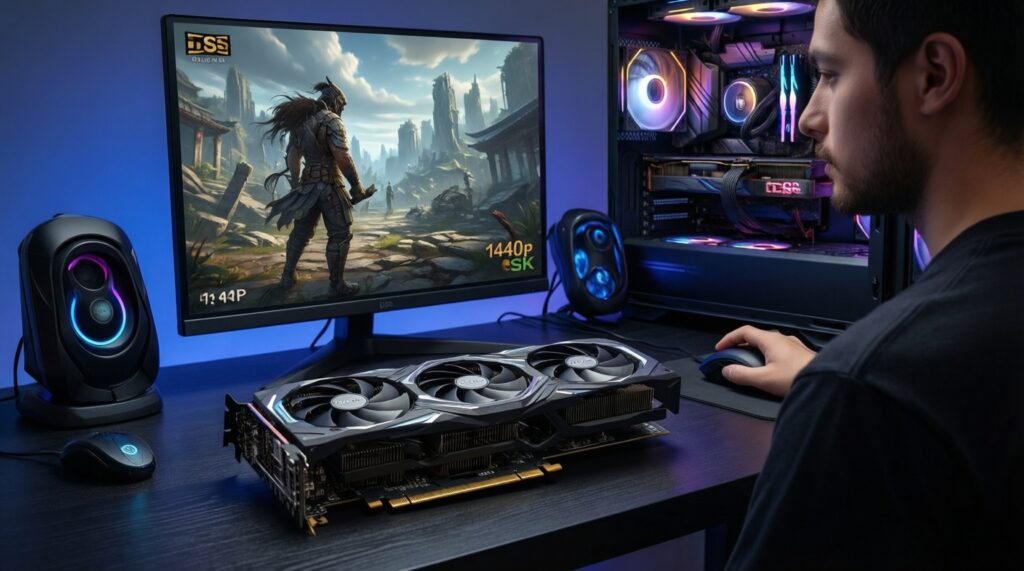
This is the practical core of การ์ดจอ DLSS vs FSR รุ่นไหนคุ้ม: you're not only buying a GPU, you're buying the upscaling you'll rely on at 1440p/4K. Use these scenario rules, including budget and premium priorities.
- If you play many DLSS-supported AAA titles and want the least tweaking, then favor an RTX card so DLSS can be your default scaling tool (especially for 4K).
- If you switch between many games (including those without vendor-specific features), then prioritize a strong RT-off GPU and treat FSR as the universal fallback.
- If you are budget-first and aiming for 1440p value per baht, then pick the card that meets your FPS target in native or mild upscaling-don't pay extra solely for a feature your library rarely supports.
- If you are premium-focused and want RT visuals at 4K, then plan on RT + upscaling as a package, and choose the GPU whose upscaler looks best to your eyes in your specific games.
- If you are sensitive to latency in competitive shooters, then keep settings closer to native where possible, cap FPS for stability, and avoid aggressive upscaling modes that introduce artifacts that distract you.
Thermals, Power Draw and Long-Term Operating Costs
Use this fast selection algorithm to avoid buying a card that underperforms in real Thai room temperatures and small cases.
- Measure your case constraints: GPU length, thickness (slot count), and airflow path (front intake vs bottom intake).
- Check your PSU capacity and connectors (including whether you have the correct native cables) before choosing a GPU tier.
- Prefer models with strong coolers (larger heatsink, better fan design) over factory "OC" labels that mainly add heat.
- Plan your noise target: if you hate fan noise, pick a cooler-quality model even if the GPU chip is the same.
- Decide upfront whether you'll undervolt: many modern GPUs can maintain near-stock performance with lower power and heat if tuned.
- Validate hotspot/VRAM temps in reviews for the exact board model, not only the GPU family name.
- Account for your usage pattern (long sessions vs short bursts): sustained loads reveal throttling and case heat soak.
Drivers, Feature Ecosystem and Game-Specific Optimizations
Most "bad experiences" come from mismatched expectations and settings, not defective hardware. Avoid these common purchase and setup mistakes-especially when deciding ซื้อการ์ดจอ RTX vs Radeon รุ่นล่าสุด รุ่นไหนดี for your exact games.
- Buying based on a single benchmark suite instead of the top 5 games you actually play.
- Assuming Ray Tracing "on" is one setting: some RT options are far heavier than others, and optimal combinations differ per game.
- Ignoring VRAM needs for your texture settings, mods, or creator workloads.
- Expecting DLSS/FSR quality to be identical across titles; implementation quality varies widely.
- Forgetting to factor your CPU and RAM: at 1080p high refresh, a GPU upgrade alone may not improve frames meaningfully.
- Choosing the cheapest board model without checking cooler performance and VRM quality for sustained gaming sessions.
- Mixing old driver leftovers: upgrading between vendors without a clean driver transition can cause instability and performance oddities.
- Overvaluing "future-proof" features while underbuying today's stable FPS target for your monitor.
- Not checking game-specific features you rely on (recording, streaming encoders, overlay tools), which can influence day-to-day satisfaction.
Value Picks: Best Red vs Green Cards for Tight Budgets
Best for budget-first 1440p raster value is often a midrange Radeon RX with 12-16GB VRAM (model-dependent), while best for "turn on Ray Tracing and keep it smooth" is often a mid-to-upper GeForce RTX with strong DLSS support. Best for 4K-like sharpness on a tight budget is whichever card lets you use upscaling comfortably in your favorite titles without unstable 1% lows.
Concise Answers to Top Purchase Concerns
Is AMD or NVIDIA better for 1440p gaming today?
For RT-off 1440p, either can be excellent; pick based on value-per-baht, VRAM needs, and your game list. If you want RT on more often, RTX usually requires fewer compromises.
Do I need Ray Tracing hardware if I rarely use RT settings?
No-prioritize raster FPS and VRAM first. You can still enable light RT occasionally, but expect to adjust settings and use upscaling more often.
Which upscaling should I prioritize: DLSS or FSR?
Prioritize the one your main games actually support. DLSS tends to be the easiest default when available on RTX; FSR is a broader fallback across many GPUs and titles.
How much VRAM should I aim for for 1440p and 4K?
Buy enough VRAM to avoid texture-related stutter in the games you play. For 4K (or heavy texture packs), VRAM headroom becomes more important than small differences in peak FPS.
Should I buy the cheapest model of a GPU chip to save money?
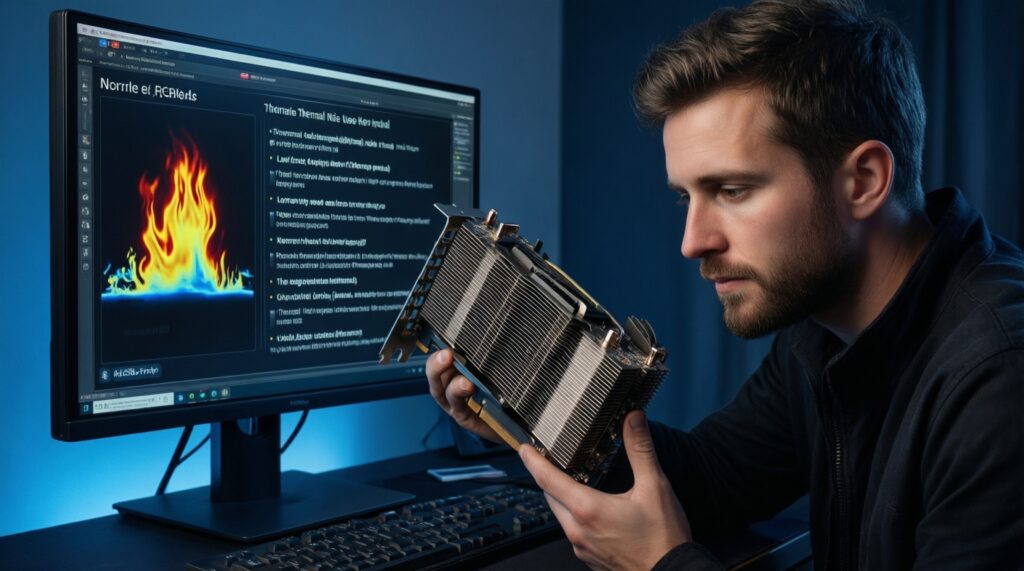
Only if thermal and noise reviews for that exact board are solid. Cooler quality often determines sustained performance and comfort more than a small factory overclock.
Will my CPU limit a "latest GPU" upgrade at 1080p?
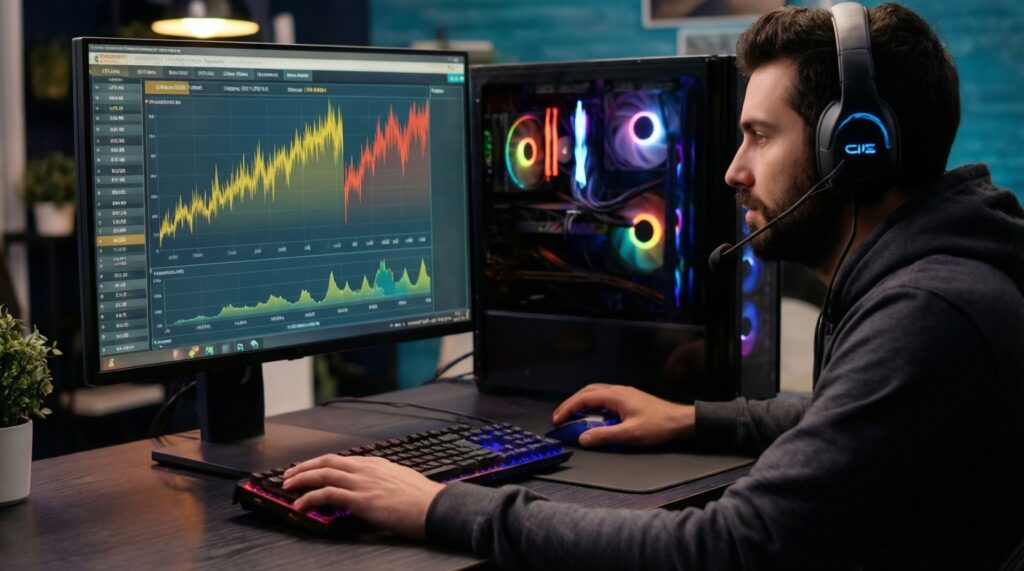
Often yes-1080p high refresh is frequently CPU-bottlenecked. If you play competitive titles, consider CPU/platform balance before overspending on the GPU.
What's the safest way to compare GPUs without getting misled?
Compare in your resolution, with your likely settings (RT on/off), and with the upscaler you'll use. Then validate thermals/noise for the exact card model you plan to buy.