Moving from a midrange GPU to a flagship mainly buys you smoother 4K gaming, stronger ray tracing, and more headroom for AI workloads, but it also raises total platform cost (PSU, cooling, case airflow) and reduces value-per-baht. If you game at 1440p and do light AI, midrange often remains the smarter upgrade.
Snapshot: What Changes When You Move Up to a Flagship
- 4K and heavy ray tracing become practical without aggressive upscaling compromises.
- AI work benefits from more VRAM headroom and higher tensor throughput, especially for larger models.
- Power draw, heat, and noise typically rise-case airflow and PSU quality matter more.
- "Hidden costs" increase: cooler size, motherboard clearance, and sometimes CPU/platform balance.
- Midrange cards usually deliver the best cost-per-frame at 1080p/1440p today.
- Flagships tend to hold resale value better, but entry price is the biggest risk.
When Midrange Still Wins: Cost-to-Performance in Current Games
If your core question is อัปเกรดการ์ดจอ รุ่นกลาง ไป รุ่นท็อป ต่างกันแค่ไหน, the honest answer is: it depends on your target resolution, ray tracing use, and whether your CPU becomes the bottleneck. Use these criteria to choose:
- Target resolution and refresh: 1080p/1440p high refresh favors midrange; consistent 4K favors higher tiers.
- Ray tracing intensity: light RT can be fine on midrange; heavy RT settings tend to expose the gap quickly.
- Upscaling tolerance: if you're happy with upscalers and tuned settings, midrange stretches further.
- VRAM headroom needs: high-resolution textures, mods, and creator/AI workflows can pressure midrange sooner.
- CPU bottleneck risk: upgrading to a flagship on an older CPU can waste GPU potential in esports and many 1440p cases.
- Power/thermals constraints: small cases and modest PSUs push you toward efficient models.
- Noise preference: bigger coolers on higher tiers can be quieter, but only with good airflow.
- Pricing volatility: if you keep searching "ราคา การ์ดจอ RTX 4080" and it's far above your comfort zone, midrange plus a later step-up is usually safer.
Where Flagships Pull Ahead: Frame Rates, Ray Tracing, and High-Resolution Play
People asking การ์ดจอเล่นเกม 4K รุ่นไหนดี usually care about minimums and consistency, not just averages. The flagship tier's advantage shows up most at 4K, with ray tracing enabled, and in games that push texture memory and shader complexity.
| Option | Who it fits | Pros | Cons | When to choose |
|---|---|---|---|---|
| RTX 4070 | 1440p gamers, mixed workloads, budget-first upgrades | Strong efficiency; easier PSU/case fit; good upscaling experience | 4K with heavy RT can require compromises; AI jobs can hit VRAM limits sooner | If you're value-focused and your "flagship" budget would cause platform compromises |
| RTX 4070 Super | 1440p high refresh, occasional 4K with tuned settings | Noticeable step up from typical midrange; still relatively manageable thermals | Still not a true 4K/RT brute-force card; diminishing returns if CPU-limited | If you want a clear uplift without rebuilding your power and cooling setup |
| RTX 4080 / 4080 Super | 4K gamers who want higher consistency; creator/AI users needing more headroom | Much stronger 4K + RT experience; better "set-and-forget" settings profile | Higher total cost (PSU, cooling, case clearance); pricing can be hard to justify | If your priority is smooth 4K and you can afford the full system-level upgrade |
| RTX 4090 | Enthusiasts, uncompromised 4K, heavy AI, multi-monitor high-end builds | Top-tier raster and ray tracing; best headroom for demanding AI workloads | Largest power/heat footprint; often triggers the biggest "hidden costs" | If you want the maximum and accept that everything around it must be premium |
| Radeon RX 7900 XTX | 4K raster-first gamers, value seekers outside heavy RT/AI focus | Strong non-RT 4K performance; can be compelling when priced well | RT-heavy games can favor NVIDIA; AI software stack may be less straightforward | If you prioritize raster frames-per-baht and your AI needs are light |
If you're specifically looking for เปรียบเทียบ RTX 4070 กับ RTX 4090, think of it as "tuned 1440p and sensible costs" versus "4K/RT and AI headroom without compromise." The real decision is whether you can support the flagship with the right PSU, airflow, and a CPU that won't bottleneck your target games.
AI Workloads Compared: Inference, Fine-Tuning and On-Device Acceleration
For anyone asking การ์ดจอสำหรับงาน AI รุ่นไหนดี, GPU tier matters most when model size and context length push VRAM, and when you want speed without constantly offloading to system RAM. Use these scenario rules:
- If you run small-to-medium inference locally (chat, vision tagging, embeddings) then an RTX 4070/4070 Super class card is often the budget-first sweet spot-spend the saved budget on more system RAM and fast storage.
- If you frequently hit VRAM limits (larger models, longer context, higher batch sizes) then consider stepping up to RTX 4080/4080 Super class for more breathing room and fewer workflow interruptions.
- If you fine-tune regularly on-device (LoRA/QLoRA style workflows) then prioritize VRAM headroom and stability; premium-tier cards reduce time spent juggling quantization and offloading.
- If your AI work must be "fast first" (iterating many experiments per day) then RTX 4090 class becomes the practical choice-just budget for the full platform and cooling overhead.
- If you're budget-constrained but need AI acceleration now then buy the best-value midrange you can and plan a later jump; avoid overspending on a flagship if it forces compromises like a weak PSU or poor cooling.
Power, Cooling and Platform Costs: Real Total Cost of Ownership
- Check your PSU headroom and quality: confirm connectors, age, and whether it can handle transient spikes for higher-tier GPUs.
- Measure case clearance: length, thickness (slot width), and whether front radiators or drive cages block installation.
- Validate airflow: ensure enough intake/exhaust; plan fan upgrades before blaming the GPU cooler.
- Confirm CPU balance for your games: if you play CPU-heavy titles, budget for a CPU upgrade before buying a flagship.
- Plan monitor goals: decide if you're truly moving to 4K (or high-refresh 1440p) before paying for flagship capability.
- Budget for stability: set aside spend for a quality case, cables, and (if needed) a better CPU cooler-flagships amplify weak links.
Future-Proofing and Resale Value: Lifespan Expectations by Tier
- Buying a flagship for 1080p or CPU-limited esports and expecting a dramatic difference.
- Ignoring VRAM headroom for your actual mix (mods, texture packs, AI, creator apps).
- Assuming upscaling will always "save" a midrange card at 4K with heavy ray tracing.
- Forgetting platform costs (PSU, airflow, case clearance) and then running the GPU constrained.
- Chasing a deal without checking local warranty terms and service convenience in Thailand.
- Overpaying for a tier jump when a small step (e.g., midrange refresh) matches your monitor better.
- Choosing solely by peak FPS and ignoring noise, heat, and sustained performance in your room temperature.
- Planning resale but keeping boxes/receipts poorly-this can affect buyer confidence and price.
Budget-Minded Upgrade Paths: Practical Steps from Midrange to Flagship
Best fit for budget-first 1440p gaming and mixed AI inference: RTX 4070 Super class, especially if it avoids PSU/case upgrades. Best fit for 4K gaming with higher consistency and fewer compromises: RTX 4080/4080 Super class when the full system budget is ready. Best fit for heavy AI and uncompromised 4K/RT: RTX 4090 as the enthusiast fallback, assuming you're prepared to upgrade power, cooling, and CPU balance accordingly.
Common Purchase Concerns Answered
Will I feel a big difference upgrading from midrange to flagship at 1440p?
Sometimes, but many games become CPU-limited at 1440p. You'll notice the biggest gains in ray tracing, heavier settings, and more consistent minimums rather than headline averages.
Which GPU is the safest pick for 4K gaming in Thailand right now?
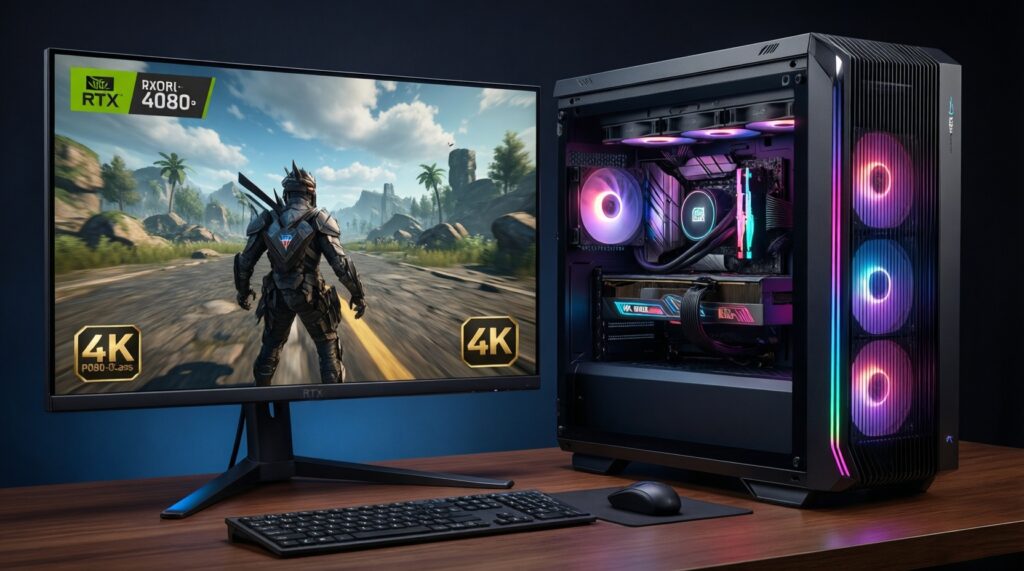
If your question is "การ์ดจอเล่นเกม 4K รุ่นไหนดี", prioritize a tier that keeps 4K playable without constant setting tweaks-often an RTX 4080/4080 Super class card if the budget covers PSU and airflow.
For AI work, should I prioritize VRAM or raw speed?
VRAM headroom prevents workflow stalls and enables larger models or batches; speed helps iteration time once you're not memory-bound. Choose VRAM-first if you routinely hit limits, speed-first if your models already fit comfortably.
Is the RTX 4090 worth it for me if I only do occasional AI and gaming?
Usually not in a budget-first plan, because the platform costs rise sharply. It makes sense when you frequently push 4K ray tracing or run heavy local AI workloads that justify the premium.
How should I think about RTX 4070 vs RTX 4090?
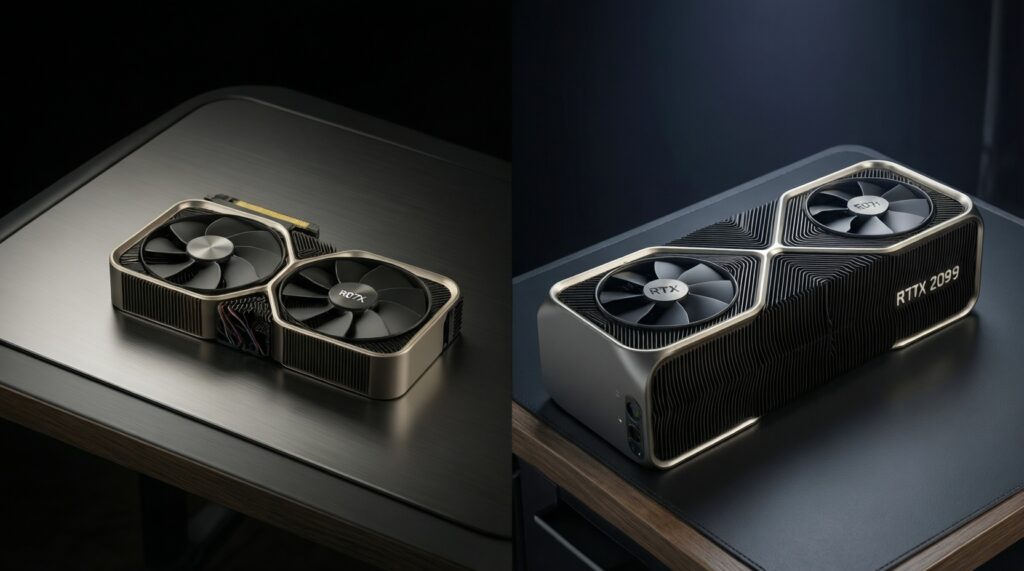
"เปรียบเทียบ RTX 4070 กับ RTX 4090" is really a choice between efficiency/value and maximum headroom. The 4070 class is easier to power and cool; the 4090 class demands a premium supporting build.
Why is it hard to decide based on RTX 4080 pricing?
Because "ราคา การ์ดจอ RTX 4080" can swing and may overlap with other tiers. Decide your target (4K + RT consistency, or AI headroom) first, then buy when pricing fits your full-system budget.