To read SSD specs without getting fooled by headline speeds, focus on four things: DRAM (or HMB), SLC cache behavior, endurance (TBW/DWPD), and thermals under sustained load. Then verify with a short benchmark algorithm that checks burst vs steady performance, latency, and temperature throttling-so the drive matches your real workload, not just the datasheet.
Essential SSD specs to check first
- Interface & lane: SATA vs NVMe; for NVMe confirm PCIe generation and lane width (x2/x4) to avoid artificial caps.
- DRAM or HMB: learn how SSD มี DRAM กับไม่มี DRAM ต่างกัน for your workload (OS/app drive vs cold storage).
- SLC cache type: dynamic vs static cache and what happens after it fills (sustained write speed, recovery time).
- Endurance rating: understand TBW SSD คืออะไร and whether it fits your write volume.
- Thermal behavior: controller throttling and heatsink needs; if you're asking SSD ร้อน แก้ยังไง, plan cooling before buying.
- Warranty terms: check if warranty is limited by years, TBW, or both.
DRAM on SSDs: what it is, types, and measurable impact
DRAM on an SSD is dedicated high-speed memory used to store mapping tables (FTL) and metadata so the controller can translate logical blocks to physical NAND locations quickly. Drives without DRAM usually rely on a smaller on-controller SRAM and, on NVMe, may use Host Memory Buffer (HMB) from system RAM.
The practical impact is most visible in random reads/writes, sustained mixed workloads, and performance consistency when the drive is fuller. It can also affect write amplification and background housekeeping (garbage collection), which you notice as stutter during installs, updates, or heavy multitasking.
How to interpret "DRAM-less" correctly:
- NVMe DRAM-less + HMB can be fine for typical consumer OS use, but still tends to dip more under long writes or high-queue workloads.
- SATA DRAM-less is riskier for an OS drive because it lacks NVMe HMB and can feel inconsistent when the drive is near full.
- Capacity matters: larger drives often have more NAND parallelism, which can hide some DRAM-less weaknesses in light workloads.
SLC cache mechanics: burst speed, cache exhaustion and recovery
SLC cache is a portion of NAND operated as faster single-bit-per-cell storage to absorb writes quickly. After the cache fills, the SSD must write directly to slower TLC/QLC and/or fold cached data back into TLC/QLC during idle time.
- Two phases of speed: "burst" write speed (into SLC cache) vs sustained write speed (after cache exhaustion).
- Dynamic cache grows/shrinks based on free space; performance drops sooner when the drive is fuller.
- Static cache is fixed; more predictable, but may be smaller relative to total capacity.
- Recovery (folding) needs idle time: after a big copy, leaving the system idle helps the SSD restore SLC cache availability.
- Background tasks compete: OS updates, antivirus scans, or game installs can keep the SSD busy and delay cache recovery.
- What you should check in reviews: a sustained write graph that lasts long enough to show the post-cache plateau, not just a short peak.
Mini-scenarios to apply cache behavior before you buy
- Video editing / large exports: prioritize strong post-cache sustained writes and good thermals; burst speed is less important.
- Gaming drive: mostly reads; SLC cache matters mainly for game installs/updates, so moderate post-cache performance is usually acceptable.
- Work laptop: DRAM/HMB and consistent random performance often feel better than chasing maximum sequential numbers.
- Budget shopping: if you're comparing SSD NVMe 1TB ราคา deals, put more weight on sustained write behavior than on the advertised "up to" figure.
Endurance metrics decoded: TBW, DWPD and realistic lifespan estimates
TBW (terabytes written) and DWPD (drive writes per day) describe how much data you can write before the warranty endurance limit is reached. They are warranty-oriented metrics, not a countdown timer, but they're still useful for matching an SSD to your write volume.
Typical scenarios where endurance actually matters:
- Content creation: proxies, caches, exports, and scratch disks write constantly.
- Development / VMs: container layers, VM disks, and frequent builds amplify writes.
- Surveillance/NVR and continuous logging: steady 24/7 writes can chew through low-end endurance quickly.
- NAS or home server: database files, torrenting, and indexing add sustained write load.
- Office/gaming: mostly reads; endurance is rarely the limiting factor unless the drive is very low-end QLC and heavily used.
Quick check (simple math you can do): if a 1TB SSD is rated at 600 TBW and you write 50GB/day, that's about 0.05TB/day, so 600 / 0.05 = 12,000 days of rated writes (about 33 years). Real-world conditions vary, but this shows why typical consumer use rarely hits TBW.
Thermal behavior: how temperature limits affect sustained performance
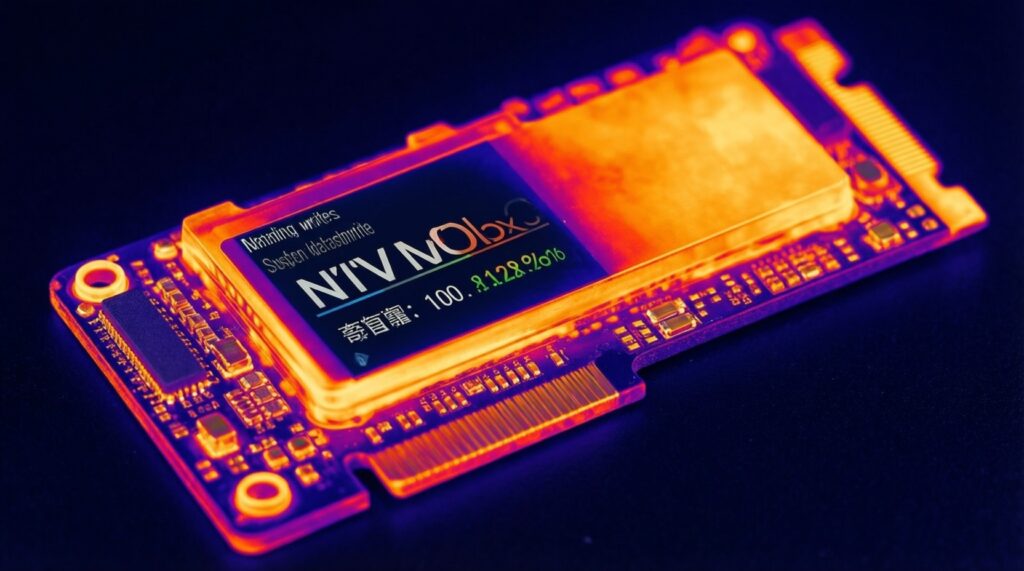
SSD thermals matter because NVMe controllers throttle when they reach temperature limits, cutting speed to protect the NAND and controller. You usually notice this only during sustained writes, long installs, or repeated benchmark loops.
- Benefit when managed: stable sustained performance, fewer surprise slowdowns, and better consistency during heavy tasks.
- Best-case setup: motherboard M.2 heatsink or a thin aftermarket heatsink plus airflow from a case fan.
- Laptop reality: thin chassis can heat-soak; performance may depend more on cooling design than on the SSD model.
- Limit: without cooling, a fast SSD may perform like a midrange drive once throttling starts.
- Placement matters: an M.2 slot under a GPU often runs hotter; expect earlier throttling during gaming + downloads/updates.
- Practical fix list for people asking SSD ร้อน แก้ยังไง:
- Install/enable the motherboard M.2 heatsink (remove protective film from thermal pad).
- Add a low-profile heatsink if none is provided and clearance allows.
- Improve case airflow (front intake + clear cable path).
- Avoid stacking heavy write tasks back-to-back; allow idle time for recovery.
From datasheet to real use: benchmarking scenarios and expected results
Datasheets highlight peak sequential speeds under ideal conditions. Real use is shaped by cache exhaustion, random I/O latency, fill level, thermals, and firmware behavior.
- Myth: "7,000 MB/s means everything is faster." Reality: OS responsiveness is mostly random I/O and latency, where DRAM/HMB and controller quality matter.
- Myth: "Short copy tests prove sustained speed." Reality: they often finish inside the SLC cache window.
- Mistake: comparing drives at different fill levels; a near-full SSD may have a much smaller dynamic SLC cache.
- Mistake: ignoring temperature; a hot drive can look great in a single run and collapse on the second run.
Short algorithm to verify the result (buyer or after installation)
- Confirm link speed: ensure the slot is running the expected PCIe generation/lanes (wrong slot or shared lanes can cap performance).
- Run a burst test: copy a medium file set (or a short sequential write benchmark) and note peak speed.
- Force sustained writes: write a large continuous dataset long enough to exceed SLC cache; watch for the post-cache plateau.
- Check thermals: repeat the sustained test; if the second run is much slower, suspect throttling and add cooling.
- Validate random feel: run a light random read/write test or simply observe OS/app load consistency; DRAM-less SATA is where stutter is most noticeable.
If you're still at the "ซื้อ SSD ยี่ห้อไหนดี" stage, prioritize models with consistent sustained graphs and clear thermal behavior in independent reviews, not just the brand name or the highest "up to" spec.
Controller, NAND and interface: how components interact and what matters
Controller + NAND + firmware define the SSD's real character: the controller schedules reads/writes and manages wear leveling; NAND type (TLC/QLC) sets baseline latency and program speed; the interface (SATA/NVMe) caps the ceiling but doesn't guarantee consistency.
Mini-case: two "PCIe 4.0 NVMe" drives can feel different in the same PC.
- Drive A: TLC + DRAM + mature controller firmware → steadier random performance, higher post-cache writes, fewer stalls under multitasking.
- Drive B: QLC + DRAM-less (HMB) → great burst numbers, but deeper drops after cache and more sensitivity to being nearly full.
Practical decision logic (pseudocode-style):
if workload in ["OS + apps", "mixed multitasking"]:
    prefer NVMe with DRAM or solid HMB implementation
elif workload in ["large continuous writes", "exports", "scratch"]:
    prioritize strong sustained writes + heatsink/airflow
elif workload in ["game library", "mostly reads"]:
    prioritize capacity/value, then thermals; DRAM is nice-to-have
Practical clarifications and common pitfalls
Does DRAM always mean a faster SSD?
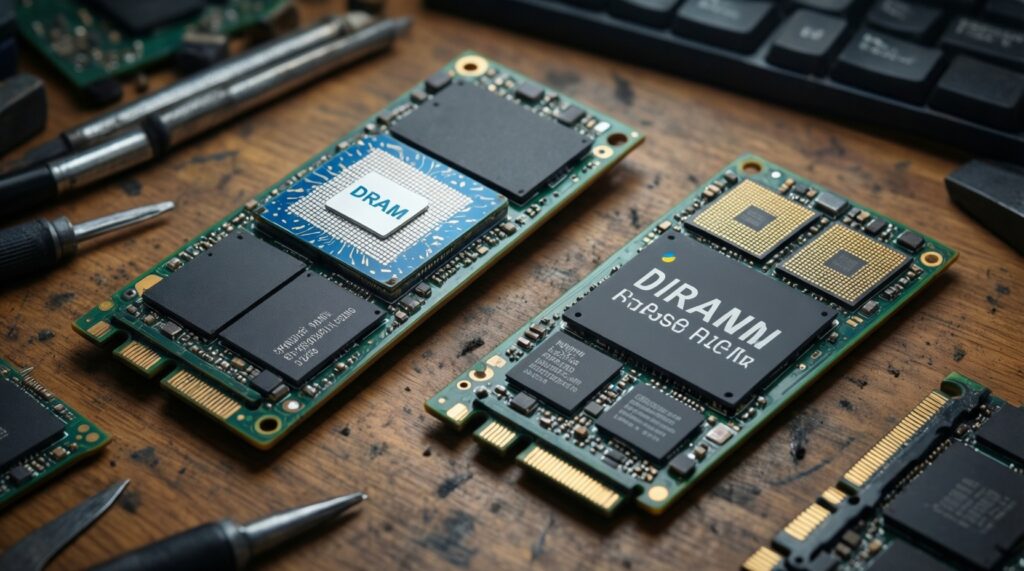
No. DRAM mostly improves consistency and random/mixed workloads; a good controller and NAND can still outperform a poor DRAM-equipped drive in some tasks.
Is HMB the same as having DRAM?
No. HMB borrows system RAM and is usually smaller/slower than dedicated DRAM, but it can narrow the gap versus fully DRAM-less designs.
How can I tell if a review actually tested post-cache speed?
Look for long sustained write tests showing a clear drop from a peak to a lower plateau; a single short run often stays inside SLC cache.
Should I worry about TBW for normal use?
Usually not. TBW is most relevant for heavy daily writes (editing, VMs, logs); for typical gaming/office, other factors affect experience more.
Why does my new NVMe SSD benchmark below its advertised speed?
Common causes are using a slower slot (PCIe gen/lanes), thermal throttling, or testing after the SLC cache is already busy or full.
What's the quickest way to reduce throttling without changing the SSD?
Add/enable an M.2 heatsink and improve airflow around the slot; repeating a sustained write test should show less speed collapse if thermals were the issue.