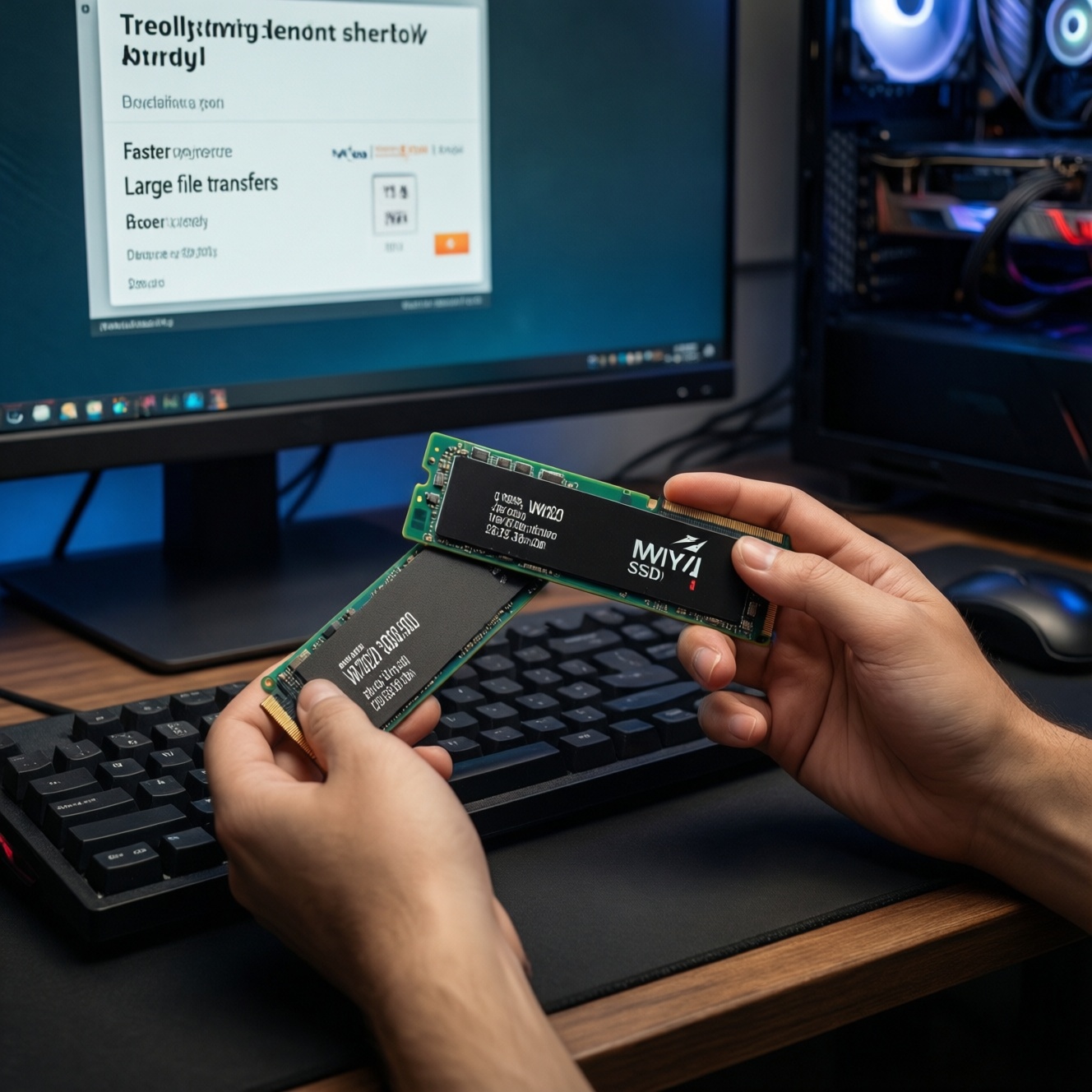
For most everyday PC use, upgrading from NVMe Gen4 to Gen5 feels only slightly faster because app launches, Windows boot, and game loads are often limited by small random reads, CPU decompression, and shader compilation-not peak sequential speed. Gen5 becomes clearly worthwhile for large sustained transfers, heavy scratch-disk workflows, or when you can cool it properly.
Practical Bottom Line: When Gen5 Actually Matters
- Choose Gen5 when you routinely move or generate very large files and the copy/export time is a real bottleneck.
- Stick with Gen4 for the best "bang-for-buck" gaming and general desktop responsiveness-especially if you want ซื้อ SSD NVMe Gen4 1TB ราคาดี.
- Gen5 needs the right platform and cooling; without both, it can throttle and feel like "fast on paper, normal in practice."
- If you're asking อัปเกรด SSD NVMe Gen5 ราคา, budget for a motherboard with proper M.2 heatsinks and airflow, not only the drive.
- 2TB capacity often improves real workflows more than Gen5 peak speed; check total cost if you're comparing SSD NVMe Gen5 2TB ราคา.
Real-world Throughput: Sequential Speeds vs Day-to-Day Transfers
Use these criteria to decide whether sequential throughput will show up in your daily tasks (this is the core of เปรียบเทียบ SSD NVMe Gen4 vs Gen5 for real use):
- File size and continuity: many small files (projects, node_modules, photo catalogs) rarely hit peak sequential; one huge file (video, disk image) can.
- Sustained writes vs burst: long exports/copies depend on cache size and how fast the drive writes after its SLC cache is exhausted.
- Source and destination: Gen5 only helps if both ends can keep up (another fast NVMe, 10-20GbE NAS, or fast external capture); copying from SATA/HDD won't benefit.
- CPU overhead: decompression (games), compiling, encoding, and encryption can dominate; the SSD won't be the limiter.
- Thermal headroom: Gen5 is more likely to throttle in compact cases, laptops, or boards with weak M.2 cooling.
- Queue depth reality: desktop workloads often operate at low queue depth; high "headline" throughput matters less than consistent low-latency behavior.
- Capacity pressure: fuller drives can slow down more easily; a larger Gen4 can outperform a cramped Gen5 in sustained work.
- Your upgrade goal: "feel faster" usually points to random latency + enough free space; "finish faster" points to sustained throughput.
Latency, IOPS and Perceived Responsiveness in Desktop Use
Desktop "snappiness" comes from consistent low-latency random reads and solid firmware behavior under mixed load. Below are practical categories (not brand-specific) so you can map them to current local pricing and decide SSD NVMe Gen5 รุ่นไหนดี for your budget.
| Variant | Who it fits | Pros | Cons | When to choose |
|---|---|---|---|---|
| Gen4 value TLC (DRAM-less HMB) Spec feel: ~7 GB/s class; good low-QD latency when not saturated Power: lower; Price/GB: low |
Budget gaming PCs, everyday Windows, students | Best cost-per-GB; typically cooler; often "fast enough" for most daily tasks | Sustained writes can drop after cache; heavy multitasking can expose lower consistency | If you want the best deal and can prioritize capacity (e.g., 1TB/2TB) over peak numbers |
| Gen4 mid/high TLC (often with DRAM) Spec feel: ~7 GB/s class; higher steady-state IOPS consistency Power: moderate; Price/GB: medium |
Power users, frequent game installs, light content work | More stable performance under mixed load; better sustained behavior than value models | Costs more than value Gen4; still not a night-and-day "feel" upgrade vs a good value drive | If you want a "set and forget" OS + apps drive with fewer slowdowns over time |
| Gen5 entry TLC (first-step Gen5) Spec feel: ~10-12 GB/s class; random latency often only slightly better than good Gen4 Power: higher; Price/GB: high |
Enthusiasts with compatible boards and decent airflow | Faster large sequential transfers; good for big project copies and large cache/scratch use | Runs hotter; may throttle without a strong heatsink; price premium can buy more capacity instead | If your workflow includes frequent large file moves and your system can cool Gen5 properly |
| Gen5 flagship TLC (heatsink recommended) Spec feel: ~12-14+ GB/s class; strong sustained potential if cooled Power: highest; Price/GB: highest |
Heavy creators, prosumers, "time is money" workloads | Best for sustained high-throughput tasks; can reduce waiting in large ingest/export pipelines | Thermals and power are real constraints; not cost-effective for typical gaming-only builds | If you can keep it cool and you regularly hit storage limits (not CPU/GPU limits) |
| "Better capacity" choice (2TB Gen4 vs 1TB Gen5) Spec feel: Gen4 peak, but more free space improves consistency Power: lower to moderate; Price/GB: usually favorable |
Anyone constantly near full storage, large game libraries | More headroom; fewer slowdowns from filling the drive; simpler thermal management | Lower peak sequential than Gen5 | If you're deciding between speed and space: pick capacity when your drive is often >70-80% full |
Gaming Impact: Load Times, Asset Streaming and Frame Stability
- If you mostly play competitive titles and care about consistency, then a solid Gen4 (mid/high tier) is usually the sweet spot; spend savings on GPU/CPU cooling and stable RAM.
- If you play huge open-world games with frequent patching and reinstalling, then prioritize capacity first (often 2TB Gen4 beats 1TB Gen5 in lived experience).
- If your games stutter during shader compilation or first-run loading, then Gen5 won't "fix" it; CPU performance, drivers, and shader cache behavior matter more.
- If you frequently move game folders between drives or keep multiple large libraries, then Gen5 can cut transfer time-provided the other drive is also fast and your Gen5 doesn't throttle.
- If you want the budget path, then choose a value Gen4 and put the difference toward 2TB capacity or a better case fan layout.
- If you want the premium path, then choose a well-cooled Gen5 (preferably with a real motherboard heatsink) only when large transfers and installs are a recurring pain point.
Creative Workloads: Video Editing, Photo Libraries and Scratch Disks
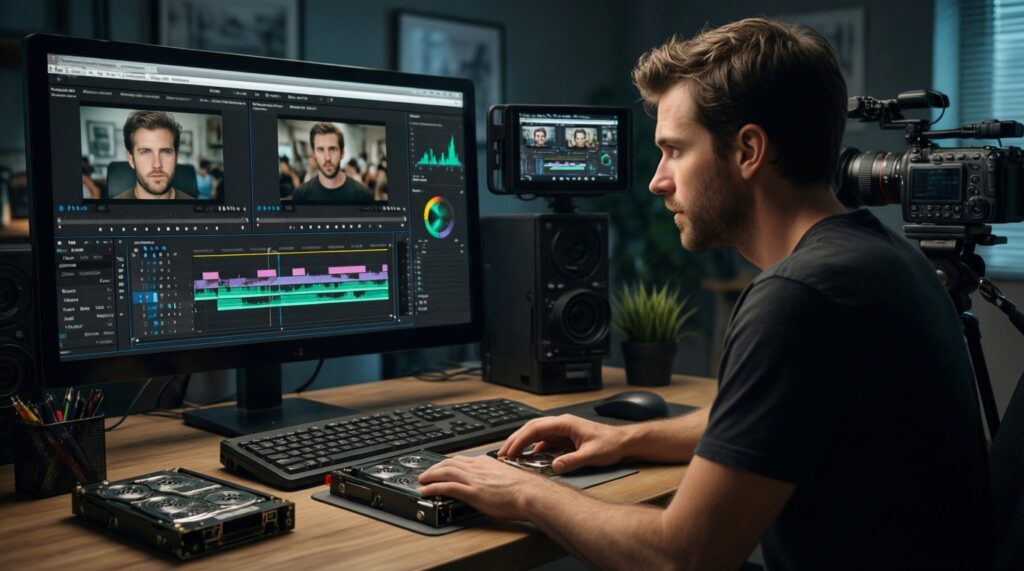
- Identify your bottleneck: if export is CPU/GPU-limited, Gen5 won't move the needle; if ingest/copy/scratch is the wait, storage can help.
- Match the media: many-camera, high-bitrate, or uncompressed workflows benefit more from sustained throughput than simple H.264 timelines.
- Decide drive roles: OS/apps (consistency) vs projects (sustained writes) vs cache/scratch (high write endurance behavior and stable speed).
- Pick capacity before peak: a larger Gen4 that stays “not full” is often smoother than a smaller Gen5.
- Plan cooling: if your M.2 area runs hot, treat Gen5 as "requires heatsink + airflow," not optional.
- Validate your pipeline: your card reader, USB enclosure, NAS link, and destination drive must keep up or Gen5 gains collapse.
Platform Requirements, Power Draw and Thermal Limits
- Buying Gen5 without PCIe Gen5 support: it will run at Gen4 speeds (or worse if lanes are shared).
- Ignoring lane sharing: some boards reduce GPU lanes or disable SATA/M.2 slots when certain M.2 sockets are used-check the manual.
- Assuming the included heatsink is enough: many "thin" heatsinks are cosmetic; Gen5 often needs a real motherboard heatsink and airflow.
- Installing Gen5 under a hot GPU backplate: a common reason for throttling during long writes.
- Expecting laptop results to match desktop: thin chassis plus limited cooling can make Gen5 performance inconsistent.
- Overpaying for peak sequential: if your workload is low queue depth, you may not perceive much over a good Gen4.
- Choosing too small a capacity: once nearly full, any SSD can feel slower; buying 2TB can be the real upgrade.
- Skipping firmware updates: stability and sustained behavior can improve; update before judging performance.
Budget-first Upgrade Guide: Cost, Lifespan and When to Wait
Best value for most users is typically a good Gen4 (especially if you can get ซื้อ SSD NVMe Gen4 1TB ราคาดี or step up to 2TB), because it delivers strong everyday responsiveness and simpler thermals. Best fit for heavy creators and frequent large transfers is a properly cooled Gen5, but only when the full platform cost and SSD NVMe Gen5 2TB ราคา make sense versus buying more Gen4 capacity and improving airflow.
Answers to Common Buying and Upgrade Questions
Will I feel a big difference moving from Gen4 to Gen5 in Windows?
Usually not. App launches and boot are more latency- and CPU-limited than peak sequential throughput.
Is Gen5 worth it for gaming load times?
Rarely as a standalone upgrade. Capacity, CPU behavior (shader compilation), and game design often matter more than Gen5 peak speed.
Do I need a heatsink for a Gen5 NVMe SSD?
In most desktops, yes-plan for a real motherboard M.2 heatsink and airflow. Without it, throttling can erase the benefit.
What's smarter: 1TB Gen5 or 2TB Gen4?
For many people, 2TB Gen4 is the better daily experience because free space helps sustained performance and you can store more games/projects.
How do I decide which Gen5 model to buy (SSD NVMe Gen5 รุ่นไหนดี)?
Start with your board's cooling and lane layout, then pick for sustained behavior and warranty support, not only the top sequential spec.
When does Gen5 clearly win?

When you repeatedly do long, sustained transfers (large media, disk images, scratch-heavy editing) and the rest of your pipeline can keep up.