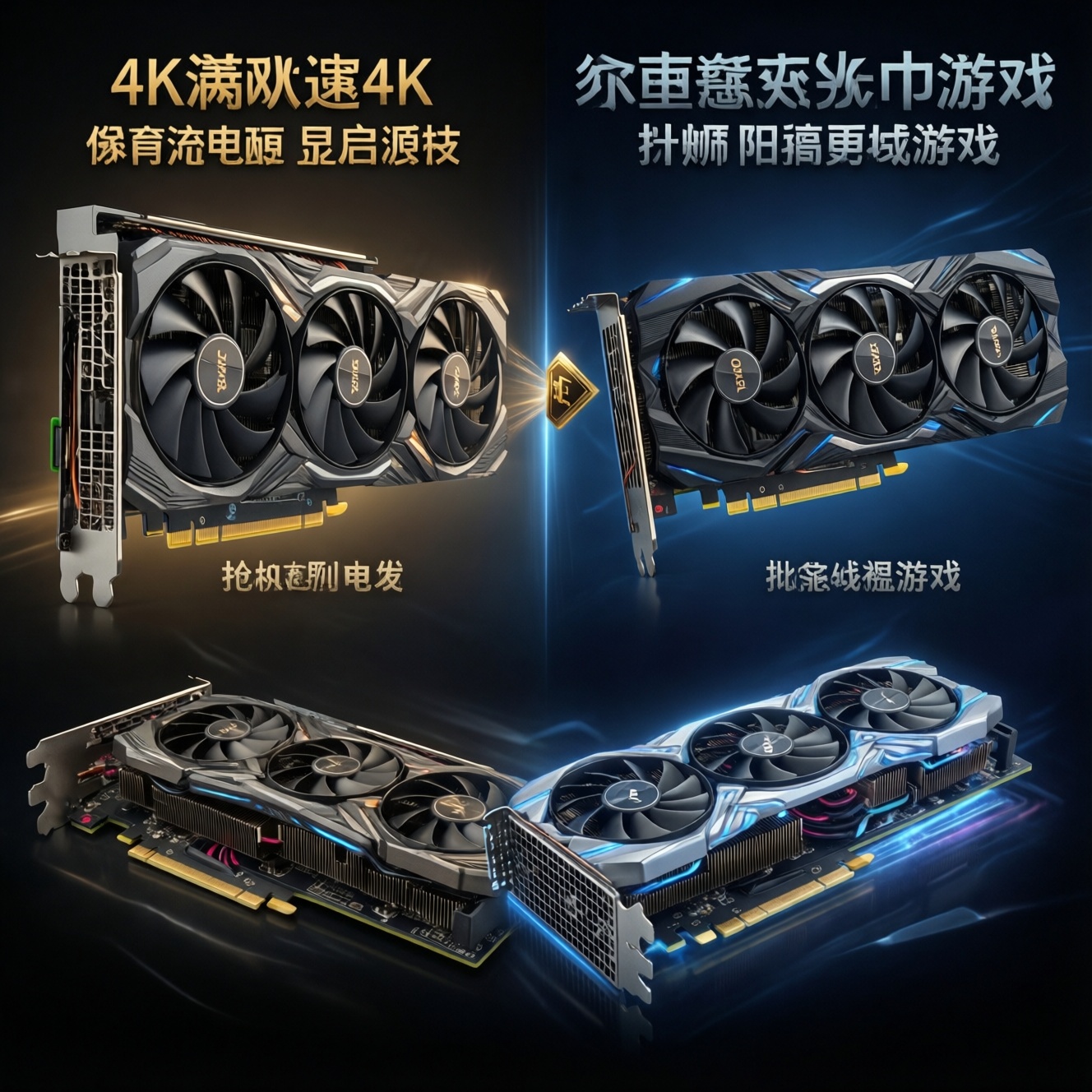
For Thailand buyers, the best time to buy GPUs, SSDs, and RAM is when (1) a new product wave just launched, (2) retailers show sustained in-stock inventory, and (3) promotions line up with your build deadline. Use price-history tracking-not hype-to decide whether "ราคาการ์ดจอ ล่าสุด" or "ราคา SSD ล่าสุด" is truly a deal.
Timing summary for GPUs, SSDs and RAM
- GPUs: strongest value typically appears after launch hype cools and multiple shops restock the same models for weeks.
- SSDs: best buys often come from promo pressure on mainstream capacities; avoid paying a premium right before big sale periods.
- RAM: price swings can be fast; decide based on platform choice (DDR4 vs DDR5) and availability, not rumors about "next month."
- Whole PC builds: "ช่วงไหนซื้อคอมพิวเตอร์ราคาถูก" is usually when retailers bundle parts and clear older-gen stock, not necessarily when a single component dips.
- Decision rule: if your current PC blocks work/study, prioritize stable availability and warranty over chasing the absolute bottom.
Market cycles and seasonal demand shaping PC component prices
Component pricing moves in cycles driven by supply (production and logistics), demand (new game releases, workstation needs, school/work refreshes), and retail behavior (bundles, clearance, and channel inventory). In practice, "best time to buy" means the moment when your target part is widely available and competing retailers are forced to price-match.
In Thailand, you'll often see short-lived dips around major campaign periods and when shops want to convert inventory into cash flow. Those dips matter only if stock is deep enough that prices hold for days, not minutes.
Define your timing window by deadline (when you must have the PC), tolerance for substitutes (can you switch brands/capacity), and risk budget (how much premium you'll pay to avoid delay). Searching "ราคาการ์ดจอ ล่าสุด" every day helps only if you also track stock and competing listings.
- Set a hard deadline (e.g., within 2-4 weeks) and a soft deadline (e.g., within 2-3 months).
- Decide your acceptable substitutes (GPU tier, SSD capacity, RAM speed).
- Track at least 3 retailers for the same SKU to spot real price-matching.
- Only treat a price as "market" if it appears across multiple shops while in stock.
GPU pricing: launch waves, crypto demand and retailer inventory
GPU prices are shaped by launch timing, channel inventory, and speculative demand shocks. The practical goal is to buy when supply is boring: steady restocks, stable pricing across retailers, and fewer "limited quantity" listings.
- Launch wave premium: new cards and refreshed models often carry a hype premium; value improves when reviews settle and supply normalizes.
- Mid-cycle correction: when competing GPUs in the same tier are in stock, retailers discount to move units rather than hold margin.
- Inventory pressure: if shops hold too many previous-gen units, you'll see bundles or cashback-like promos to clear shelves.
- Speculative demand: crypto/mining or sudden AI demand can tighten supply quickly; watch for rapid out-of-stock cascades across multiple sellers.
- Regional channel effects: Thailand pricing can lag global trends; local stock arrival dates matter as much as global MSRP talk.
- Model selection reality: "ซื้อการ์ดจอ รุ่นไหนดี" is less about the perfect model and more about what's available at sane pricing in your target tier.
- Buy when the same GPU model is in stock at multiple shops for at least several days.
- Avoid "single-shop low price" if other shops are out of stock (often a stale listing or tiny quantity).
- If a new generation just launched, compare price-per-performance across last-gen clearance options you can actually buy today.
- When stock volatility spikes (frequent out-of-stock), decide quickly or delay the build instead of overpaying.
SSD trends: NAND supply, capacity tiers and promotional pressure
SSD pricing is strongly influenced by NAND flash supply and by how retailers position capacity tiers. For buyers, "ราคา SSD ล่าสุด" is most useful when you compare the same interface and class (PCIe Gen, DRAM vs DRAM-less, TLC vs QLC) across capacities.
- New build storage: choose the best-per-GB capacity tier for your OS + games/work, then buy during a multi-retailer promo window.
- Laptop upgrade: prioritize compatibility (M.2 length, PCIe support) and warranty; wait for promotions only if your current drive is not failing.
- Creator scratch disk: buy when high-end models are widely in stock; avoid paying extra for "latest controller" if it's scarce.
- Secondary game library drive: midrange SSDs often get the heaviest promo pressure; these are frequently the best timing wins.
- Reliability-first deployments: if you need consistent sustained writes, select a known class and buy when reputable sellers have stable stock (reduces bait-and-switch risk).
- Lock interface/spec first (NVMe/SATA, Gen level), then hunt price-don't mix classes in comparisons.
- Prefer deals that stay available long enough to verify the exact model number.
- If the "deal" requires an uncertain voucher/flash sale, treat it as optional, not your plan A.
- Buy immediately if your existing drive shows warning signs; timing matters less than data safety.
RAM volatility: wafer production, module density and enterprise pull
RAM prices can change quickly because upstream supply, module density shifts, and enterprise/server pull affect what reaches consumer channels. For consumers, "ราคา RAM DDR4 DDR5 ล่าสุด" should be interpreted through platform decisions: your motherboard/CPU choice can lock you into DDR4 or DDR5 and define the real cost.
Benefits of timing RAM purchases
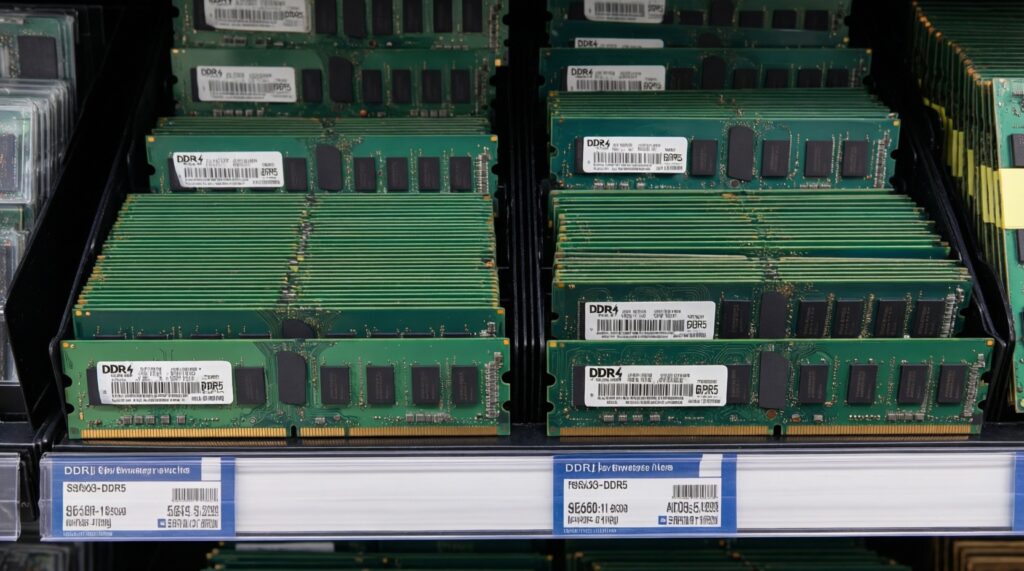
- Easy to compare: within the same generation (DDR4 or DDR5), kits are often directly comparable by capacity, speed, and timings.
- Promo-friendly: RAM is frequently included in bundles, especially for full-platform upgrades.
- Fast availability signals: if many shops list identical kits, pricing tends to normalize quickly.
Limits and traps to avoid
- Platform lock-in: choosing DDR5 for a new build can cost more up front but may simplify future upgrades; DDR4 can be best value on older platforms.
- Mixing kits risk: buying a second mismatched kit later can reduce stability; timing is irrelevant if it creates compatibility headaches.
- Spec confusion: comparing DDR4 and DDR5 purely by MHz is misleading; treat them as separate ecosystems.
- Decide DDR4 vs DDR5 based on your CPU/motherboard, then shop within that lane.
- Buy RAM as a matched kit at your target capacity to avoid future mixing issues.
- Prioritize reputable sellers and clear part numbers over tiny price differences.
- If you're building soon, buy when your chosen kit is in stock at more than one retailer.
Key indicators to watch: price charts, stock alerts and BOM signals
Most timing mistakes come from treating a single listing as the market, or from waiting for a mythical "perfect bottom." Use indicators that reflect real availability and cross-store pricing rather than influencer noise.
- Myth: One-day flash drops define the market. Reality: if stock is tiny, you can't reliably buy at that price.
- Mistake: Tracking only the lowest price. Also track in-stock status and shipping/warranty conditions.
- Myth: New launch instantly makes old parts cheap. Old-gen discounts appear only when retailers have enough inventory pressure.
- Mistake: Comparing unlike SKUs. "ราคา SSD ล่าสุด" must be matched by interface, capacity, and model class; same for GPUs by VRAM/tier and for RAM by generation and kit size.
- Myth: Waiting always saves money. If your target stays out of stock, waiting can force a last-minute premium purchase.
- Use price history plus in-stock checks; ignore prices that can't be purchased.
- Set alerts for specific model numbers, not generic categories.
- Watch for multi-retailer convergence: similar price + stable stock is the real buy signal.
- Confirm total cost (delivery, warranty handling) before calling it a deal.
Practical buying framework: concrete triggers to buy, wait or upgrade
Use a simple trigger-based approach. It helps answer "ซื้อการ์ดจอ รุ่นไหนดี" and "ช่วงไหนซื้อคอมพิวเตอร์ราคาถูก" without guessing: you buy when pricing is repeatable and inventory is stable; you wait when the market is in a launch spike or chronic shortage.
Mini decision logic you can apply today
If (PC needed now) → Buy the best in-stock value in your target tier from reputable sellers.
Else:
  Track 2-3 weeks:
    If (same SKU in stock at multiple shops) AND (price stable or trending down) → Buy.
    If (new launch within your wait window) AND (current gen overpriced/out of stock) → Wait.
    If (only single-shop "lowest price" listings) → Ignore and keep tracking.
Mini-case: building a midrange PC in Thailand
You monitor "ราคาการ์ดจอ ล่าสุด", "ราคา SSD ล่าสุด", and "ราคา RAM DDR4 DDR5 ล่าสุด" for the exact SKUs you want. When the GPU you targeted stays in stock across several retailers for a full week and SSD/RAM are also broadly available, you buy the whole basket together to avoid mismatched timing and rushed substitutions.
- Define your full parts basket first; don't optimize one component while others are scarce.
- Buy when at least the GPU and motherboard platform are both stable in stock.
- If only one part is spiking, consider a temporary substitute (capacity/tier) rather than pausing the entire build.
- Stop tracking once you buy; focus on correct installation and warranty registration.
Self-check before you place the order
- I'm comparing like-for-like SKUs (same model class/spec), not mixed categories.
- The "deal" price is available from more than one seller, with real stock.
- My platform choice (DDR4 vs DDR5, PCIe support) matches the parts I'm buying.
- I have a deadline-based plan (buy now vs wait window) and I'm not reacting to single-day noise.
Buyers' practical questions about when to purchase components
How often should I check ราคาการ์ดจอ ล่าสุด before buying?
Check on a fixed cadence (e.g., every few days) and only for your shortlisted SKUs. Daily checking is useful only if you also track in-stock status across multiple sellers.
Does a new GPU launch automatically make the previous generation cheap?
No. Prices drop meaningfully only when retailers have enough older inventory and the new stock is consistently available.
When should I trust ราคา SSD ล่าสุด from a single storefront?
Trust it only if the exact model number is purchasable and other reputable shops show similar pricing or at least stable stock. One isolated low listing is often non-repeatable.
For price/value, should I choose DDR4 or DDR5 when looking at ราคา RAM DDR4 DDR5 ล่าสุด?
Choose based on your CPU/motherboard platform first, then optimize within that generation. Switching generations just to chase a lower RAM price can raise total platform cost.
What's the simplest way to answer ซื้อการ์ดจอ รุ่นไหนดี?
Pick a performance tier for your monitor/resolution, then choose the best in-stock value from reputable sellers within that tier. Availability and warranty handling matter as much as benchmarks.
ช่วงไหนซื้อคอมพิวเตอร์ราคาถูก if I want a full build, not one part?
Look for periods when multiple core parts (GPU + CPU/motherboard + RAM) are simultaneously in stock and shops run bundles. A cheap single component doesn't guarantee a cheap full build if others are scarce.