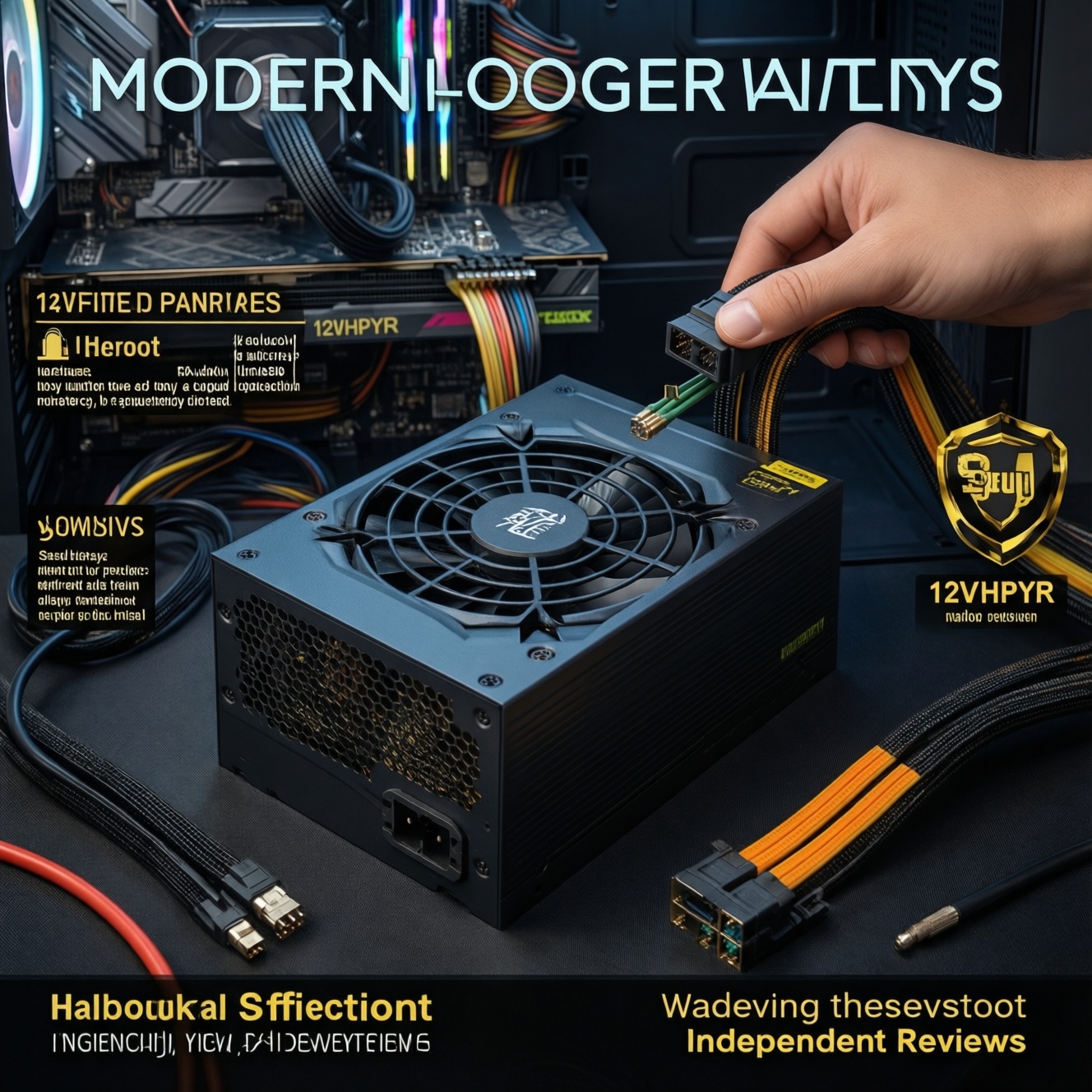
For modern PC builds, pick PSU wattage from measured or model-based peak draw, then add a realistic headroom margin for GPU spikes, future upgrades, and quieter fan curves. Treat 80 Plus as an efficiency label, not a quality guarantee: verify certification lists, connector support (especially 12V-2x6/12VHPWR), protections, and independent test behavior to avoid misleading claims.
Quick decision checklist for PSU sizing
- Estimate combined real peak (CPU + GPU + the rest), then add headroom for transient spikes and upgrade plans.
- Target typical gaming load around the PSU's comfortable mid-range for noise and thermals (not near the limit).
- Confirm the exact GPU power connector you need (8-pin PCIe vs 12V-2x6/12VHPWR) and that it's native, not improvised.
- Use 80 Plus tiers to compare efficiency, then verify quality via protections, warranty, and reputable reviews.
- Check the PSU's 12V rail capability (where CPU/GPU draw happens), not just the big watt number.
- Buy from a channel that supports easy returns in Thailand; don't gamble on unverifiable "certified" claims.
Estimating real-world power draw for modern CPUs and GPUs
This approach fits intermediate builders who can read CPU/GPU power limits, understand transient spikes, and are willing to sanity-check using software logs or a wall power meter. Don't do it if you plan heavy overclocking/voltage tuning without test time, you're building a workstation with uncertain add-in cards, or you can't verify GPU connector requirements (risking unsafe adapters).
| Build scenario (typical 2024-2026 style) | What drives PSU choice | Recommended PSU range (practical) |
|---|---|---|
| Midrange gaming: 6-8 core CPU + RTX 4060/4070-class | GPU spikes, quiet operation, future GPU step-up | 650W-750W |
| Upper-mid gaming: 8-12 core CPU + RTX 4070 Ti / 4080-class | Higher sustained GPU load, connector type, headroom | 750W-850W |
| High-end gaming: 12-16 core CPU + RTX 4090/next-gen flagship | Transient spikes + native 12V-2x6/12VHPWR, stability | 850W-1000W |
| Gaming + heavy creator loads (CPU rendering + strong GPU) | Sustained combined load for long sessions | 1000W+ (case-by-case) |
People searching ซื้อ PSU กี่วัตต์ดี usually need a fast answer: for most gaming PCs, you're choosing between 650W, 750W, 850W, and 1000W based on the GPU tier, connector requirement, and how much headroom you want for spikes and future upgrades.
How to pick the right PSU wattage without overspending
You'll need:
- Your exact CPU model and its power behavior (stock limits, boost behavior).
- Your exact GPU model and required connectors (8-pin PCIe vs 12V-2x6/12VHPWR).
- Access to your case PSU length clearance (some high-watt PSUs are longer).
- Either (a) a wall power meter (plug-in watt meter) or (b) logging software for CPU/GPU power as a sanity check.
- A shortlist of units sold in Thailand with clear warranty terms-this matters when comparing PSU 750W 850W 1000W ราคา.
If you're specifically looking for แนะนำ PSU สำหรับ RTX 40 / RTX 50, prioritize a PSU with a native 12V-2x6/12VHPWR cable (if your GPU uses it), strong protections, and enough wattage headroom that gaming loads don't sit near the PSU limit.
Decoding 80 Plus: what each tier really means for efficiency
-
Understand what 80 Plus is (and isn't)
80 Plus indicates efficiency under specific test conditions; it doesn't certify low ripple, tight voltage regulation, silent fan curves, or long-term reliability. Use it to compare efficiency expectations, not to decide quality alone-this is the core of PSU 80 Plus คืออะไร เลือกยังไง. -
Match the tier to your usage, not your ego
Higher tiers can reduce waste heat and sometimes noise, but a well-built Bronze/Gold can outperform a dubious "Platinum" in real stability. Choose a tier that makes sense for your electricity/heat/noise goals and available models in Thailand.- Quiet-focused builds benefit when the PSU runs cooler at your typical load.
- Always validate the specific model, not just the badge.
-
Look for certification traceability
Trust only if you can trace the exact model name/number to a credible certification listing or consistent independent reviews. Marketing images of "80+" without a verifiable model identifier are a red flag. -
Use 80 Plus together with electrical design cues
For modern PCs, prioritize strong 12V delivery, good transient handling, and complete protections over chasing the highest efficiency label.- Check for OCP/OVP/UVP/OPP/OTP/SCP protections in the spec sheet.
- Prefer ATX 3.x-ready designs when pairing with power-hungry GPUs.
-
Decide wattage first, then pick the best unit within that bracket
Oversizing too far can be wasteful; undersizing risks shutdowns during spikes. Pick your wattage bracket (e.g., 750W vs 850W) based on your GPU tier and connectors, then shop for the best reviewed model available locally.
Fast-track mode: 3-5 steps when you just want a safe buy
- Pick wattage by GPU tier: midrange (650-750W), upper-mid (750-850W), flagship (850-1000W+).
- Confirm the GPU connector need (native 12V-2x6/12VHPWR if required; avoid sketchy adapters).
- Choose an 80 Plus tier you can actually buy from reputable channels; don't pay extra just for the badge.
- Verify protections and warranty; then shortlist by local availability and return policy in Thailand.
Spotting misleading efficiency claims and fake certifications
- Model name mismatch: box says one model, PSU label shows another or adds unexplained suffixes.
- "80+" logo used without a clear tier (Bronze/Gold/etc.) or without a verifiable model identifier.
- Seller lists "ATX 3.0/3.1 ready" but the PSU lacks native 12V-2x6/12VHPWR cabling or clear spec details.
- Unrealistic wattage for size/weight and cable gauge; suspiciously thin cables for high-watt claims.
- Vague protection claims ("full protection") without naming OCP/OVP/UVP/OPP/OTP/SCP.
- Connector count doesn't fit the wattage (e.g., too few PCIe/GPU connectors for a supposed high-end unit).
- Inconsistent photos: product page images show a different label or different connector layout than what you'll receive.
- Only marketing screenshots, no datasheet, no clear warranty terms, and no reputable third-party review references.
Practical testing: tools and methods to verify PSU performance
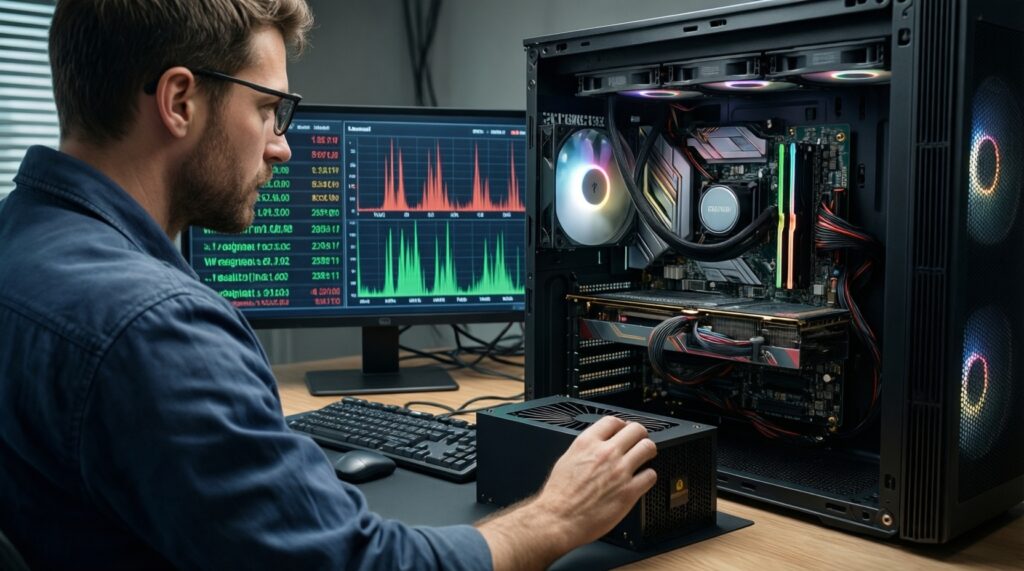
- Testing only at idle: many PSU issues show under fast load changes, not at desktop idle.
- Relying on motherboard "power draw" readouts as absolute truth; treat them as trends, not calibrated measurements.
- Using stress tests that don't represent your workload (gaming spike behavior can differ from steady synthetic loads).
- Ignoring GPU transient symptoms: black screen, instant reboot, or driver crash during rapid scene changes can indicate headroom/connector issues.
- Mixing modular cables from different PSU brands/series; that can be electrically incompatible and unsafe.
- Daisy-chaining GPU power on a single cable when the GPU vendor expects separate cables (where applicable).
- Blaming the PSU first without checking GPU power limit settings, BIOS stability, and loose connectors.
- Not re-seating 12VHPWR/12V-2x6 fully; partial insertion can cause overheating and instability.
Cabling, connectors and protections that affect real consumption
Choose among these practical options depending on your build and risk tolerance:
- ATX 3.x PSU with native 12V-2x6/12VHPWR: best for modern high-end GPUs; reduces adapter risk and usually targets better transient handling.
- High-quality ATX 2.x PSU with multiple 8-pin PCIe: fine for GPUs that use 8-pin connectors; focus on protections, strong 12V delivery, and reputable reviews.
- Higher-watt PSU within the same quality tier: useful when you expect GPU upgrades or want lower fan noise; don't jump wattage if it forces you into a worse-quality model.
- Single-rail vs multi-rail (OCP behavior): multi-rail can add safety via OCP limits; single-rail can be simpler for very high GPU draw. Either can be excellent if implemented well and documented.
If you're asking PSU ยี่ห้อไหนดี สำหรับคอมเกมมิ่ง, treat "brand" as a starting point only-choose by exact model, protections, connector set, warranty support in Thailand, and evidence from consistent reviews rather than logos or influencer-only endorsements.
Common practical doubts about PSU choice and efficiency
Is 80 Plus a reliability certificate?
No. 80 Plus is primarily an efficiency label under defined conditions; reliability depends on platform design, protections, components, and QA.
Should I choose 750W or 850W for the same GPU?
Pick 850W if your GPU is high-end, you want quieter operation, or you expect upgrades. Choose 750W when your measured/estimated peaks and connector requirements comfortably fit with headroom.
Do I need ATX 3.0/3.1 for RTX 40 / RTX 50 builds?
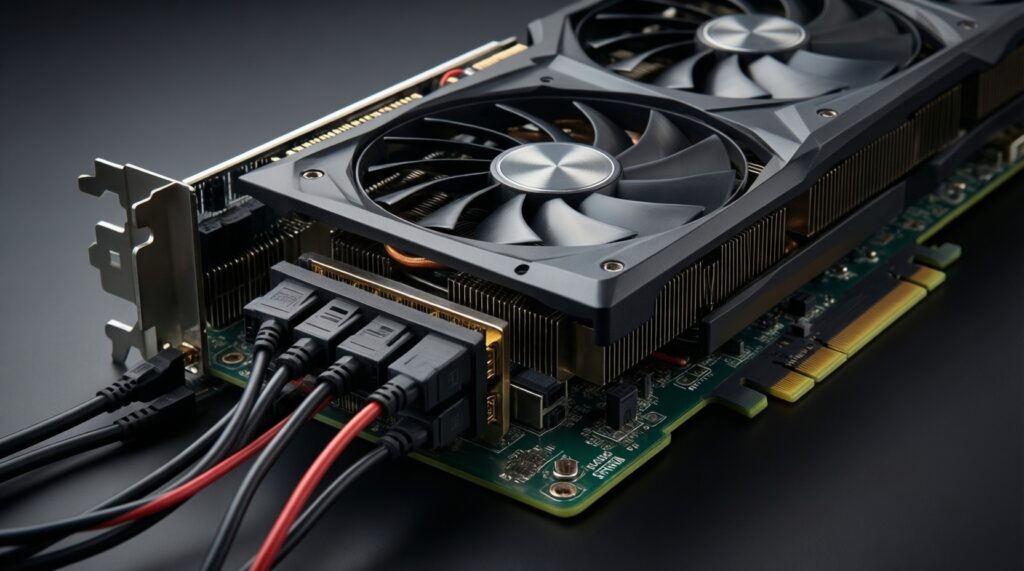
It's strongly recommended when your GPU uses 12V-2x6/12VHPWR or has large transient spikes. It's not mandatory for every build, but it reduces adapter dependence and usually improves spike tolerance.
Will a higher 80 Plus tier reduce my electricity bill noticeably?
It can reduce wasted heat, but the real-world impact depends on your usage hours and load level. Don't pay extra if it forces you into a worse model or wrong wattage.
Is it safe to use a 12VHPWR adapter that comes with the GPU?
It can be safe if installed perfectly and not bent sharply near the plug, but a native PSU cable is safer and cleaner. Always ensure full insertion and proper cable routing.
Why does my PC reboot only in some games, not in stress tests?
Some games create rapid load swings that trigger transient issues. Check GPU power connectors/cabling, PSU headroom, and any aggressive power/undervolt settings.
Can I reuse modular cables from my old PSU?
Only if they are confirmed compatible with the same PSU series and manufacturer documentation. Otherwise, don't-pinouts can differ and damage components.