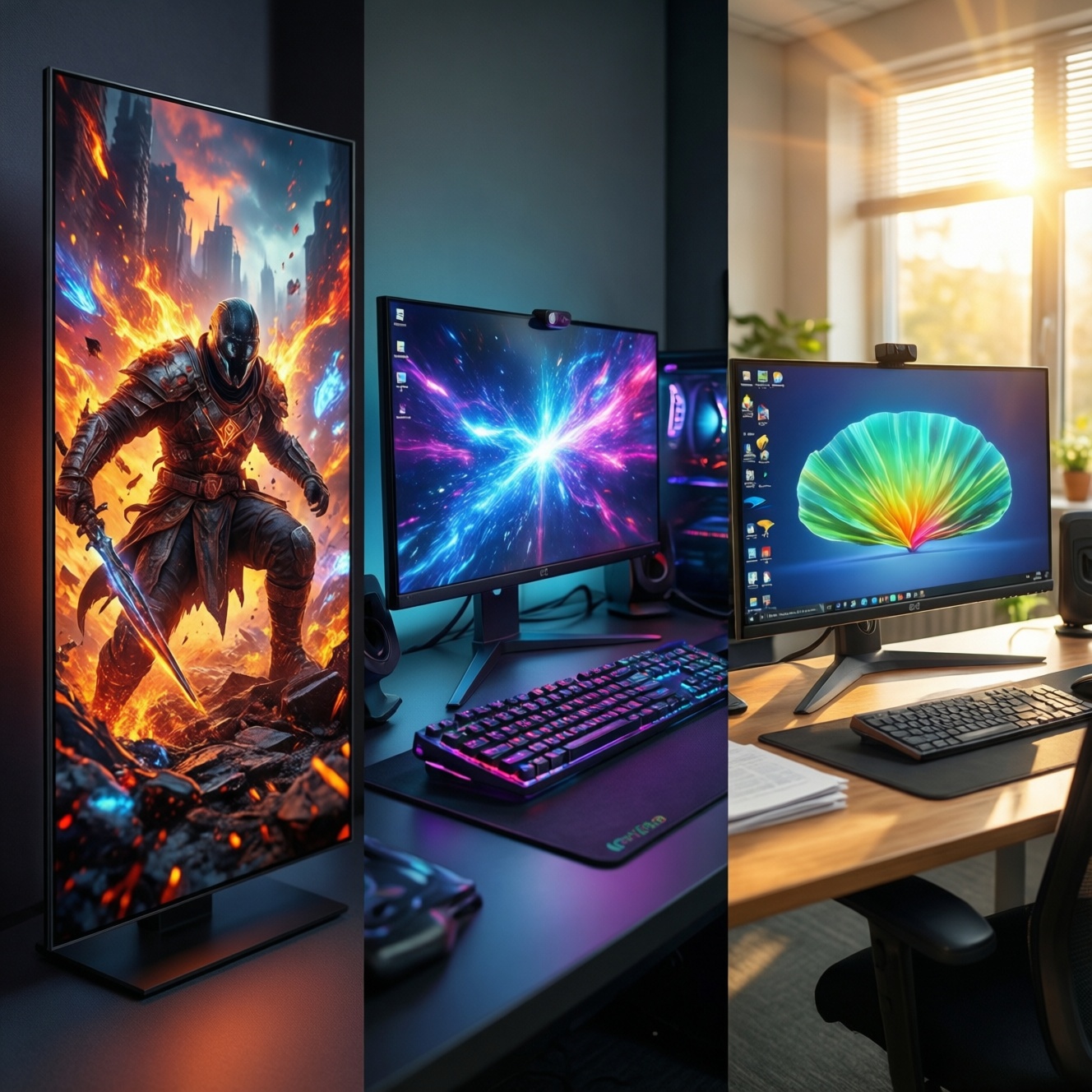
OLED delivers the best per-pixel contrast and the most convincing HDR for games and dark-room content, while Mini‑LED offers strong HDR with lower burn‑in anxiety and better suitability for mixed desktop work. IPS remains the safest budget pick for bright offices and long static workloads, trading away deep blacks and impactful HDR.
Quick cost-and-performance snapshot
- Choose OLED when visual punch and fast pixel response matter more than long static UI time.
- Choose Mini‑LED when you want HDR impact with fewer worries about persistent static elements.
- Choose IPS when you want the lowest total risk and predictable behavior for work-heavy use.
- For value, many buyers comparing เปรียบเทียบ OLED กับ Mini-LED end up picking Mini‑LED as the "safer HDR" compromise.
- If you frequently keep fixed toolbars, tickers, or HUDs on-screen, prioritize burn‑in mitigation features over peak image hype.
Cost vs Image Quality: OLED, Mini‑LED, IPS
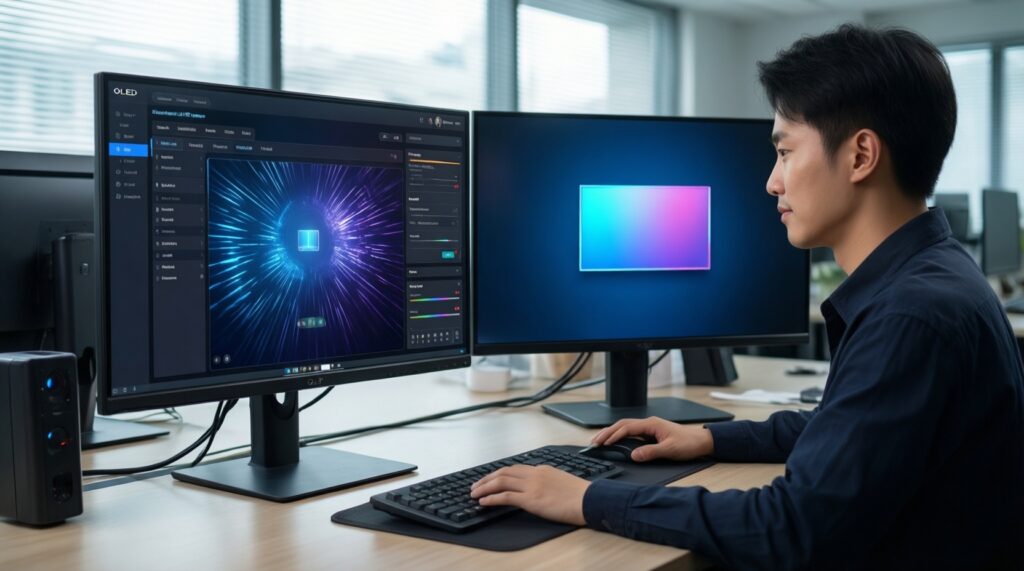
Use these criteria to decide quickly, especially when your priority is budget-to-benefit rather than chasing a spec sheet:
- Static-content hours per day: long, repetitive UI time favors IPS or Mini‑LED over OLED.
- Room lighting: bright offices reward higher sustained brightness and strong anti-reflection; dim rooms reward contrast and black level.
- HDR expectations: OLED excels at per-pixel highlights; Mini‑LED can look very HDR-like but may show haloing; IPS is usually the least convincing.
- Black-level sensitivity: if you notice gray blacks in dark scenes, OLED (then Mini‑LED) will feel like a bigger upgrade than IPS.
- Text and fine UI clarity: subpixel layouts and processing can change text sharpness; check reviews for your OS scaling and your typical font size.
- Gaming mix: fast competitive play values response behavior; story games value HDR and contrast; both may push you away from basic IPS.
- Panel uniformity tolerance: consider risk of banding, dirty-screen effect, blooming, and vignette depending on technology.
- Warranty and burn-in policy: for anyone searching ซื้อจอ OLED, the warranty terms can be as important as the image.
Burn‑In Risks, Mitigation, and Expected Lifespan
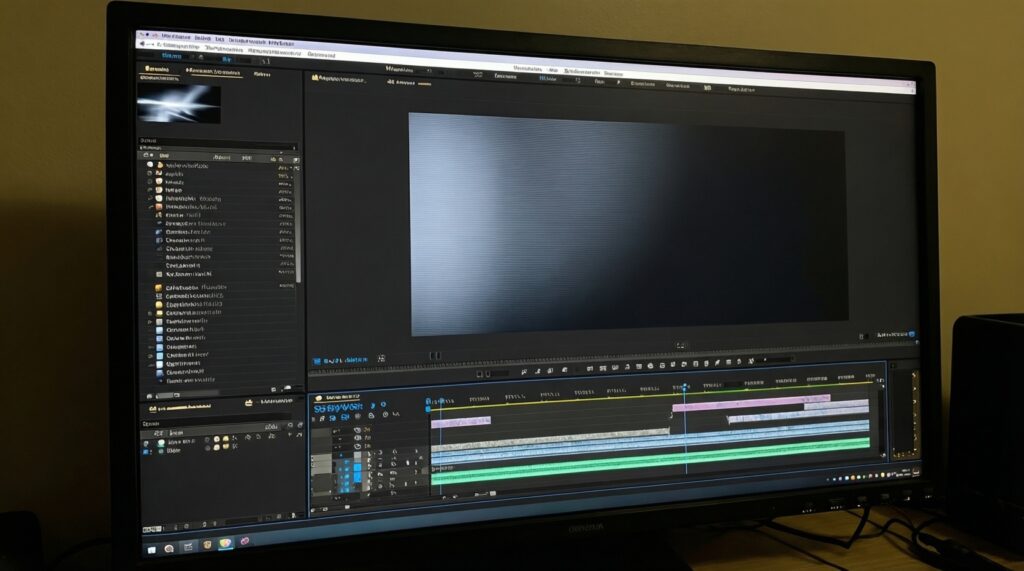
Burn‑in risk is mainly about cumulative static patterns, brightness habits, and whether the display actively protects itself. If your workflow has fixed menus, timelines, minimaps, or you leave the screen on for long idle periods, plan around ปัญหา burn-in จอ OLED rather than assuming you will "use it carefully later."
| Variant | Who it fits | Pros | Cons | When to choose |
|---|---|---|---|---|
| OLED monitor (desktop-first) | Mixed gaming and media, lighter static UI time | Perfect blacks; very clean motion; strong HDR "pop" | Higher burn‑in sensitivity with static UI; brightness behavior can change over time | When image quality is the priority and you can commit to protection habits |
| OLED TV used as a monitor | Big-screen single-app use, couch gaming | Immersive size; excellent contrast; strong HDR feel | PC text/UI can be more demanding; burn‑in concerns rise with desktop-style use | When you mostly game/watch and only occasionally do static productivity work |
| Mini‑LED IPS | Work + HDR gaming, lots of UI time | High perceived brightness; strong HDR potential; lower burn‑in anxiety | Blooming/halos around bright UI; black level not truly per-pixel | When you want HDR upgrades but your desktop use is heavy |
| Mini‑LED VA | Movies and darker-room gaming on a budget | Good native contrast for LCD; HDR looks punchy; typically value-focused | Possible dark-level smearing; blooming still possible | When you want better blacks than IPS without moving to OLED |
| Fast IPS (high refresh, edge-lit) | Competitive gaming and general use | Predictable text clarity; stable long sessions; usually the easiest ownership experience | Weak HDR; grayish blacks in dim rooms | When you want a straightforward choice like จอ IPS gaming 144Hz and don't care about HDR |
| Standard IPS (office-first) | Spreadsheets, coding, design drafts, long static windows | Low burn‑in risk; consistent behavior; often best value | Least cinematic contrast; limited HDR experience | When budget and reliability outweigh gaming HDR goals |
- OLED burn‑in risk: higher if you keep static elements bright and unchanged for long periods; lower if you rotate content and use protections.
- Mini‑LED burn‑in risk: closer to typical LCD use; main "risk" shifts to blooming tolerance and local-dimming behavior.
- IPS burn‑in risk: generally minimal for typical desktop use; focus instead on glow, contrast limits, and HDR expectations.
Gaming Metrics: Refresh Rate, Input Lag, and HDR Behavior
Use scenario-based choices. For each scenario, a budget-first and a premium-leaning direction is included so you can stop overpaying for benefits you won't notice.
- If you play competitive shooters and prioritize clarity in motion, then choose a fast IPS or an OLED monitor; budget favors fast IPS, premium favors OLED for cleaner pixel transitions.
- If you play story games and want dramatic HDR, then choose OLED or Mini‑LED; budget favors Mini‑LED if จอ Mini-LED ราคา looks reasonable in your local deals, premium favors OLED for per-pixel highlights.
- If you use VRR often and hate brightness "pumping," then prefer displays known for stable dimming behavior; budget leans IPS (simpler behavior), premium leans to well-tuned Mini‑LED or OLED with solid firmware.
- If you play games with static HUDs for hours, then prefer Mini‑LED or IPS; budget leans IPS, premium leans Mini‑LED to keep HDR impact without leaning hard into ปัญหา burn-in จอ OLED.
- If you split time between games and creative work, then prefer Mini‑LED IPS or IPS with good calibration support; budget leans IPS, premium leans Mini‑LED IPS.
Color Accuracy, Calibration, and Professional Workflows
- Start with your target output: web content, print, or video grading; this determines how strict you must be about consistency.
- Prioritize consistency over marketing color volume: stable grayscale and uniformity usually matter more than extreme saturation.
- Check calibration practicality: confirm the display supports usable picture modes and doesn't lock important controls in HDR mode.
- Decide how much HDR you truly deliver: if most deliverables are SDR, IPS or Mini‑LED can be the rational spend.
- Validate text/UI comfort: for long editing sessions, choose the panel that looks clean at your typical scaling and viewing distance.
- Plan a burn‑in-safe workspace if going OLED: auto-hide taskbars, vary window layouts, and reduce static bright UI blocks.
Power Use, Heat, and Long‑Term Reliability
- Buying OLED for an always-on desktop with fixed dashboards, then being surprised by retention anxiety later.
- Assuming Mini‑LED has "OLED blacks"; local dimming can look excellent, but halos around bright UI are still a thing.
- Ignoring coating and reflections; a great panel can feel worse in a bright room if reflections dominate.
- Chasing HDR labels on IPS; many IPS displays accept HDR signals without delivering a convincing HDR experience.
- Overlooking firmware quality; dimming behavior, VRR quirks, and mode switching are often software-defined.
- Running maximum brightness for static work; it increases heat and stress regardless of technology.
- Skipping sleep settings and screen savers; idle time is "free wear," especially relevant to OLED ownership.
- Not checking ports for your setup; bandwidth and features (VRR, HDR, high refresh) depend on the full chain.
Budget‑First Buying Guide: Best Value Models and Tradeoffs
Best value for work-heavy mixed use is typically a Mini‑LED IPS when pricing is close to high-end IPS, because you gain meaningful HDR while keeping ownership stress low; best value for competitive gaming is often a fast IPS if you want simple reliability, while the best "treat yourself" pick for cinematic gaming and deep blacks is OLED-especially if you're comfortable with the habits that come with ซื้อจอ OLED.
Practical concerns users often raise
Will OLED always burn in if I use it for PC work?
No, but risk rises with long, repetitive static UI at high brightness. If your day is mostly static windows, Mini‑LED or IPS is usually the calmer choice.
Is Mini‑LED basically the same as OLED for HDR?
Mini‑LED can look very HDR-like, especially in bright rooms, but it can show halos around bright objects and UI. OLED keeps per-pixel control, so dark-scene contrast is usually cleaner.
Is an IPS gaming monitor enough for modern games?
Yes if you value smooth high refresh and low hassle more than HDR. Many people shopping จอ IPS gaming 144Hz are better served by spending on motion performance and ergonomics than on HDR branding.
What should I prioritize first if I'm comparing OLED vs Mini‑LED?
Start with your static-content hours and your room brightness. That one decision often resolves เปรียบเทียบ OLED กับ Mini-LED more clearly than specs.
Do I need to worry about Mini‑LED "burn-in"?
Generally no in the OLED sense. Your real tradeoff is blooming tolerance and how local dimming behaves in desktop apps.
How do I judge whether the Mini‑LED price is worth it?
Evaluate whether you'll actually use HDR and whether blooming will bother you in desktop work. In Thailand, จอ Mini-LED ราคา swings a lot by promotions, so compare based on your real usage, not list price.