If you want the biggest everyday improvement, upgrade the "bottleneck" first: Wi‑Fi 7 if your home/office network is congested or you rely on low-latency wireless, USB4 if you dock laptops and move fast storage daily, and new Bluetooth (5.4/LE Audio) mainly for better audio behavior and multi-device use-not raw speed.
Which upgrade yields the biggest real‑world gain
- Most households: Wi‑Fi 7 router upgrade improves capacity and responsiveness when many devices compete.
- PC gamers on Ethernet? USB4 can matter more (stable docking, high-speed storage) than Wi‑Fi 7.
- Headphone-first users: Bluetooth 5.4/LE Audio upgrades are noticeable when both the source and headset support the same features.
- Creators with external SSDs and displays: USB4 (and correct cables) often removes daily friction faster than radio upgrades.
- IT/admin environments: Wi‑Fi 7 helps where airtime is crowded; Bluetooth changes are usually peripheral-specific.
What Wi‑Fi 7 actually changes for throughput, capacity and latency
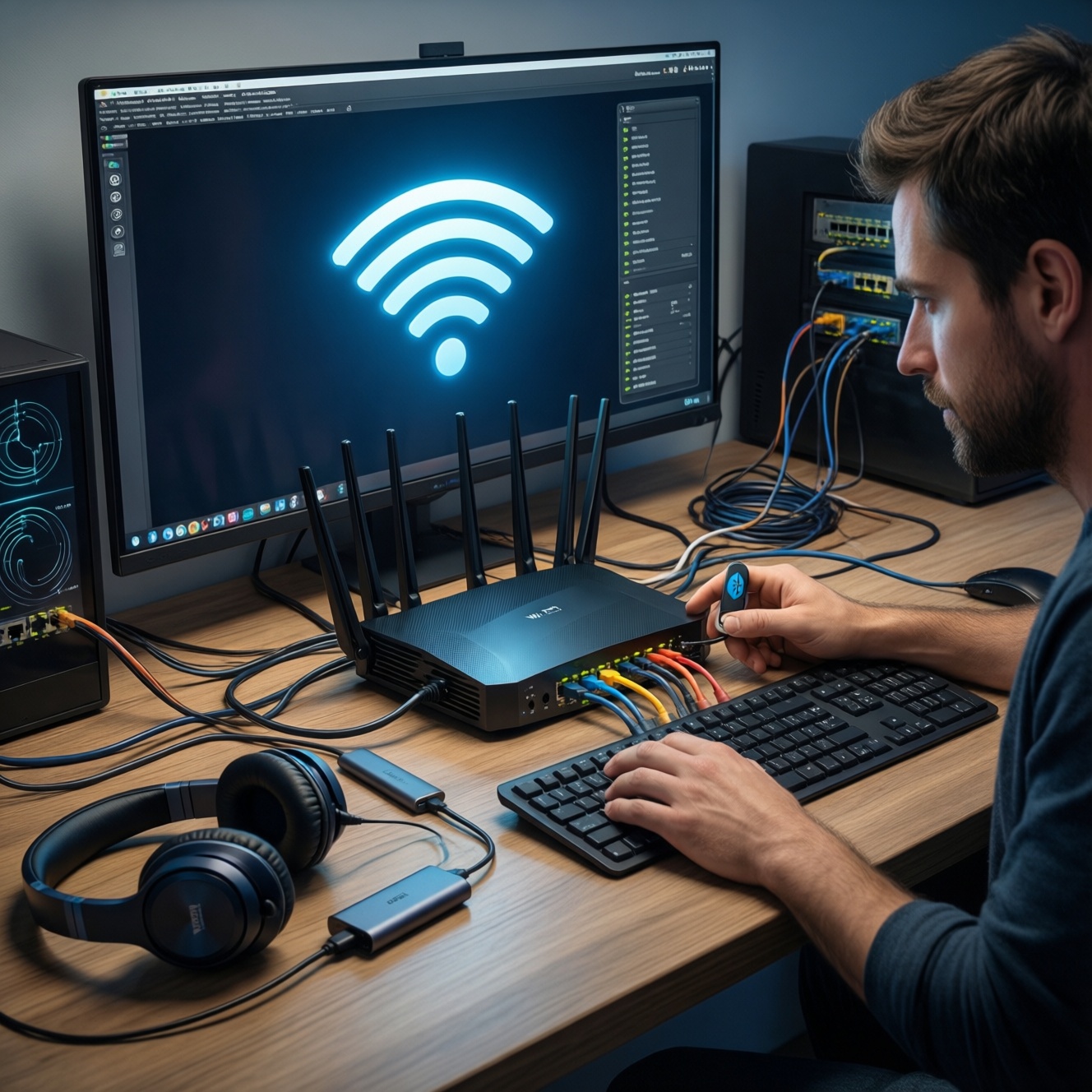
Wi‑Fi 7 is worth it when your current network is limited by congestion, interference, or client density-not when your internet plan and devices rarely saturate Wi‑Fi 6/6E. Use these criteria to decide whether อัปเกรดเราเตอร์ Wi‑Fi 7 ราคา makes sense for your setup.
- Client support: Do your laptops/phones actually have Wi‑Fi 7 radios (or will they remain Wi‑Fi 6/6E for years)?
- Congestion level: Many simultaneous video calls, cloud backups, smart TVs, and IoT devices benefit from better scheduling and capacity.
- Channel availability: Your local spectrum matters; if 6 GHz is usable in your environment, you gain cleaner airtime than in crowded 2.4/5 GHz.
- Latency sensitivity: Competitive gaming, remote desktops, and VoIP depend on consistent latency, not peak Mbps.
- Backhaul reality: If you use mesh, the node-to-node link can be the bottleneck; a Wi‑Fi 7 main router alone may not fix weak backhaul.
- Wired uplink: If your router's WAN/LAN ports and your switch are limited, Wi‑Fi improvements can be capped by cabling/ports.
- Placement and RF hygiene: Router placement, wall materials, and neighboring APs can dominate results more than "newest standard."
- Security and manageability: For multi-user homes or small offices, guest networks, VLAN support, and firmware cadence can matter as much as radio specs.
If your desktop PC is the outlier device, consider ซื้อการ์ด Wi‑Fi 7 PCIe/USB สำหรับพีซี only after confirming your router/AP and your local spectrum conditions can actually deliver the improvement.
Bluetooth's new generation: LE Audio, isochronous channels and practical range
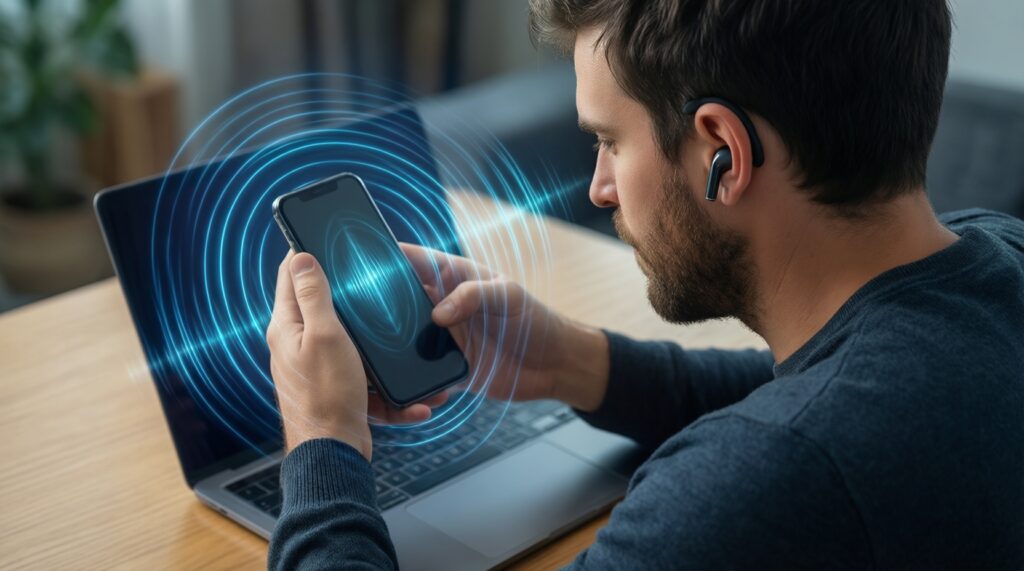
Modern Bluetooth improvements are mostly about audio transport behavior (LE Audio), robustness in busy 2.4 GHz environments, and power efficiency-not huge range jumps. You'll feel the upgrade when the entire chain (PC/phone + adapter + headset) supports the same mode and codec features. This is why "หูฟัง Bluetooth รุ่นใหม่ (Bluetooth 5.4/LE Audio) ราคา" and "ซื้ออะแดปเตอร์ Bluetooth 5.4 สำหรับคอมพิวเตอร์" should be evaluated as a pair, not separately.
| Variant | Who it fits | Pros | Cons | When to choose |
|---|---|---|---|---|
| Keep Bluetooth 5.0-5.3 (no LE Audio) | Users happy with current headset behavior | No spending; known stability | Misses newer LE Audio features; may struggle in noisy RF areas | Your audio is already reliable and you don't need multi-stream or improved power behavior |
| Bluetooth 5.4 adapter (PC) + existing classic headset | PC users with weak onboard Bluetooth | Can improve link stability; easy to swap | Classic-audio limits remain; headset capabilities don't change | Your PC drops connections or has poor range; you're not replacing headphones yet |
| LE Audio headset + phone that supports LE Audio | Mobile-first listeners | Potentially better audio behavior and power efficiency (when negotiated) | Feature support varies by device; setup can be inconsistent across OS versions | You're buying a new headset anyway and want the newest Bluetooth audio features |
| LE Audio headset + PC adapter that supports LE Audio | PC callers, remote workers, stream viewers | Best chance to benefit from LE Audio end-to-end | Driver/OS support can be the real limiter | You need stable calls and consistent headset behavior on a PC |
| Wired USB headset (skip Bluetooth for calls) | People who prioritize call reliability | Predictable latency; fewer RF issues | Less mobility; cable management | Meetings are mission-critical and Bluetooth variability is unacceptable |
| Dedicated wireless (2.4 GHz dongle) gaming headset | Gamers who need consistent low latency | Often lower and more stable latency than Bluetooth; simple pairing | Uses a USB port; ecosystem-specific; not ideal for phones | Gaming is the priority and you don't want Bluetooth latency variability |
USB evolution: USB4, USB Power Delivery and what matters for peripherals
USB upgrades pay off when you connect docks, displays, external SSDs, capture devices, or charge laptops through one cable. The hidden pitfall is that "USB‑C" describes the connector, not the capability. If you're researching ซื้อสาย USB4/USB‑C ล่าสุด และฮับ USB4 ราคา, treat cable and hub specs as part of the upgrade-not accessories.
- If you dock a laptop daily for monitor + Ethernet + storage, then prioritize a USB4-capable dock/hub and a known-good cable to reduce flaky display/drive reconnects.
- If external SSD speed and reliability matter for video/photo workflows, then move to USB4/TB-compatible enclosures and short, certified cables; avoid mystery USB‑C cables.
- If you run bus-powered devices (audio interfaces, capture cards), then focus on power delivery and port power stability (host + hub), not just bandwidth claims.
- If your laptop charges slowly or disconnects under load, then verify USB Power Delivery profiles and charger/cable ratings; swapping only the hub may not fix it.
- If you mainly use mouse/keyboard/printer, then USB4 brings little benefit; spend on Wi‑Fi or storage instead.
Head‑to‑head comparison table: bandwidth, latency, power and device support
- Name your pain: Is the problem congested wireless internet (Wi‑Fi), unreliable audio/peripherals (Bluetooth), or docking/storage/display friction (USB)?
- Confirm the end-to-end chain: Upgrading only one side rarely delivers; check router+client for Wi‑Fi 7, adapter+headset for LE Audio, host+cable+dock+device for USB4.
- Check the real bottleneck: For Wi‑Fi, it may be mesh backhaul or router placement; for USB, it's often the cable; for Bluetooth, it's OS/driver support.
- Prioritize stability over peak specs: Choose devices known for firmware/driver maturity and predictable behavior in your OS.
- Plan the smallest reversible step: Try a single client upgrade (Wi‑Fi 7 card or Bluetooth adapter) or a known-good USB4 cable before replacing the entire network or dock stack.
- Validate with one measurable test: Repeat the same workload (video call + download, file copy to SSD, headset call) before/after to confirm the change is real.
Persona‑based upgrade guide: gamers, creators, IT admins and mobile professionals
- Gamers (PC/console): Don't buy Wi‑Fi 7 expecting miracles if your issue is packet loss from bad placement or mesh backhaul; fix topology first. Avoid Bluetooth for competitive audio; prefer wired or dedicated dongle solutions.
- Creators (photo/video): Don't over-index on router specs when your daily time sink is external drive instability; a solid USB4 path (host + cable + enclosure) often wins.
- IT admins (SMB): Don't roll out Wi‑Fi 7 without a client inventory; mixed-client environments can hide benefits. Avoid "random USB‑C docks" procurement-standardize models and cables to cut support tickets.
- Mobile professionals (hotdesk/travel): Don't assume every USB‑C port supports full video + charging; confirm laptop port capabilities. Don't expect a Bluetooth 5.4 adapter alone to transform call quality if the headset's mic and codec path remain the limiting factors.
- All personas: Don't upgrade based on "version numbers" alone; verify the feature you need (6 GHz, LE Audio, USB4 display support) exists on your exact devices.
- All personas: Don't ignore interference: 2.4 GHz crowding hurts both Wi‑Fi and Bluetooth; channel planning and placement can outperform hardware swaps.
- All personas: Don't underestimate firmware/driver maturity; early adoption can cost time if you rely on mission-critical stability.
Compatibility, deployment challenges and measurable ROI
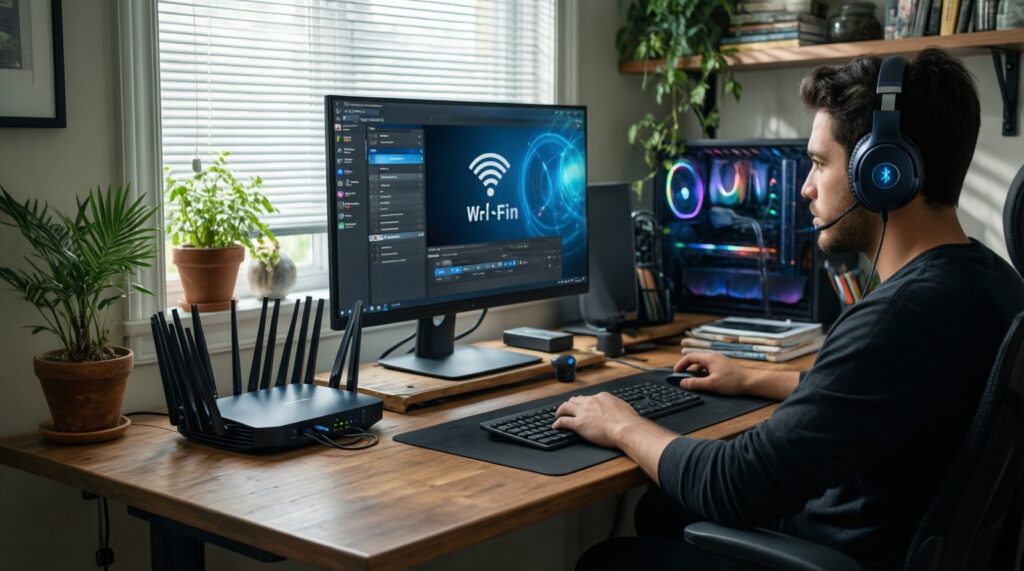
For crowded homes/offices and latency-sensitive wireless workloads, Wi‑Fi 7 is typically the best fit; for docking-heavy workflows and external storage/display reliability, USB4 is usually the best fit; for headset-centric upgrades and multi-device audio convenience, newer Bluetooth (5.4/LE Audio) is usually the best fit when both ends support the same features.
Essential questions to resolve before replacing radios or ports
Will my current devices actually connect using Wi‑Fi 7, or only the router will be new?
If most clients remain Wi‑Fi 6/6E, a Wi‑Fi 7 router can still help with capacity, but the biggest gains are limited to Wi‑Fi 7-capable clients.
Is my Wi‑Fi problem really "speed," or is it congestion, interference, or bad placement?
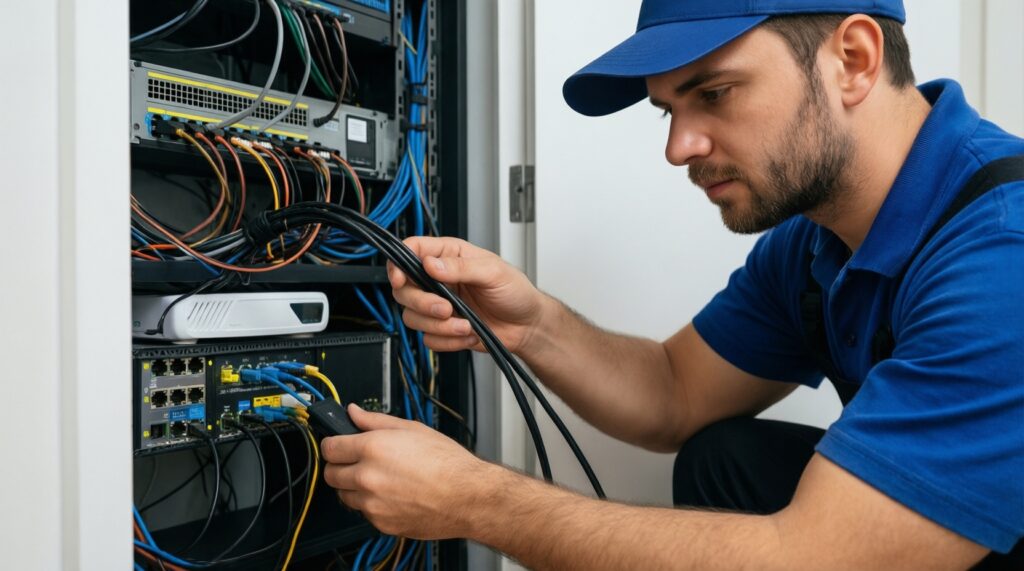
Inconsistent performance is often placement or channel contention. Fixing layout or adding proper backhaul can beat a pure spec upgrade.
For PC audio, do I need a new headset, a new adapter, or both?
To benefit from LE Audio features, you generally need support on both the headset and the source side. An adapter alone mainly fixes weak onboard radios.
Will Bluetooth 5.4 automatically improve range through walls?
Not reliably. Range is dominated by antenna quality, transmit power limits, interference, and environment more than the minor version.
Does "USB‑C" on my laptop mean it supports USB4 and external displays?
No. USB‑C is the connector; capabilities depend on the port implementation and firmware. Verify USB4 and display mode support for your exact model.
Why do USB docks behave differently with "the same" cable?
Cables vary widely by data rate, power handling, and shielding. A proper USB4 cable can solve intermittent display and storage issues that look like dock failures.
What is the lowest-risk way to test an upgrade before spending big?
Change one link in the chain: a known-good USB4 cable, a Bluetooth adapter, or one Wi‑Fi 7 client device. Validate using the same repeatable workload before committing.