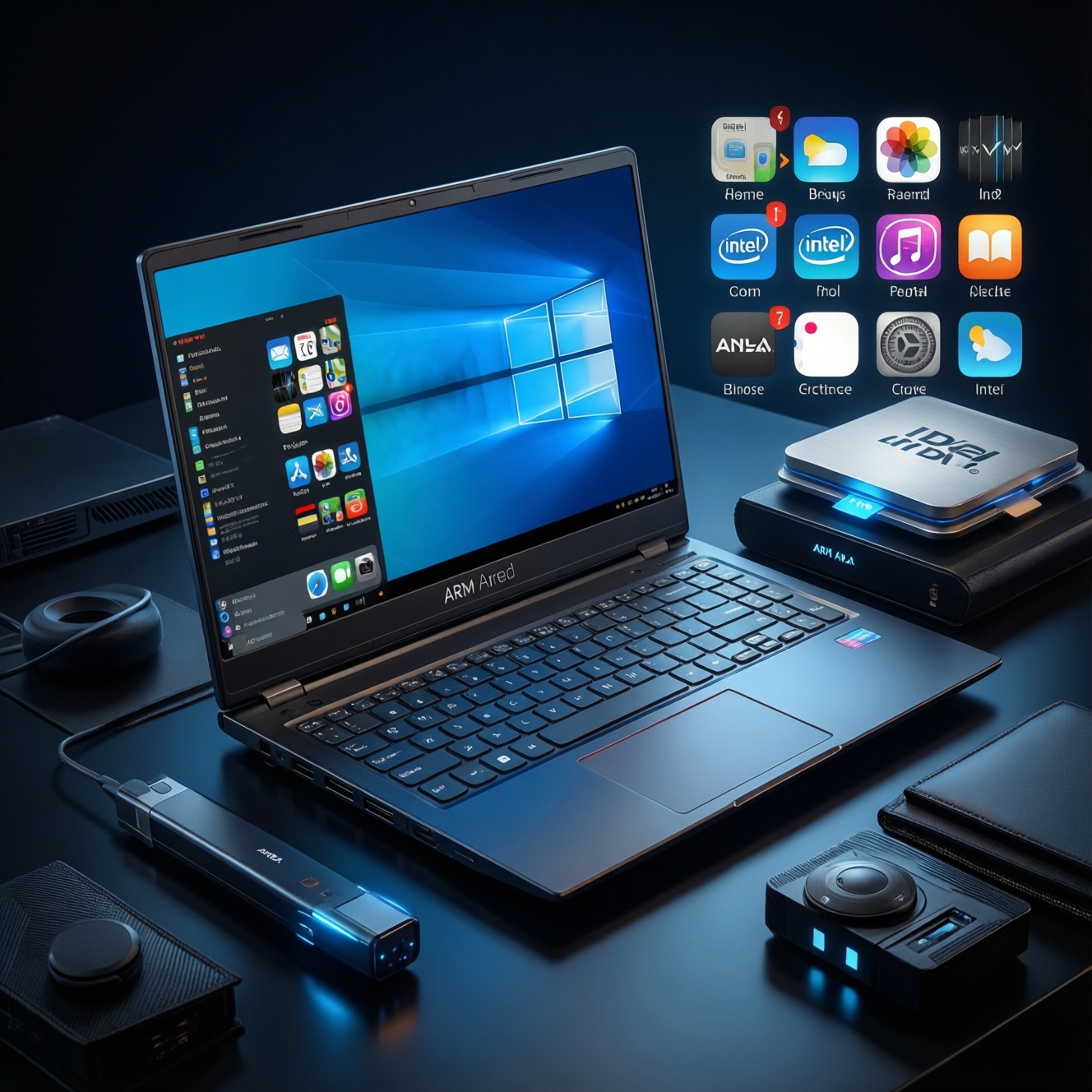
ARM-based Windows laptops (including Copilot+ PCs with Snapdragon X-series) can feel fast, cool, and long-lasting on battery, but the best choice depends on your app stack and peripherals. If you live in Office, web, and native ARM64 apps, ARM is a strong pick; if you rely on niche drivers, pro plug-ins, or anti-cheat games, Intel/AMD is often safer.
Snapshot - ARM Windows laptops: what matters for performance, apps, and buyers
- Performance is usually excellent in native ARM64 apps; emulation is usable but can be slower and less predictable.
- Compatibility hinges on your "must-run" apps, hardware drivers (printers, audio interfaces), and security/anti-cheat software.
- Battery life and thermals are commonly a key advantage for ARM, especially for always-on, always-connected usage.
- Budget decisions should start with total value: RAM/SSD, warranty, and return policy-not just the CPU name.
- For shopping in Thailand, compare โน้ตบุ๊ก Windows ARM ราคา across promotions, and prioritize stores with easy returns.
- Before buying, validate Windows ARM แอปที่รองรับ for your exact tools and workflows.
Performance realities: CPU, GPU, and battery in ARM notebooks
Use these criteria to judge how "แรงแค่ไหน" will translate to your day-to-day use, beyond marketing labels:
- Native vs emulated workload mix: list your top 10 apps and mark which have ARM64 versions; native apps usually feel more responsive.
- RAM capacity and speed: prioritize sufficient RAM for browsers with many tabs, Teams/Zoom, and creative tools; low RAM hurts emulation most.
- SSD capacity and sustained performance: 512GB-class storage is easier for dev tools and media; slow or small SSDs bottleneck "fast CPU" laptops.
- GPU needs: casual creative work and light gaming can be fine; heavy 3D, pro CAD, and certain GPU compute stacks can be limiting or driver-dependent.
- NPU relevance: matters if you rely on on-device AI features; otherwise it should not outweigh app compatibility.
- Thermal design: thin chassis can sustain less performance under long compiles/renders; look for real sustained reviews (รีวิวโน้ตบุ๊ก Windows ARM) not only burst tests.
- Display and portability: brightness, resolution, and weight affect productivity more than small CPU differences for office users.
- Ports and expansion: enough USB-C/USB-A and video-out reduces dongle pain; some edge peripherals are the real compatibility trap.
App compatibility today: native ARM apps, x86-64 emulation, and edge cases
Windows on ARM is best thought of as three lanes: native ARM64 (best), emulated x86/x64 (often fine), and "edge cases" (drivers, plug-ins, anti-cheat, specialized hardware) where Intel/AMD remains the lowest-risk choice. If your buying question is "will my exact stack run," treat this as a compatibility decision first, performance second.
| Variant | Who it fits | Pros | Cons | When to pick |
|---|---|---|---|---|
| Native ARM64 apps (Microsoft 365, Edge/Chrome ARM, many mainstream tools) | Office, web-heavy work, students, general productivity | Best responsiveness; typically best battery/thermals; fewer surprises | Some niche apps still missing ARM builds; feature parity may vary by vendor | Most of your daily apps have ARM64 versions and you want a quiet, mobile laptop |
| x64 (and x86) emulation on Windows ARM | Mixed environments where a few legacy apps are unavoidable | Lets many Windows apps run without re-buying software; good fallback | Performance can drop; heavier battery use; occasional glitches with installers, DRM, or plug-ins | Your must-have apps work under emulation in real tests and you accept some overhead |
| Driver-dependent peripherals (printers, scanners, audio interfaces, VPN clients) | People relying on specific hardware models and enterprise networking | Can be perfectly fine when vendors provide ARM64 drivers | One missing driver can be a deal-breaker; enterprise VPN/EDR tools may lag | You have confirmed ARM64 driver/support for your exact device and security stack |
| Creative/pro software with plug-ins (Adobe plug-ins, color tools, proprietary add-ons) | Creators and pros with specific plug-in chains | Native builds can be excellent for mobility and quiet editing | Plug-ins may be x64-only; license managers and helper services can break | You validated your plug-ins end-to-end on the exact Windows ARM version you will use |
| Gaming and anti-cheat titles | Gamers who care about specific competitive games | Some games run fine; casual titles can be OK | Anti-cheat/DRM and kernel drivers are common blockers; performance/compat varies by title | Your top games are confirmed working on ARM Windows (not just "launches") and you can accept limitations |
| Developer workflows (WSL, containers, virtualization) | Intermediate devs, students, engineers | Great for many modern toolchains; ARM64 native dev stacks are increasingly common | Some VM images and x86-only toolchains are painful; low-level debugging drivers can be missing | Your toolchain is ARM-friendly (or you can use cloud CI/dev boxes) and you tested build/debug steps |
For shoppers comparing เปรียบเทียบโน้ตบุ๊ก Windows ARM กับ Intel, the practical rule is: ARM wins when your workload is native or web-first; Intel/AMD wins when you depend on legacy drivers, specialized enterprise agents, or gaming anti-cheat.
Benchmarks and comparisons: ARM vs Intel/AMD on a budget
Use scenario-based decisions; they map better to real outcomes than chasing a single benchmark number.
- If your day is browser + Office + Teams + light photo edits, then an ARM Windows laptop is often the better "feel per watt" choice; prioritize RAM and a comfortable keyboard over chasing the top SKU.
- If you must run one or two legacy x64 apps, then choose ARM only after testing those apps under emulation (installer, updates, file associations, printing). Otherwise pick Intel/AMD for predictable compatibility.
- If you're budget-first and deciding between a discounted older Intel/AMD laptop vs a newer ARM model, then compare total value (RAM/SSD, screen, warranty, return policy) and don't ignore the hidden cost of dongles and peripheral replacements.
- If you're buying premium for mobility (thin, quiet, all-day use), then ARM models (including Snapdragon X Elite class devices) can be compelling-just confirm your "edge case" apps and drivers first.
- If your priority is gaming or niche engineering tools, then Intel/AMD is usually the safer pick, even if an ARM laptop looks attractive on battery life.
In Thailand, people often ask โน้ตบุ๊ก Snapdragon X Elite ซื้อที่ไหนดี. Treat "where to buy" as part of performance risk management: pick sellers with easy returns/exchanges so you can validate apps, peripherals, and docking within the first days.
Battery life, thermals, and real-world productivity gains
- Write down your actual unplugged hours needed (commute + meetings + café work), then pick a class of device designed for sustained unplugged use.
- Choose a configuration with enough RAM for your worst day (video calls + many tabs + large files); swapping to SSD wastes battery and time.
- Check reviews for sustained workloads (30-60 minutes of compiling, exporting, or conferencing), not only short bursts.
- Prefer efficient display settings you will truly use (resolution/refresh); a great panel at max brightness can erase battery advantages.
- Verify your sleep/standby behavior expectations (instant-on, background sync) match your routine; keep BIOS/firmware up to date.
- Plan your charging ecosystem (USB-C PD wattage, power bank, multi-port charger) to avoid proprietary chargers in travel scenarios.
Ecosystem readiness: drivers, virtualization, and developer support
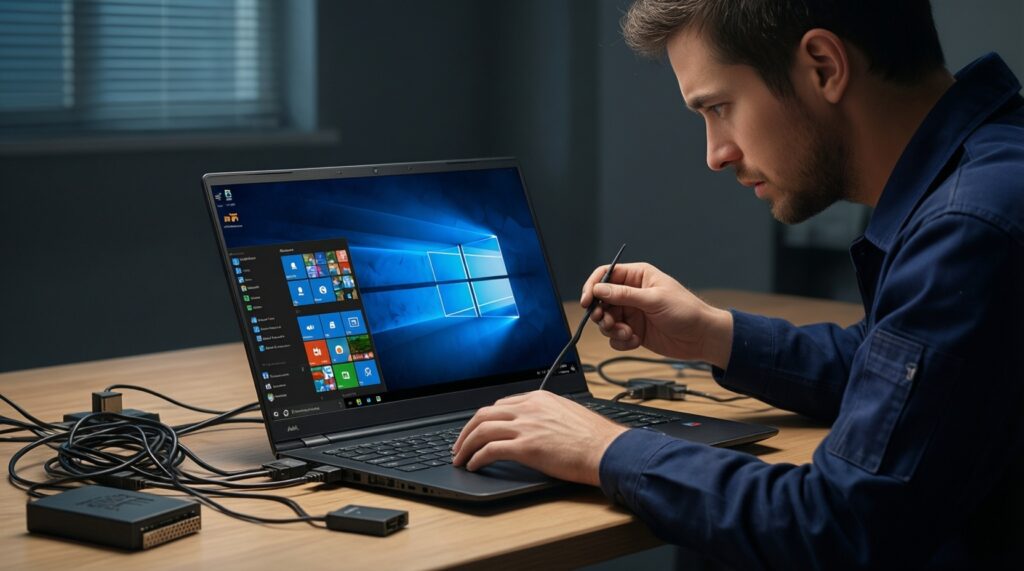
- Assuming "Windows app = works": the app may launch under emulation but break on updates, plug-ins, or device access; test your full workflow.
- Ignoring peripheral drivers: printers, scanners, audio interfaces, and smartcard readers can fail without ARM64 drivers.
- Forgetting enterprise agents: VPN, EDR, DLP, and device management components may be slower to support ARM; confirm with IT.
- Buying too little RAM "because the CPU is fast": memory pressure punishes emulation and multitasking more than on a typical Intel/AMD setup.
- Relying on a single YouTube test: you need evidence for your exact versions (Windows build, app version, plug-ins, drivers).
- Assuming all virtualization is equal: some x86 VM images and hypervisor-dependent workflows don't translate cleanly to ARM.
- Over-indexing on NPU branding: on-device AI features are nice, but they don't fix app/driver gaps; decide on compatibility first.
- Not planning a return window test: your first week should include dock, monitors, printing, conferencing, and any legacy app installs.
Buyer profiles and a budget-first checklist for picking an ARM laptop
Best fit for mobile productivity and students: an ARM Windows laptop configured with enough RAM/SSD and a good screen, because it maximizes quiet, unplugged work when your apps are mostly native/web. Best fit for mixed legacy + peripherals: Intel/AMD, because drivers and enterprise tooling are more predictable. Best fit for premium mobility seekers: Snapdragon X-class devices can make sense after you validate your critical apps and peripherals end-to-end.
Practical compatibility and purchase concerns answered
How do I quickly verify Windows ARM app support before buying?
Make a top-10 list of your apps and check for ARM64 installers first; then search your exact app name + "ARM64" and confirm plug-ins and license managers. If you can, test on a store unit or buy from a retailer with easy returns.
Will x64 apps run on Windows on ARM?

Many do via emulation, but performance and reliability vary by app category (installers, DRM, device access, and plug-ins are common failure points). Treat emulation as a fallback, not the plan for your core workload.
Is an ARM laptop a good choice for gaming in 2026?
It depends on the specific games: anti-cheat and kernel-level components are frequent blockers. If your top titles are competitive or anti-cheat heavy, Intel/AMD is the safer bet.
What should I watch for when comparing โน้ตบุ๊ก Windows ARM ราคา in Thailand?
Compare like-for-like configs (RAM/SSD, screen, warranty length, bundled software) and factor in return policy. A cheaper base model can cost more if you must replace peripherals or upgrade storage later.
Where does "รีวิวโน้ตบุ๊ก Windows ARM" help most?
Use reviews to confirm sustained performance, standby behavior, webcam/mic quality, and dock/monitor stability. These are the areas where spec sheets reveal the least.
Should I choose ARM or Intel/AMD for developer work?
Choose ARM if your toolchain is ARM-friendly (modern languages, WSL-based workflows, cloud builds) and you've validated dependencies. Choose Intel/AMD if you require x86 VMs, low-level drivers, or specialized debugging hardware.
What's the safest way to decide "โน้ตบุ๊ก Snapdragon X Elite ซื้อที่ไหนดี"?
Buy from a retailer offering straightforward returns/exchanges and test your full workflow immediately (apps, peripherals, docking, VPN, conferencing). "Best store" is the one that minimizes your compatibility risk.