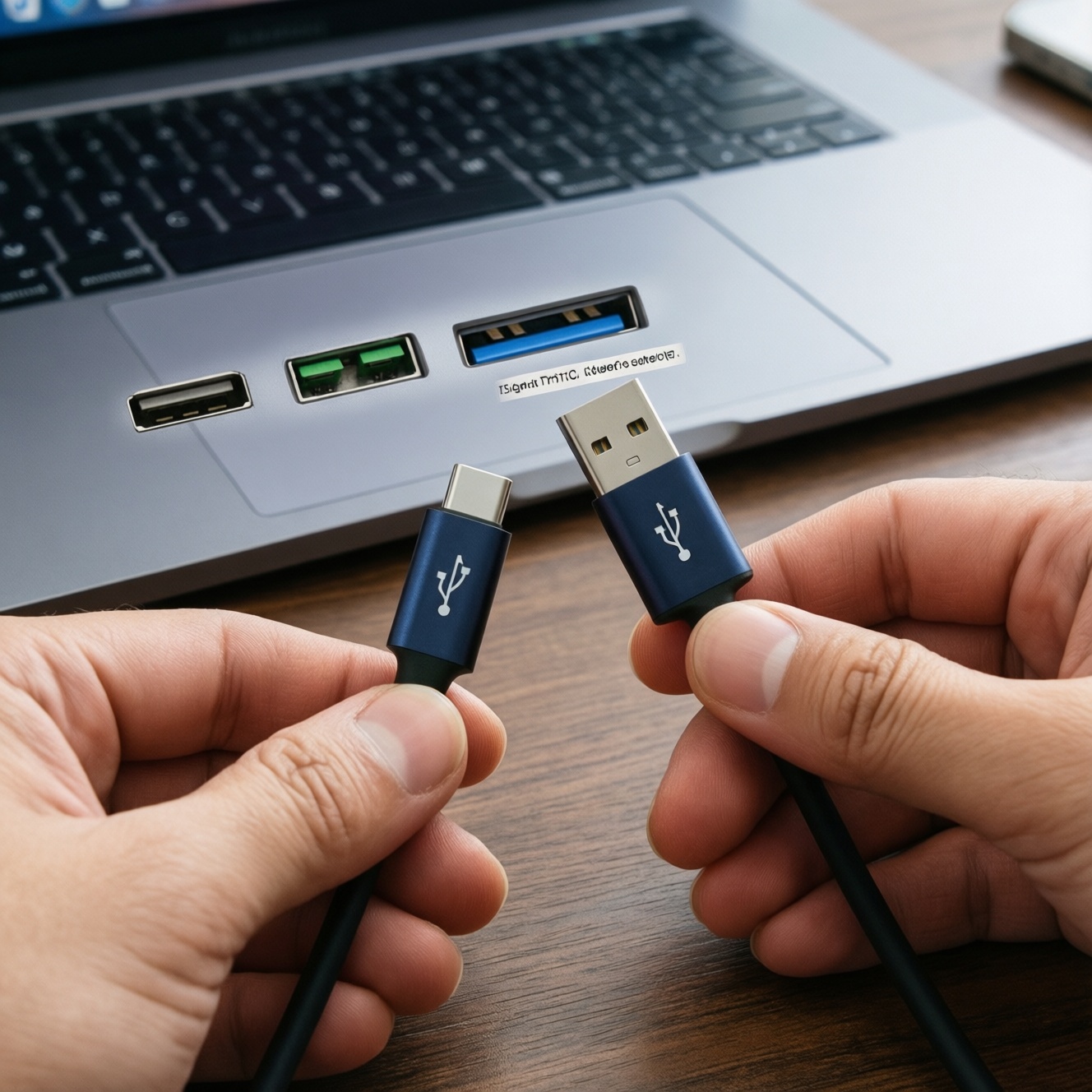
USB‑C is the connector shape; Thunderbolt and USB4 are signal standards that may run through a USB‑C port. To choose correctly, match your device's port icons/specs, the speed you actually need (charging vs display vs fast storage), and the cable's certified label (USB 10/20/40Gbps, Thunderbolt 3/4). Budget-first: buy only as much bandwidth as your setup can use.
At-a-Glance Comparison
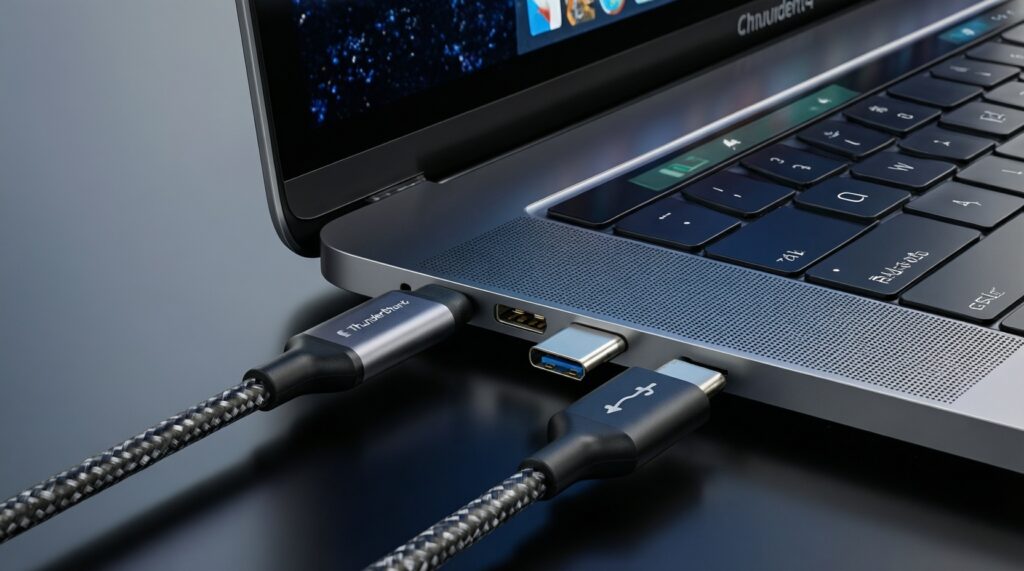
- USB‑C describes the plug; performance depends on the USB/Thunderbolt/USB4 version behind that port.
- Thunderbolt 4 is the safest one-cable choice for docks and multi-device setups, but often costs more than USB-C cables.
- USB4 can be "high-end" (up to 40Gbps) or "basic" depending on implementation; cable labeling matters.
- For charging and everyday data, a quality USB‑C cable (USB 2.0/USB 3.x) is usually the best budget pick.
- For external NVMe enclosures and pro workflows, prioritize 20-40Gbps (USB4 or Thunderbolt) and short, certified cables.
- Adapters rarely add capability: a USB‑C to Thunderbolt adapter won't turn a non‑Thunderbolt port into Thunderbolt.
Physical Connectors and Cable Types
Use these criteria to avoid buying the right-looking cable that performs wrong:
- Connector ends: USB‑C to USB‑C, USB‑C to USB‑A, or USB‑C to HDMI/DP (active video cable).
- Port markings on your device: look for Thunderbolt lightning icon, USB4 label, or DisplayPort icon near the USB‑C port.
- Claimed speed label: USB 2.0 (often unmarked), USB 5/10/20Gbps, USB4 20/40Gbps, Thunderbolt 3/4.
- Charging spec: USB Power Delivery support and whether the cable is rated for higher current (common pitfall: "charge cable" with slow data).
- Video capability: DisplayPort Alt Mode support depends on the port and sometimes the cable type; not guaranteed on every USB‑C port.
- Cable type: passive vs active (active is common for longer high-speed Thunderbolt/USB4 cables; more expensive).
- Length vs speed: longer cables are more likely to drop speed or require active electronics; keep high-speed links short when possible.
- Build and safety: reputable brand, proper strain relief, and clear certification markings to reduce overheating/unstable links.
Signal Standards: USB‑C vs Thunderbolt vs USB4
These are the most common "real-world" options you'll encounter in Thailand when searching prices like ซื้อสาย USB-C ของแท้ ราคา or comparing สาย Thunderbolt 4 ราคา. Choose by workload, not by the connector shape.
| Option | Who it fits | Pros | Cons | When to pick |
|---|---|---|---|---|
| Basic USB‑C cable (USB 2.0 data, PD charging) | Phone/tablet charging, accessories, occasional file transfer | Lowest cost; widely available; often durable | Slow data; may not support monitors properly | When you mainly charge and sync small files and want the best budget value |
| USB‑C cable (USB 5/10Gbps class) | Everyday laptops, SSDs that don't need top speed | Good balance of price and performance; better for external drives | Not equivalent to USB4/Thunderbolt; video features still depend on your port | When you want faster storage transfers without paying for 40Gbps |
| USB‑C cable (USB 20Gbps class, where supported) | Faster external storage on compatible hosts | Higher throughput than 10Gbps without jumping to Thunderbolt pricing | Compatibility can be confusing; not all devices support 20Gbps | When your PC explicitly supports USB 20Gbps and your SSD can benefit |
| USB4 cable (20Gbps) | USB4 laptops/handhelds wanting a "modern" cable without max cost | More future-proof than plain USB 3.x; can be a smart mid-budget pick | USB4 features vary by device; not always ideal for high-end docks | When your device supports USB4 but you don't run 40Gbps storage or heavy dock setups |
| USB4 cable (40Gbps) | Creators, fast NVMe enclosures, higher-end monitors/docks (device-dependent) | Top USB‑C ecosystem speed tier; can handle demanding setups on compatible devices | Pricier; easy to buy a "40Gbps" cable that your device can't fully use | When you're asking "สาย USB4 40Gbps ซื้อที่ไหน" because your host and peripherals truly support 40Gbps |
| Thunderbolt 4 cable | Dock users, multi-device daisy-chain users, premium laptop ecosystems | Most consistent cross-device behavior for high-end docks; strong one-cable workflow | Often the highest cable cost; overkill for charging-only | When you rely on a Thunderbolt dock, multiple high-speed peripherals, and want minimum guesswork-even if สาย Thunderbolt 4 ราคา is higher |
Bandwidth, Power Delivery and Alternate Modes
Match your scenario to the minimum standard that meets it; then decide if you're optimizing for budget or for flexibility.
- If you mostly charge and occasionally transfer photos, then buy a reputable USB‑C PD cable and don't pay extra for 40Gbps. Budget-first: prioritize genuine, safe build quality when comparing ซื้อสาย USB-C ของแท้ ราคา.
- If you use an external SSD for regular work, then pick a USB‑C cable rated for USB 10/20Gbps that matches your enclosure and laptop capabilities; premium option: USB4 40Gbps if both ends support it.
- If you connect a monitor via USB‑C, then confirm your laptop supports DisplayPort Alt Mode or Thunderbolt/USB4; a faster cable alone won't add video output.
- If you use a single-cable dock setup, then choose Thunderbolt 4 when the dock and laptop support it; budget alternative: a USB‑C dock may work, but expect more limitations and more careful port/spec matching-especially when comparing แท่นต่อพ่วง Thunderbolt (Thunderbolt Dock) ราคา.
- If you're considering adapters, then treat them as "shape converters," not "standard upgrades." Price checks like อะแดปเตอร์ USB-C to Thunderbolt ราคา often mislead buyers: adapters usually can't create Thunderbolt features from a non‑Thunderbolt USB‑C port.
Device Compatibility and Ecosystem Considerations
- Identify the exact port type on your laptop/PC: check product specs and the icons next to the USB‑C port (Thunderbolt lightning, DP, USB4).
- List the "most demanding" peripheral you will plug in (dock, external NVMe, monitor, eGPU) and note its required standard (USB 10/20, USB4, Thunderbolt).
- Buy the cable to match the peripheral requirement and the host capability; the chain is only as capable as the weakest link.
- Keep high-speed links short and simple: one good cable is better than cable + adapter + extension for stability.
- Decide your risk tolerance: budget-first means choosing the lowest spec that meets needs; premium-first means choosing USB4 40Gbps or Thunderbolt 4 to reduce future "why is it slow?" moments.
- If shopping online for "40Gbps," verify the listing clearly states USB4/Thunderbolt certification rather than vague "fast charging" claims-especially when you're asking "สาย USB4 40Gbps ซื้อที่ไหน".
Cost-Conscious Buying Guide and Cable Labels
- Assuming USB‑C equals fast: the connector shape doesn't guarantee USB4 or Thunderbolt speeds.
- Paying for 40Gbps when your device can't use it: many setups are limited by the laptop port or the enclosure, not the cable.
- Mixing up charging and data ratings: some "fast charge" cables are slow for data; look for explicit speed labeling.
- Expecting an adapter to add Thunderbolt: a USB‑C port without Thunderbolt hardware won't gain Thunderbolt functions via an adapter, regardless of อะแดปเตอร์ USB-C to Thunderbolt ราคา.
- Buying long high-speed cables without checking type: longer runs often require active cables for top speeds; passive long cables can drop performance.
- Overbuying a Thunderbolt 4 cable for phone use: if you only charge a phone, สาย Thunderbolt 4 ราคา is usually wasted budget.
- Dock sticker shock without a plan: before comparing แท่นต่อพ่วง Thunderbolt (Thunderbolt Dock) ราคา, confirm you truly need Thunderbolt features (multiple high-speed devices, consistent multi-monitor support, fewer compromises).
- Ignoring return policy: for tricky setups (monitor + dock + SSD), buy from a seller with easy returns in case your specific port implementation is limited.
Practical Troubleshooting and Performance Tests
Best budget fit is typically a reputable USB‑C PD cable matched to your real data needs (USB 2.0 for charging-only, USB 10Gbps for everyday SSD use). Best "minimal guesswork" choice for dock-centric workflows is usually a Thunderbolt 4 cable with a Thunderbolt-capable laptop. Best value high-performance step-up is often USB4 (20/40Gbps) when both host and enclosure explicitly support it and you keep the cable short.
Common Buyer Concerns Answered
Is USB‑C the same as Thunderbolt?
No. USB‑C is the connector shape; Thunderbolt is a protocol that may run through a USB‑C port if the device supports it.
Will a Thunderbolt 4 cable make my USB‑C port faster?
It won't exceed what your device port supports. It can improve reliability if your device already supports USB4/Thunderbolt and your current cable is the bottleneck.
How do I avoid fake listings when comparing ซื้อสาย USB-C ของแท้ ราคา?
Prefer listings with clear speed/PD markings and known brands, and avoid vague claims like "super fast" without USB/Thunderbolt version details. Keep receipts and test immediately with your most demanding device.
What should I check before paying higher สาย Thunderbolt 4 ราคา?
Confirm your laptop has Thunderbolt (icon/spec) and that you actually need Thunderbolt features (dock workflow, multi-peripheral bandwidth). If you only charge or do basic data, a cheaper USB‑C cable is usually enough.
สาย USB4 40Gbps ซื้อที่ไหน matters less than what exactly?
It matters more that both your host port and your peripheral support USB4 40Gbps. Otherwise a 40Gbps cable behaves like a lower-tier cable in practice.
Does a USB‑C to Thunderbolt adapter work for any laptop?
Usually no; it does not add Thunderbolt capability to a non‑Thunderbolt USB‑C port. Treat อะแดปเตอร์ USB-C to Thunderbolt ราคา as a warning sign to re-check device compatibility.
When is a Thunderbolt dock worth it versus cheaper USB‑C hubs?
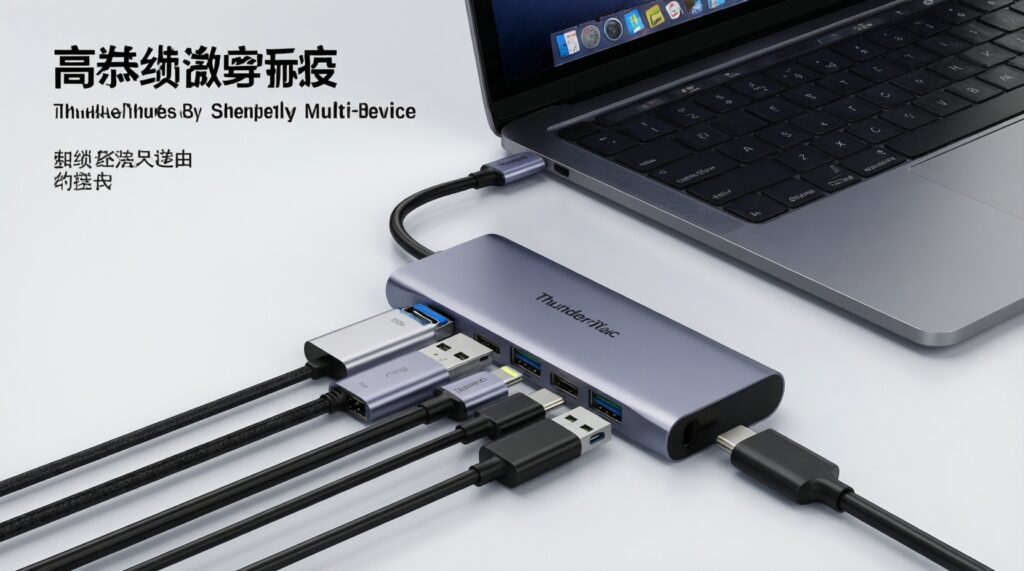
Choose Thunderbolt when you need higher aggregate bandwidth and more consistent behavior across multiple devices. Compare แท่นต่อพ่วง Thunderbolt (Thunderbolt Dock) ราคา only after confirming your laptop supports Thunderbolt/USB4 at the level the dock expects.