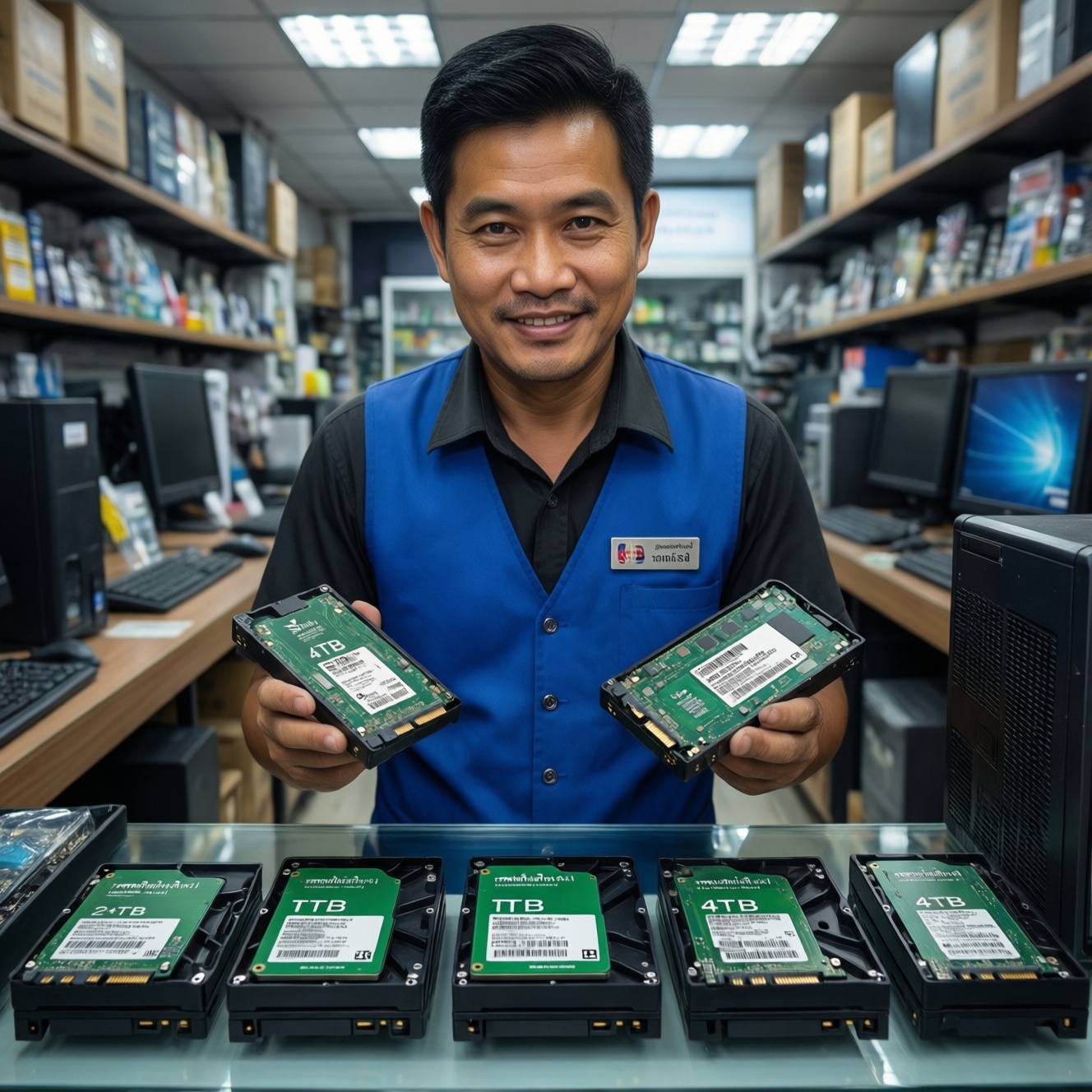
For most intermediate users in Thailand, 2TB is the sweet spot: it usually lowers cost per GB compared with 1TB while avoiding the higher upfront spend of 4TB. Choose 1TB for budget builds or secondary drives, and 4TB when you want fewer drives, larger project libraries, and less storage micromanagement.
Cost and Performance Snapshot

- Cost per GB typically improves as you move from 1TB to 2TB, and often improves again at 4TB, but 4TB needs higher upfront budget.
- Performance is driven more by interface (NVMe vs SATA) and controller/DRAM than by capacity alone.
- 2TB reduces "drive full" slowdowns versus 1TB in real use because you keep more free space.
- 4TB makes the most sense when you want fewer drives, fewer migrations, and large local libraries.
- Endurance and sustained-write behavior often scale up with capacity, but model families differ a lot-check specs, not assumptions.
How Capacity Affects Price per GB: 1TB vs 2TB vs 4TB
- Upfront budget vs value: comparing listings for SSD 1TB ราคา, SSD 2TB ราคา, and SSD 4TB ราคา, 4TB can look "best value" per GB but still be hardest to pay for at once.
- Free-space headroom: SSDs tend to stay faster and smoother when you can keep meaningful free space; 2TB and 4TB make that easier.
- Write endurance scaling: larger capacities often come with higher endurance ratings in the same product line; confirm the exact TBW/warranty for the specific SKU.
- Cache behavior: some drives rely heavily on SLC caching; smaller capacities can hit slower sustained writes sooner during big copies.
- NAND type and controller tier: a good 1TB can outperform a cheap 2TB/4TB; capacity does not "fix" a weak controller or low-end NAND.
- DRAM vs DRAM-less: DRAM-less models can be fine for light use, but heavier multitasking and random writes often feel better with DRAM (or strong HMB implementation).
- Warranty terms in TH channels: local distributor coverage and RMA convenience can matter more than tiny price differences.
- Future expansion plan: check how many M.2 slots/SATA bays you actually have before paying extra for a single huge drive.
- Conclusion: If you're optimizing value, 2TB is usually the most balanced capacity; treat 4TB as a workflow convenience upgrade, not a default.
Real-World Workloads: Which Capacity Fits Which Use Case
| Variant | Who it fits | Pros | Cons | When to choose |
|---|---|---|---|---|
| 1TB NVMe (Gen3/Gen4) as OS + apps | Budget-focused PC/laptop users; students; office + light creative | Lowest entry cost; fast boot/app load; easy to add a second drive later | Fills up quickly with games/media; less free space can reduce steady performance | When your priority is "good enough now" and you can manage storage actively |
| 2TB NVMe as single main drive | Mainstream gamers; developers; creators with moderate project sizes | Better headroom; fewer uninstall/reinstall cycles; often better value than 1TB | Costs more upfront; still not "set-and-forget" for huge media libraries | When you want the best balance of convenience and budget; common target for people who search ซื้อ SSD 2TB NVMe ราคาถูก |
| 4TB NVMe for workstation-like use | Video editors; large RAW libraries; multi-game libraries; heavy VMs | Maximum local capacity on one fast volume; fewer drives to manage; strong headroom | Highest upfront cost; not all laptops support single-sided 4TB modules well (fit/thermals) | When you want fewer compromises and fewer migrations in the next years |
| 2TB SATA SSD (2.5") for bulk storage | Desktop users adding a second drive; older laptops without M.2 NVMe | Often cheaper per TB than premium NVMe; broadly compatible; great as game/media drive | Slower than NVMe for heavy parallel workloads; cable/bay needed in desktops | When you need affordable capacity and your workload is mostly reads (games, media) |
| 1TB NVMe + 2TB/4TB SATA split | Value optimizers who want speed where it matters and cheap bulk storage | Fast OS/projects on NVMe; cheap library on SATA; flexible upgrades | More drives to manage; careful folder planning required | When you want a budget-first setup without sacrificing responsiveness |
| 2TB NVMe "performance tier" (heatsink/strong controller) | Users asking SSD NVMe 1TB ยี่ห้อไหนดี but actually needing sustained performance more than capacity | Better sustained writes; often better thermals/firmware; smoother under heavy multitasking | Costs more than budget NVMe; benefits depend on your workload | When you compile, edit, export, or copy large files frequently |
- Conclusion: Match capacity to how often you run out of space; match interface/tier to how often you do heavy writes and parallel workloads.
Endurance, Warranty and Write Limits by Capacity
- If you mostly browse, stream, and do office work, then 1TB is usually fine-prioritize warranty and a reputable local channel over chasing higher endurance specs.
- If you game and keep many titles installed, then 2TB reduces constant shuffling; pick a budget NVMe if price is tight, or a higher-tier NVMe if you also record/stream and move large captures.
- If you edit video, handle large photo catalogs, or frequently export renders, then favor 2TB-4TB and check sustained-write behavior; premium models (better controllers/DRAM/firmware) are worth it more than raw capacity alone.
- If you run VMs/containers, databases, or heavy dev workloads, then 2TB is the minimum comfortable baseline; choose 4TB when you want fewer volume constraints and longer time before migration.
- If you are building a budget-first rig and mainly care about capacity, then a value 2TB SATA SSD can be the best "TB per baht" secondary drive; keep OS and active projects on a smaller NVMe.
- If you want premium reliability and steadier performance under heat, then consider a higher-tier NVMe with strong thermal design; capacity should follow after you confirm your laptop/board cooling and slot support.
- Conclusion: Capacity can improve endurance and headroom, but warranty terms and drive tier (controller/NAND/DRAM) decide whether it stays consistent under real workloads.
Form Factor, Interface and Their Impact on Performance
- Confirm your device support: M.2 NVMe (PCIe) vs M.2 SATA vs 2.5" SATA; don't assume "M.2" means NVMe.
- Check PCIe generation support (Gen3/Gen4/Gen5) and lane configuration; buy Gen4 only if your platform benefits and pricing is reasonable.
- Decide your priority: lowest cost per TB (often SATA or budget NVMe) vs sustained write performance (higher-tier NVMe).
- Verify physical constraints: 2280 length, single-sided vs double-sided modules (important for thin laptops, especially at 4TB).
- Plan thermals: ensure airflow/heatsink where needed; throttling can erase "paper" speed advantages.
- Check for DRAM/HMB behavior and intended workload fit (light vs heavy random writes).
- Confirm local warranty/RMA path in Thailand before choosing the cheapest listing.
- Conclusion: Interface and thermals often matter more than capacity for speed; capacity matters more for convenience and long-term usability.
Total Cost of Ownership: Power, Cooling, and Replacement Cycles
- Buying 1TB now and replacing it soon: migrations cost time, risk, and sometimes enclosure/adapter purchases.
- Ignoring spare slots: if you have an extra M.2/SATA bay, a 1TB + later add-on can be cheaper than forcing a 4TB now.
- Overpaying for peak specs you won't use: many workloads don't benefit from the fastest sequential numbers.
- Underestimating heat: a hot NVMe in a laptop can throttle and feel inconsistent; sometimes a slightly slower model is faster in practice.
- Filling the drive too high: running near full reduces performance and increases housekeeping; bigger capacity reduces this pressure.
- Chasing the lowest listing without warranty clarity: the "cheapest" option can become expensive if RMA is difficult in TH.
- Using one giant drive with no backup plan: bigger drives increase the impact of a single failure; budget for backup storage.
- Mixing workloads on one volume without planning: putting OS, scratch, and cold storage together can complicate performance tuning and organization.
- Conclusion: Total cost is driven by upgrade friction, thermals, warranty handling, and backup-not only the sticker price.
Practical Buying Guide: Budget-First Recommendations and Trade-offs
If you want the best overall balance, pick a 2TB NVMe as your main drive and only pay extra for a higher-tier model if you routinely do long exports, heavy compiling, or large file writes. If you must minimize spend, start with 1TB NVMe for OS/apps and add a 2TB SATA or another NVMe later. If you want maximum convenience and large local libraries, 4TB NVMe is the cleanest single-drive approach when your laptop/desktop can cool and physically fit it. Final recommendation: default to 2TB unless your budget forces 1TB or your library/workflow clearly justifies 4TB.
Common Practical Concerns Answered
Is 4TB always better value than 2TB?
Not always-4TB can have better cost per GB, but the upfront spend and platform fit (especially laptops) can make 2TB the better practical choice.
Will a 1TB NVMe feel slower than a 2TB NVMe?
Not inherently. The bigger difference is the drive model/tier, but 2TB tends to stay smoother because you can keep more free space.
How should I interpret local price searches like SSD 2TB ราคา?
Use them to compare same-tier drives within the same interface and warranty channel. Don't compare a premium NVMe against a budget DRAM-less model only by price.
What should I prioritize when asking SSD NVMe 1TB ยี่ห้อไหนดี?
Prioritize warranty/RMA in Thailand, controller tier (and DRAM/HMB behavior), and thermal stability in your device over headline speeds.
Is it safe to buy the cheapest listing when I see ซื้อ SSD 2TB NVMe ราคาถูก?
It can be, but verify the seller channel, warranty terms, and authenticity. The cheapest option is risky if RMA is unclear.
Do I need a heatsink for NVMe in a desktop?

Often beneficial for sustained workloads and warm cases. For light use it may be optional, but throttling risk rises with hotter setups.
Should I split OS and storage across two drives?
Yes when budget is tight or you have spare slots. OS/projects on NVMe plus bulk storage on SATA is a cost-effective layout.