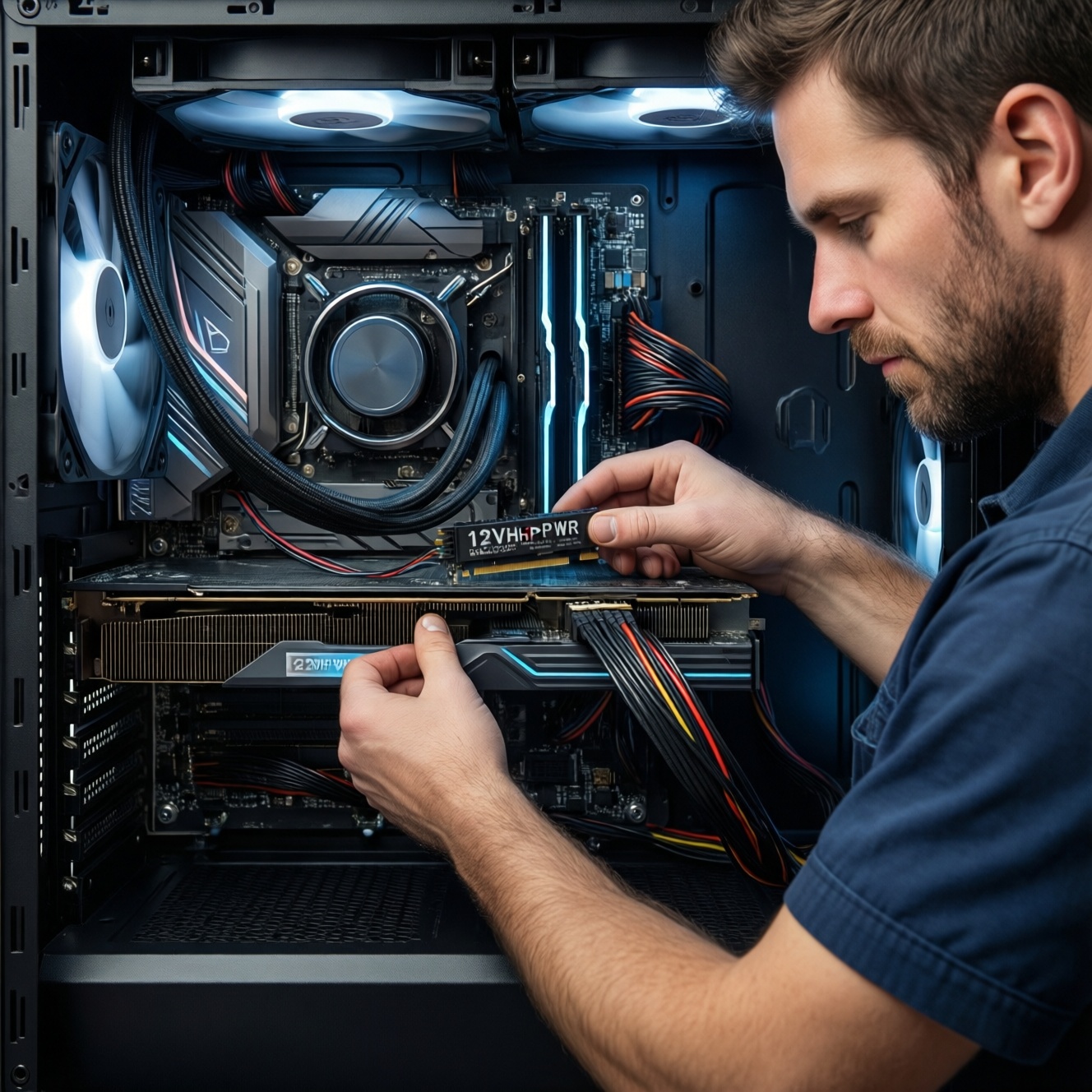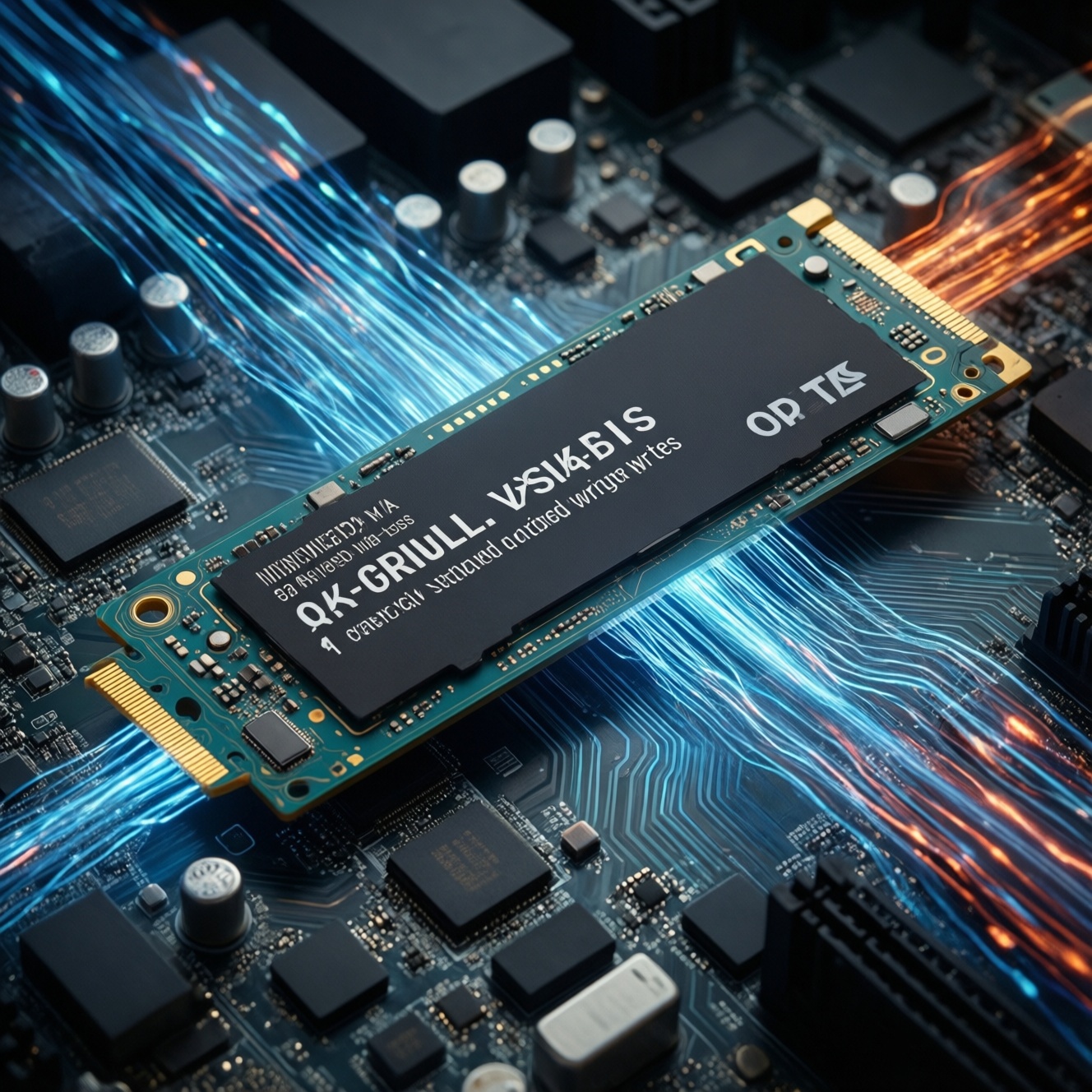
A DRAM-less SSD is an SSD whose controller has no dedicated DRAM chip for mapping tables and caching. It can still be fast for everyday use, especially NVMe models using Host Memory Buffer (HMB), but it is more likely to show higher latency and sharper slowdowns under sustained writes or heavy multitasking-so it fits budget builds, not all workloads.
Core Concepts of DRAM-less SSDs
- "DRAM-less" means no on-drive DRAM; it does not automatically mean "slow," but it changes consistency under load.
- Mapping data (FTL) still exists; it is stored in NAND and/or partially cached via small SRAM and sometimes HMB (NVMe).
- Worst-case behavior matters: random I/O bursts and sustained writes are where differences show up.
- SLC caching can mask weaknesses briefly; once the cache is exhausted, performance can drop abruptly.
- Model-to-model variance is large; controller, NAND type, and firmware tuning matter more than the label.
- System context matters: OS, RAM, free space, and background tasks influence whether the drive feels "fine" or "laggy."
What DRAM-less SSDs Are and How Their Controller Architecture Differs
If you're searching "DRAM-less SSD คืออะไร", the practical definition is simple: the SSD controller operates without a separate DRAM package that would normally cache the Flash Translation Layer (FTL) mapping and accelerate metadata lookups. The drive still works normally; the difference is where it keeps and how it retrieves those mappings.
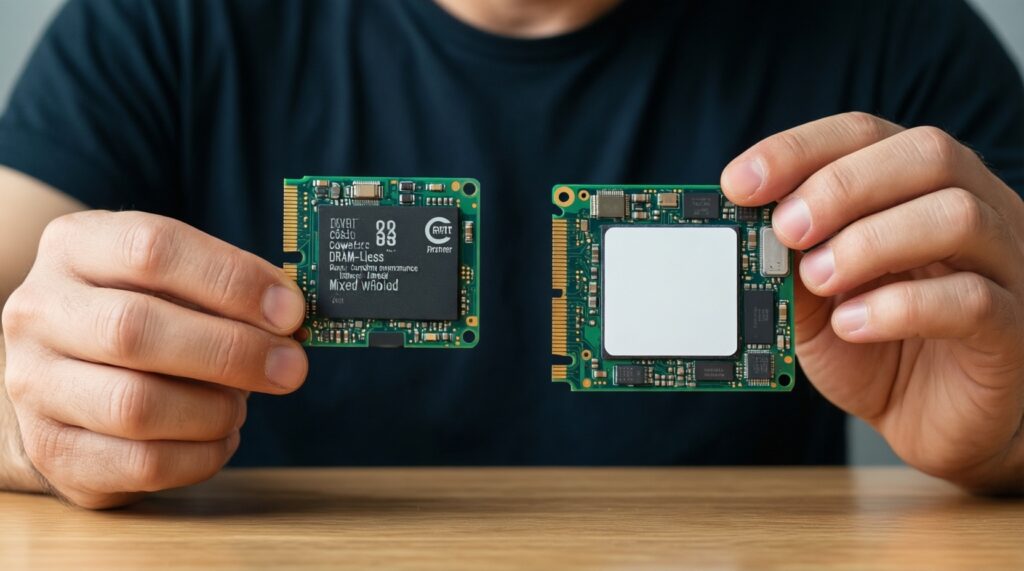
In a DRAM-equipped SSD, the mapping and hot metadata typically live in DRAM, which reduces read-modify-write overhead and improves responsiveness under mixed workloads. In a DRAM-less design, the controller relies on a smaller internal SRAM plus frequent NAND reads for metadata, which can increase latency during random access or when the drive is busy with background maintenance.
Many NVMe DRAM-less drives mitigate this by using HMB, borrowing a small portion of system RAM over PCIe to cache mappings. SATA DRAM-less drives cannot use NVMe HMB, so they tend to depend more heavily on firmware tricks and SLC caching. A simple comparison example: opening many small apps while Windows is updating in the background is where DRAM-less vs DRAM differences are easier to feel than copying a single large file.
| SSD type | Where mapping/caching mainly happens | Typical strength | Typical weakness |
|---|---|---|---|
| NVMe DRAM-less (with HMB) | Controller SRAM + Host Memory Buffer (system RAM) | Good "snappiness" in light desktop use | Can still dip on sustained writes, heavy multitasking, low free space |
| SATA DRAM-less | Controller SRAM + NAND metadata lookups | Low cost, acceptable for basic workloads | More visible latency spikes under mixed/random I/O |
| SSD with DRAM | Dedicated on-drive DRAM | More consistent mixed workload behavior | Higher cost; not always necessary for simple use |
Real-world Performance: Latency, Sustained Throughput, and Garbage Collection
If your question is "SSD DRAM-less vs มี DRAM ต่างกันอย่างไร", the most useful answer is: peak throughput often looks fine, but latency and consistency under pressure are the differentiators. Benchmarks that focus on large sequential reads may show small gaps; mixed I/O and sustained writes usually show larger gaps.
- FTL lookups cost more: without DRAM, the controller may fetch mapping metadata from NAND more often, adding extra internal reads during random I/O.
- SLC cache masks the problem briefly: short bursts (installing a small app, saving a few photos) can look fast until the cache is saturated.
- Post-cache write behavior can drop sharply: once the drive must fold SLC into TLC/QLC, sustained writes can become inconsistent.
- Garbage collection competes with your workload: background cleanup can steal bandwidth, increasing latency spikes in active use (gaming while recording, compiling while syncing).
- Low free space amplifies slowdowns: less spare area forces more internal movement, and DRAM-less designs are typically less forgiving.
- Thermal and power limits matter: thin laptops and small enclosures can cause throttling; when throttling happens, DRAM-less drives can feel "jittery" sooner under mixed tasks.
A quick comparison example you can replicate: copy a large folder (many small files) while browsing and running a game update. DRAM-equipped drives tend to keep UI responsiveness steadier; DRAM-less models are more likely to show brief stalls.
Endurance and Data Integrity: How Lack of DRAM Affects Wear-Leveling and Caching
DRAM-less does not inherently mean "unsafe," but it can change how efficiently the controller performs wear-leveling and housekeeping. More metadata traffic and more frequent internal moves can increase write amplification in stressful patterns, especially when the drive is near full or frequently hit with small random writes.
Where this shows up in practice is not usually "data loss," but sooner performance degradation if the drive is constantly forced to reorganize data. Another practical comparison example: as a download scratch disk for torrents or game patches, a DRAM-less drive may feel fine at first, then become less consistent after repeated fill-and-delete cycles unless you keep ample free space.
Mini-scenarios you can map to your own usage
- Office + browser + light photo edits: typically fine, especially NVMe DRAM-less with HMB.
- Game library drive: generally OK for load times; background updates plus gameplay can reveal stutters on some models.
- 4K video editing scratch / proxies: more risk of sustained-write slowdowns; DRAM SSDs are safer for consistency.
- VMs/containers for dev work: mixed random I/O can expose latency spikes; consider DRAM-equipped models.
- NAS/always-on logging: steady small writes can be unfriendly; pick a drive class designed for endurance and consistency.
Typical Use Cases: When DRAM-less Drives Make Sense
For "SSD DRAM-less ดีไหม", the honest answer is: it depends on whether you care more about cost-per-GB or consistent performance under sustained/mixed workloads. Many users never notice the difference, while power users notice it immediately.
Good fits
- Budget laptop/PC upgrades where the priority is moving from HDD to SSD.
- General-purpose Windows/macOS/Linux boot drive for browsing, office apps, and light creative work (prefer NVMe with HMB).
- Secondary drive for games and media where reads dominate writes.
- Systems with enough RAM and a modern NVMe stack (to benefit from HMB and better queues).
Situations where you should be cautious
- Heavy sustained writes: long 4K captures, large exports, frequent large backups to the same disk.
- Mixed random write workloads: VMs, compiling large projects, databases, indexing-heavy tasks.
- Drives that will run nearly full most of the time (performance consistency suffers more).
- Cheap models with unclear NAND/controller specs and weak firmware support.
Compatibility and System-level Impacts: Host Memory Buffer, NVMe vs SATA, and OS Considerations
If you're comparing "SSD NVMe DRAM-less ราคา" against DRAM models, include platform support and your workload pattern in the equation, not just the interface label. NVMe DRAM-less can be a smart buy when HMB is supported and your usage is bursty; SATA DRAM-less is more purely cost-driven.
- HMB is NVMe-focused: NVMe DRAM-less drives may use HMB to cache mappings; SATA drives generally cannot use HMB in the same way.
- Older systems can blunt NVMe benefits: limited PCIe lanes, older BIOS/firmware, or constrained cooling can reduce real-world gains.
- RAM pressure matters: HMB borrows system RAM; on low-RAM machines under heavy multitasking, benefits may shrink.
- Free space is a performance feature: keeping headroom reduces garbage collection pressure, especially on DRAM-less models.
- Don't assume "brand = behavior": even within one brand, DRAM-less models can vary widely by controller/NAND revision.
Decision Checklist: Buying Criteria and Red Flags to Avoid
If your search is "SSD DRAM-less ยี่ห้อไหนดี", you'll get lists, but you should decide by design signals: controller generation, NAND type, presence of HMB (for NVMe), warranty/support reputation, and whether the vendor publishes consistent specs. Avoid choosing purely by sequential MB/s marketing.
Quick practical tips (buying and setup)
- Prefer NVMe DRAM-less with HMB for an OS drive; treat SATA DRAM-less as a basic upgrade tier.
- Leave meaningful free space; don't run the drive "almost full" if you care about consistent speed.
- Update firmware only when you have a clear reason and stable power; otherwise prioritize OS and driver stability.
- For heavy creators/devs, spend the premium once: choose an SSD with DRAM for your primary work disk.
Purchase checklist
- Identify workload: mostly reads/bursty writes (OK) vs sustained/mixed writes (prefer DRAM).
- Confirm interface: NVMe if possible; check if the model supports HMB (often stated in reviews/spec sheets).
- Check transparency: clear controller/NAND details or consistent third-party coverage; avoid "silent hardware swaps."
- Plan capacity: buy enough so you can keep headroom; small capacities hit cache limits sooner.
- Spot red flags: no meaningful specs beyond sequential speed, unclear warranty terms, very inconsistent user reports about slowdowns.
Mini decision logic (pseudo-code)
if workload in {VMs, databases, heavy compiling, 4K scratch}:
    choose SSD_with_DRAM
else if interface == NVMe and model_supports_HMB and usage_is_bursty:
    choose DRAM_less_NVMe
else:
    choose DRAM_less_only_if_budget_is_primary_and_expect_basic_use
Practical Concerns and Short Answers
Does a DRAM-less SSD always feel slower?
No. In light desktop use, especially with NVMe + HMB, it can feel very similar; the gap shows up most under sustained writes and mixed multitasking.
Is NVMe DRAM-less better than SATA DRAM-less?
Often yes, because NVMe models may use HMB and have higher queue efficiency. SATA DRAM-less drives rely more on NAND lookups and caching tricks.
When should I avoid DRAM-less models?
Avoid them for consistent heavy workloads like VM storage, database-like activity, or long sustained writes where you can't tolerate dips and stalls.
Will HMB "replace" DRAM?
It helps but doesn't fully replicate dedicated DRAM behavior. HMB reduces metadata pressure, but sustained write behavior and low-free-space penalties can still be worse than DRAM drives.
Does DRAM-less affect data safety?
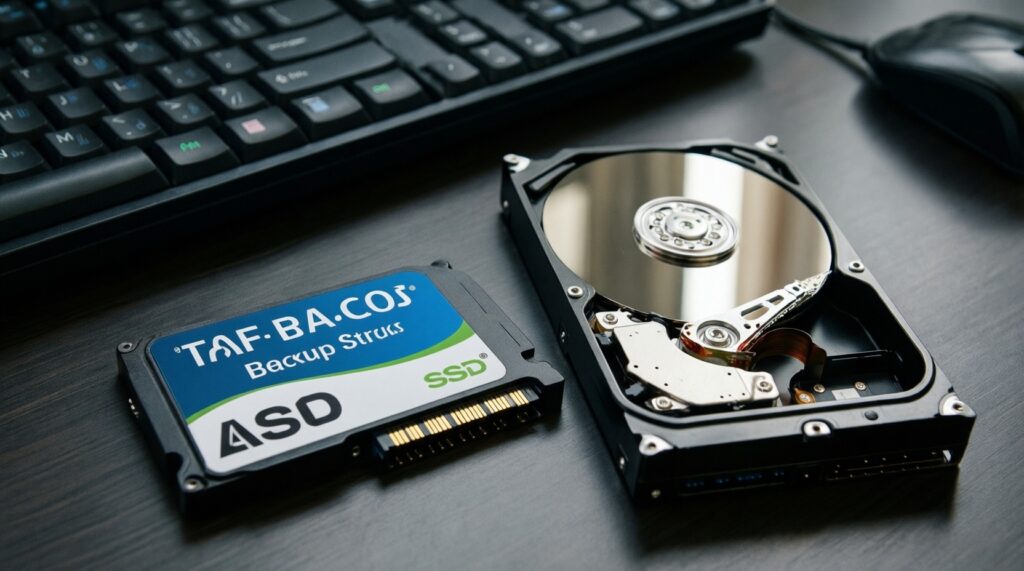
Not inherently; the main risk is performance consistency, not basic data correctness. As always, use backups-SSD type doesn't replace them.
How do I tell if a specific SSD is DRAM-less?
Check the exact model's teardown/review or detailed spec sheet for a DRAM package or explicit "DRAM-less/HMB" mention. Marketing pages often omit this detail.