PCIe 5.0 is worth upgrading to only when your workload can saturate PCIe 4.0 (typically high-end NVMe, multi-device I/O, or specific accelerator/NIC use). For most gaming and everyday creator PCs in Thailand, a stable PCIe 4.0 platform remains the value pick; choose PCIe 5.0 when you're rebuilding anyway for longevity.
PCIe 5.0 in brief: what changes and why it matters
- PCIe 5.0 doubles per-lane bandwidth versus PCIe 4.0, improving headroom for storage and high-I/O devices.
- Backward compatibility remains: PCIe 5.0 cards/drives work in older slots (at the older speed), and vice versa.
- Lane budgeting matters more than the headline version: GPUs, NVMe slots, and chipset links compete for lanes.
- Motherboard design quality (slot wiring, M.2 layout, BIOS maturity) often impacts stability more than the PCIe number.
- NVMe is where PCIe 5.0 most often shows a practical benefit; GPUs rarely need it today.
- Upgrade value depends on your timing: if you must also change CPU and RAM, PCIe 5.0 can be an efficient "platform reset."
Technical comparison: PCIe 4.0 vs PCIe 5.0 - bandwidth, lanes and signal considerations
If you're asking PCIe 5.0 คืออะไร, treat it as a faster link standard that mainly increases I/O headroom. Compare platforms using these criteria (in priority order for most intermediate builders):
- Per-lane throughput: PCIe 5.0 provides roughly 2× bandwidth per lane versus PCIe 4.0 (useful when lanes are limited).
- GPU slot wiring: Is the main slot x16 from the CPU, and does it ever drop to x8 when you populate M.2 slots?
- M.2 topology: Which M.2 slots are CPU-attached versus chipset-attached, and at what PCIe generation?
- Chipset uplink: A faster GPU or SSD won't help if the chipset link becomes the bottleneck for chipset-connected devices.
- Lane sharing rules: Some boards share lanes between PCIe slots and M.2; check the fine print.
- Thermals and power delivery: High-end PCIe 5.0 NVMe drives can run hotter; board heatsinks and case airflow matter.
- BIOS/firmware maturity: Early BIOS versions may need updates for best memory training and device compatibility.
- Expansion plans: Capture cards, 10/25GbE NICs, extra NVMe add-in cards-these benefit more than a single GPU.
| Attribute | PCIe 4.0 | PCIe 5.0 | What it changes for you |
|---|---|---|---|
| Per-lane bandwidth | Baseline | ~2× vs PCIe 4.0 | More headroom for NVMe and high-I/O cards without increasing lane count |
| x16 slot potential | High | Higher | Mostly theoretical for GPUs today; practical for specialized accelerators |
| x4 NVMe link potential | Fast | Faster | Where you're most likely to notice improvements (large sequential work, heavy I/O) |
| Compatibility | Backward/forward within PCIe family | Backward/forward within PCIe family | Mixing generations is normal; speed negotiates to the common denominator |
| Platform sensitivity | Lower | Higher | Board quality, BIOS, and cooling become more important with faster links |
Build-focused tips after comparing PCIe generations
- If you run one GPU + one NVMe and mostly game, prioritize CPU/GPU tier and a solid PCIe 4.0 board over chasing PCIe 5.0.
- If you routinely move large project files or run multiple NVMe drives, shortlist platforms where at least one M.2 slot is CPU-attached at PCIe 5.0.
- Before buying, read the board's lane-sharing notes to avoid accidental x16-to-x8 or disabled SATA/M.2 ports.
Ecosystem today: which GPUs, NVMe drives and NICs actually use PCIe 5.0
In practice, PCIe 5.0 adoption is uneven: NVMe drives and some NICs are the common "real" users; GPUs typically perform similarly on PCIe 4.0 x16 for most gaming. This matters when evaluating SSD PCIe 5.0 ราคา or comparing whether เมนบอร์ด PCIe 5.0 รุ่นไหนดี for your build goals.
| Option | Who it fits | Pros | Cons | When to choose |
|---|---|---|---|---|
| PCIe 4.0 GPU + PCIe 4.0 NVMe (status quo) | Gamers; mixed everyday + light creator workloads | Best stability/value; wide board choice; simpler thermals | Less peak NVMe headroom; fewer "future-proof" bragging rights | When your current system feels balanced and you want the safest upgrade path |
| PCIe 4.0 GPU + PCIe 5.0 NVMe | Creators moving large files; heavy compile/build; scratch-disk workflows | Targets the area where PCIe 5.0 helps most; GPU choice stays flexible | Drive heat; may need motherboard heatsink quality and airflow | When storage I/O is the bottleneck and you're already buying a new drive |
| PCIe 5.0-ready motherboard, but use PCIe 4.0 devices initially | New builders planning staged upgrades | Buys time; keeps options open for later PCIe 5.0 SSD/NIC | Potentially higher board cost; you pay now for benefits later | When you're rebuilding anyway and don't want the board to be the limiting factor |
| Multi-NVMe (2-4 drives) workstation layout | Video editing caches; data-heavy workflows; homelab users | Higher aggregate I/O; can separate OS/projects/cache | Lane sharing complexity; chipset uplink can bottleneck some slots | When your workflow benefits from parallel disk activity more than raw sequential speed |
| High-speed networking NIC (10/25GbE-class) and storage | NAS builders; networked editing; virtualization | More consistent throughput under concurrency; better I/O scalability | Needs careful slot placement and lane budgeting; higher system complexity | When your network is fast enough that local I/O becomes the next limiter |
What to prioritize when choosing PCIe 5.0-capable parts
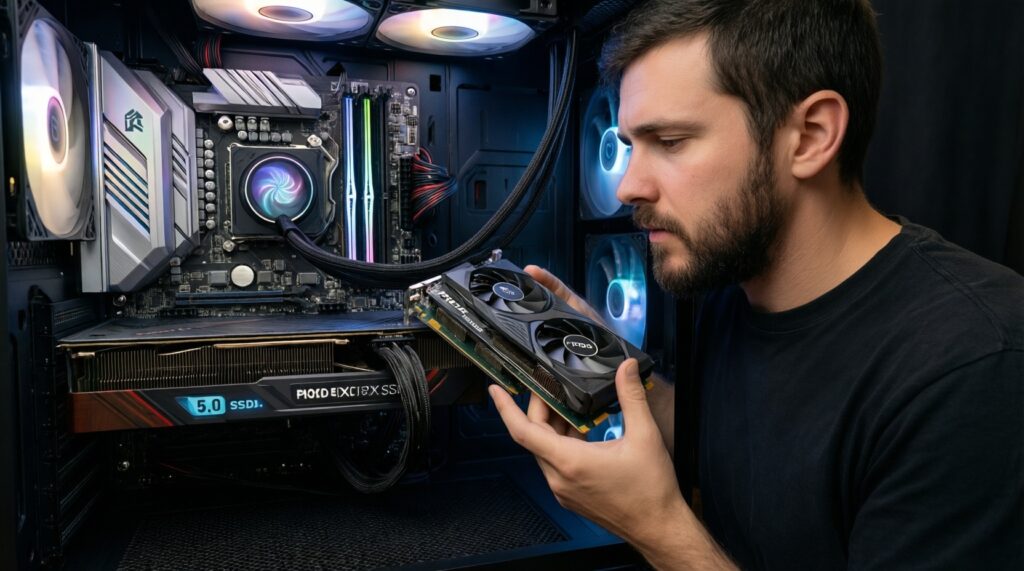
- If your PC is primarily for gaming, treat PCIe 5.0 as optional; prioritize GPU tier and CPU performance.
- If you're choosing between "faster SSD" and "PCIe 5.0 GPU capability," pick the SSD path first-it's the more common real-world win.
- When comparing SSD PCIe 5.0 ราคา, include cooling and motherboard heatsink quality in your budget logic, not just the drive.
Platform requirements: motherboards, chipsets, CPU lane allocation and BIOS support
Platform fit is the real decision: PCIe generation alone doesn't tell you if your GPU and M.2 slots keep their full lanes. In Thailand, buyers often start from เมนบอร์ด PCIe 5.0 ราคา, but the more important filter is whether your CPU and board route lanes the way you need.
- If you plan a GPU + one fast NVMe only, then focus on a board with clean x16 wiring and at least one CPU-attached M.2 slot; PCIe 4.0 is usually sufficient.
- If you want PCIe 5.0 NVMe performance, then verify the M.2 slot is actually PCIe 5.0 (and whether it's CPU-attached) rather than assuming all slots are the same.
- If you're considering อัปเกรด CPU รองรับ PCIe 5.0, then confirm the CPU model and the motherboard chipset both support the desired PCIe 5.0 lanes; otherwise devices will run at PCIe 4.0.
- If you use multiple expansion cards (capture/NIC/HBA), then map lane allocation across all PCIe slots and M.2 sockets and avoid boards that disable ports when slots are populated.
- If you buy early or mid-cycle boards, then plan for BIOS updates; look for boards with easy BIOS flash features and a track record of frequent firmware releases.
Checks to run before committing to a motherboard in Thailand
- Before purchasing, open the motherboard manual and find the lane-sharing table-treat it as required reading.
- Choose a board that matches your real device map (GPU + number of M.2 + any NIC), not the highest PCIe label.
- If your upgrade requires a platform change anyway, shortlist PCIe 5.0-capable boards to extend the platform's useful life.
Real-world impact: expected performance differences across gaming, content creation and server tasks
Use this quick selection algorithm to decide whether PCIe 5.0 will show up in your day-to-day results.
- List your top 2 workloads (gaming, editing, compiling, VM lab, NAS, AI inference, etc.).
- Identify your current bottleneck: GPU-limited FPS, CPU-limited simulation, or storage I/O wait (file copies, cache rebuilds, project loads).
- If gaming is your priority and your GPU runs at PCIe 4.0 x16 today, treat PCIe 5.0 as low-impact unless you have a special case.
- If you repeatedly move large files, rebuild caches, or work from a fast local scratch disk, prioritize NVMe capability (often where PCIe 5.0 helps most).
- If you run multiple VMs, containers, or a homelab, value lane budgeting and multi-device I/O more than peak single-drive benchmarks.
- Check thermals: if your case airflow and motherboard M.2 heatsinks are average, avoid overpaying for peak PCIe 5.0 storage you can't cool well.
- Decide "buy now vs wait" based on whether you're also changing CPU/RAM; platform resets are the most rational time to adopt PCIe 5.0.
Fast ways to validate whether PCIe 5.0 will matter to you
- Benchmark your current storage queueing and copy behavior first; don't assume PCIe 5.0 fixes a CPU/GPU bottleneck.
- If you can't describe a storage/I/O pain point, keep PCIe 4.0 and invest in GPU/CPU, RAM, or better cooling.
Economic assessment: upgrade costs, upgradeability paths and resale/value retention
Without relying on any single เมนบอร์ด PCIe 5.0 ราคา listing, you can still avoid the most common "pay more, gain little" traps:
- Overpaying for PCIe 5.0 while keeping the same bottleneck (e.g., GPU-limited gaming).
- Assuming a "PCIe 5.0 motherboard" means all M.2 slots are PCIe 5.0 (often only one is).
- Forgetting lane sharing: populating an extra M.2 can reduce GPU lanes or disable ports.
- Buying a PCIe 5.0 NVMe without a cooling plan (throttling can erase the advantage).
- Upgrading board first, then discovering your CPU choice doesn't expose the PCIe 5.0 lanes you expected (อัปเกรด CPU รองรับ PCIe 5.0 needs verification).
- Chasing "future-proof" at the expense of stability: weaker VRM, poor BIOS support, or cramped layouts.
- Ignoring total platform cost (new CPU, possibly new RAM generation, cooler bracket changes), which often dominates the upgrade.
- Buying for peak benchmarks rather than sustained workflow performance (especially storage under heat).
Value tactics when comparing PCIe 4.0 vs 5.0 spending
- Budget by platform outcome: "How many fast CPU-attached M.2 slots and usable PCIe slots do I get?" rather than just "PCIe 5.0 yes/no."
- If you're uncertain about SSD PCIe 5.0 ราคา value, prioritize a high-quality PCIe 4.0 SSD with good sustained performance and cooling.
- When asking เมนบอร์ด PCIe 5.0 รุ่นไหนดี, request the exact device map you need (GPU + M.2 count + add-in cards) and pick the board that matches it.
Decision pathways: concrete upgrade scenarios and recommended timelines
| Your need (decision trigger) | Recommended action | Why | What to verify before buying |
|---|---|---|---|
| Mostly gaming; upgrading GPU only | Stay on PCIe 4.0 unless your platform is unstable/aging | GPU performance rarely depends on PCIe 5.0 today | GPU slot runs x16; PSU/case airflow; CPU not holding back FPS |
| New full build (CPU + board + RAM) | Prefer a PCIe 5.0-capable board if the layout is strong | Platform reset is the cleanest time to gain PCIe 5.0 headroom | CPU lane allocation; which M.2 is PCIe 5.0; BIOS update path |
| Creator workflow with heavy local scratch/cache | Target PCIe 5.0 NVMe (or multiple PCIe 4.0 NVMe) based on cooling and lanes | Storage I/O is a common real-world limiter | M.2 heatsinks; CPU-attached slots; sustained performance under heat |
| Homelab/NAS + fast networking + multiple devices | Prioritize lanes, slots, and chipset uplink behavior over PCIe version | Aggregate I/O and concurrency matter more than peak single link speed | Slot bifurcation support; NIC placement; lane sharing rules |
| Considering incremental upgrade only (board or CPU alone) | Delay PCIe 5.0 unless the upgrade solves a known bottleneck | Partial upgrades often waste money due to platform coupling | Whether your chosen CPU/board combination truly enables PCIe 5.0 |
A mini decision tree you can follow in 60 seconds
- Are you rebuilding the platform (CPU + motherboard, possibly RAM) within the next cycle?
- If yes: shortlist stable PCIe 5.0 boards with a layout that matches your device map.
- If no: keep PCIe 4.0 unless storage I/O is your proven bottleneck.
- Is your main pain point storage (project loads, cache, copies, VM I/O)?
- If yes: prioritize CPU-attached M.2 capability and cooling; consider PCIe 5.0 NVMe if the platform supports it cleanly.
- If no: put budget into GPU/CPU tier and overall system balance.
- Do you need multiple add-in cards (NIC/capture/HBA) plus several NVMe drives?
- If yes: buy for lanes/slot layout first; PCIe 5.0 is a bonus, not the foundation.
- If no: a simpler board with strong BIOS support usually wins long-term.
The best fit for most gamers is a mature PCIe 4.0 setup with strong CPU/GPU balance; the best fit for I/O-heavy creators and homelab builders is a PCIe 5.0-capable platform chosen for lane layout and cooling, ideally when you're already doing a full platform rebuild rather than a piecemeal swap.
Short answers to upgrade objections and compatibility doubts
Will a PCIe 5.0 GPU be faster in games on a PCIe 5.0 slot?
Usually not in a noticeable way; gaming is typically GPU-core limited, not PCIe-link limited. A PCIe 4.0 x16 link is already ample for most scenarios.
Can I use PCIe 5.0 devices on a PCIe 4.0 motherboard?
Yes, they should work at PCIe 4.0 speeds if compatibility is normal. Always update BIOS for best device detection and stability.
Do I need to replace my CPU to get PCIe 5.0?
Often yes, because PCIe generation support depends on the CPU and the motherboard chipset. Treat อัปเกรด CPU รองรับ PCIe 5.0 as a platform question, not just a CPU question.
Is a "PCIe 5.0 motherboard" automatically the best pick?
No; layout, lane sharing, VRM quality, and BIOS support can matter more. When asking เมนบอร์ด PCIe 5.0 รุ่นไหนดี, compare the slot/M.2 wiring and lane sharing rules first.
Should I decide based on เมนบอร์ด PCIe 5.0 ราคา alone?
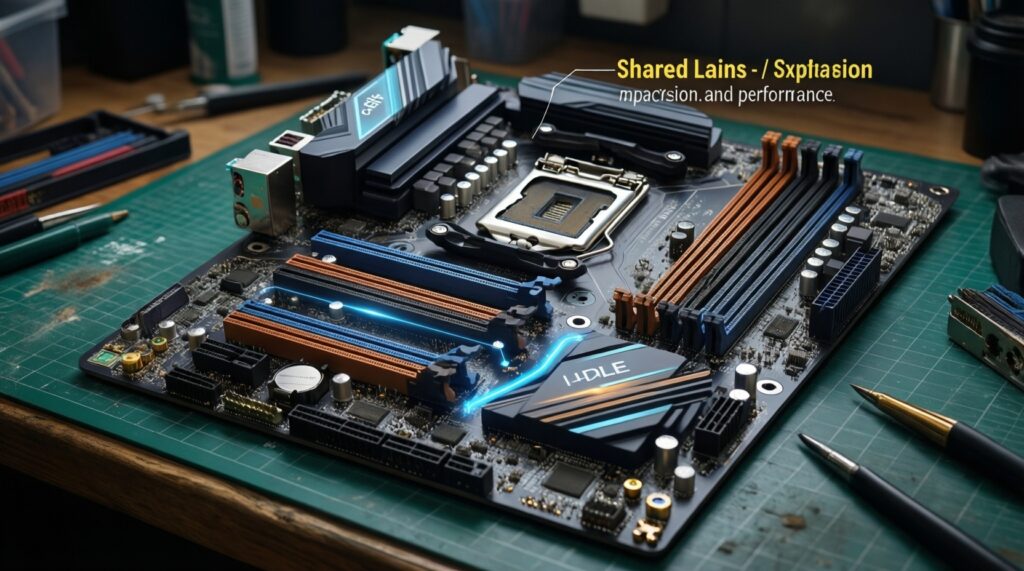
No; total platform cost (CPU/RAM/cooling) and the board's lane topology determine value. A cheaper board with awkward lane sharing can cost you performance and expandability.
Is SSD PCIe 5.0 always worth it?
Only if your workflow benefits from very high storage throughput or heavy I/O; otherwise a high-quality PCIe 4.0 SSD can be the better balanced choice. Consider SSD PCIe 5.0 ราคา together with cooling and sustained performance.
So, PCIe 5.0 คืออะไร in one line for builders?
A faster PCIe link standard that mainly increases I/O headroom, with the most practical gains typically seen in NVMe storage and multi-device setups.