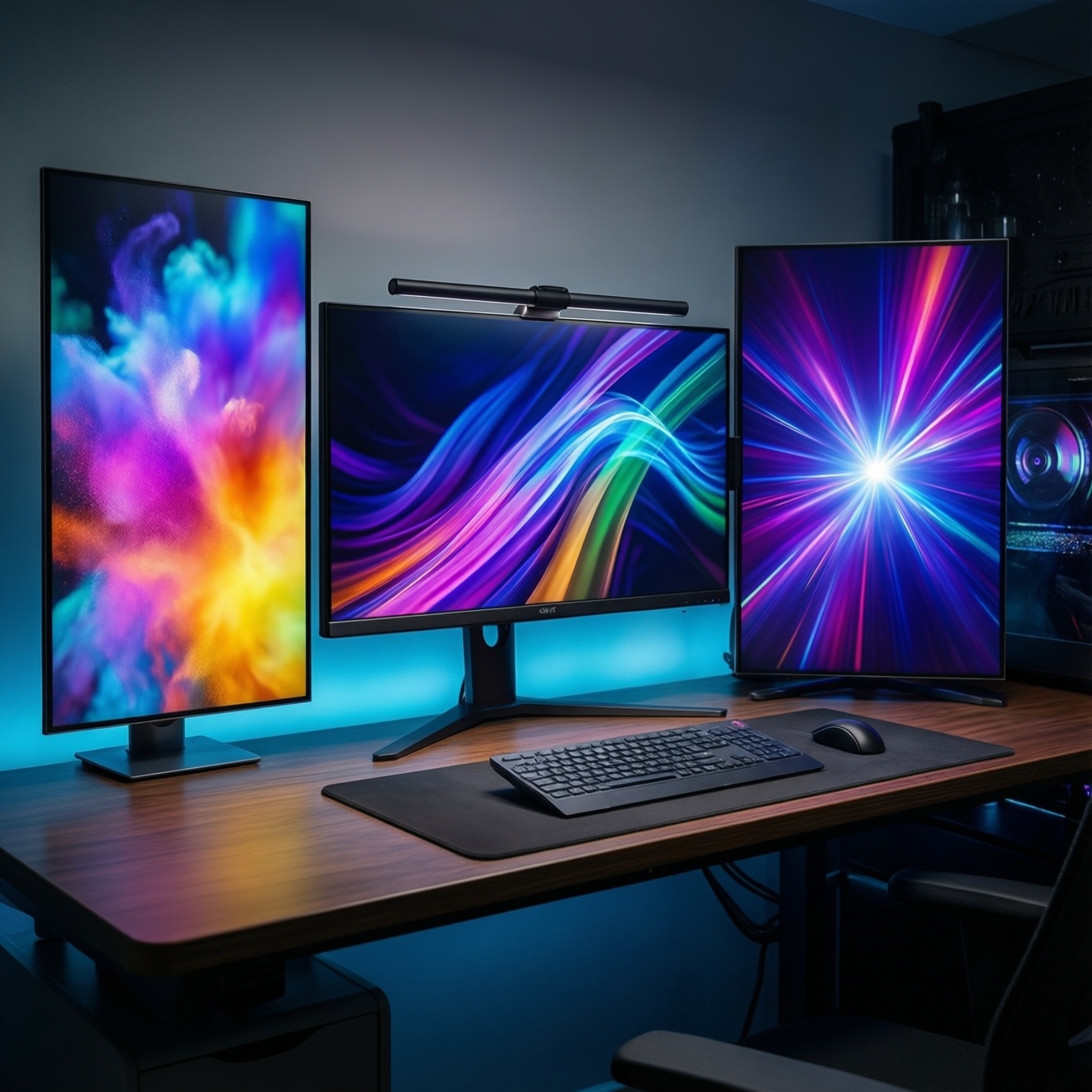
If you want the most "future-proof" value from the new-wave monitor rumors (OLED, mini‑LED, and ever-higher refresh rates), pick by your usage profile: OLED for dark-room contrast and competitive clarity, mini‑LED for bright-room HDR impact and mixed work, and high-refresh IPS/VA when budget and motion smoothness matter most. Start with constraints, then match specs.
Quick Comparison Snapshot
- OLED: best perceived contrast and instant pixel response; watch for burn‑in risk in static desktop use.
- mini‑LED: best "bright HDR" potential and strong all-rounder for work + media; blooming control varies by model.
- High refresh (144-240Hz+): smoothest motion for shooters; panel type still decides contrast and HDR realism.
- Bright room → mini‑LED tends to feel more consistent; dark room → OLED looks cleaner in shadows.
- Mostly desktop with static UI → lean mini‑LED / IPS; mostly games + movies → OLED is compelling.
How OLED, mini‑LED and High Refresh Work: Practical Differences
Use these criteria to choose quickly (intermediate-level, buying-oriented):
- Room brightness: sunlit desk favors higher sustained brightness; dim rooms reward deep blacks.
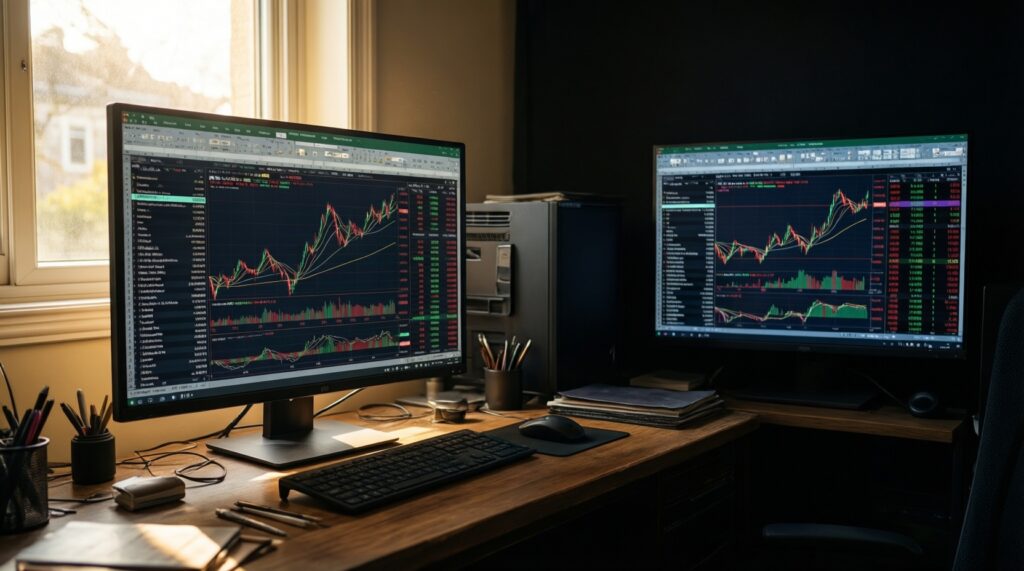
- Content mix: static UI (Excel, IDE, trading dashboards) vs varied full-screen video/games.
- HDR priority: "pop" highlights vs minimal haloing around bright objects on dark backgrounds.
- Motion priority: esports tracking and flick shots vs cinematic single-player pacing.
- Refresh rate target: decide if 144Hz is enough or if you truly benefit from 240Hz+.
- Panel uniformity tolerance: near-black artifacts (OLED) vs blooming (mini‑LED) vs IPS glow/VA smearing (LCD).
- Risk tolerance: burn‑in concern (OLED) vs complexity and firmware tuning (mini‑LED local dimming).
- Connectivity needs: console VRR, PC GPU outputs, and bandwidth for your resolution/refresh combo.
Practical note for Thai shoppers: queries like ซื้อจอ OLED ราคา often focus on the sticker price, but the "right" deal depends on your static-use hours and brightness environment.
Real‑World Image Quality: Contrast, Color and HDR Performance
Here's a buy-focused comparison that aligns the tech with who it fits best. This addresses เปรียบเทียบจอ OLED กับ mini LED in real usage, not lab theory.
| Option | Who it fits | Pros | Cons | When to choose |
|---|---|---|---|---|
| OLED (flat/curved) | Competitive gamers + movie watchers in dim to moderate rooms | Near-perfect black level, high perceived contrast, excellent pixel response | Burn‑in risk with static UI; brightness behavior varies by content; text clarity depends on subpixel layout | When dark scenes, shadow detail, and motion clarity matter most, and you can follow burn‑in-safe habits |
| mini‑LED LCD (many dimming zones) | Mixed work + HDR streaming + bright-room gaming | Strong HDR highlight impact; better sustained brightness; less burn‑in anxiety for static work | Blooming/haloing possible; local dimming can crush detail or fluctuate; performance varies widely by implementation | When you want a "do-everything" monitor and your room is bright or you keep static windows all day |
| High-refresh IPS (144-240Hz+) | Esports on a budget; creators needing stable viewing angles | Very consistent colors/angles; many affordable 144-240Hz models; generally easy desktop usage | Lower native contrast; HDR often limited; can show IPS glow in dark rooms | When you care most about smoothness and accuracy for the money, and HDR isn't your priority |
| High-refresh VA (144-240Hz+) | Single-player gamers who want deeper blacks than IPS without OLED pricing | Higher native contrast than IPS; good for dim rooms at the right tuning | Potential dark-level smearing; viewing angles vary; HDR quality varies | When you want deeper blacks on LCD and can test/return if motion artifacts bother you |
| OLED gaming focus (common 27-inch class) | Players prioritizing sharp motion and premium contrast in a desk-friendly size | Excellent for fast shooters and dark single-player scenes; premium perceived image depth | Static desktop risks still apply; pricing can swing hard by promotions | When researching จอเกมมิ่ง OLED 27 นิ้ว ราคา and you can control brightness + vary content often |
If your shopping question is "จอ mini LED ยี่ห้อไหนดี", treat brand as secondary: prioritize local-dimming behavior (blooming control), usable brightness consistency, and firmware stability over logo.
Gaming and Motion: Latency, Response and When High Refresh Matters
Use these scenario rules to pick refresh rate and panel tech without overpaying:
- If you mainly play competitive shooters (tracking, flicks, fast strafes), then prioritize 240Hz+ and fast pixel response; OLED often feels cleaner in motion at the same refresh.
- If you play a mix of esports + single-player, then target 144-180Hz first, and spend remaining budget on better panel quality (OLED or strong mini‑LED implementation).
- If your PC rarely holds very high FPS at your chosen resolution, then don't pay extra for 240Hz; instead, prioritize VRR quality and overall image quality.
- If you are asking "จอ 144Hz 240Hz ซื้อไหนดี", then choose 240Hz only when your game + GPU can feed it and you actually notice blur/latency limits at 144Hz.
- If you also use the monitor for work calls, docs, and browsing, then consider how many hours of static UI you do before choosing OLED.
Durability and Reliability: Burn‑in, Backlight Lifespan and Maintenance
- Estimate your static-UI hours. If most days are long sessions with fixed toolbars/windows, treat OLED as "needs discipline."
- Check for panel protection features. Favor models that offer pixel shifting, logo dimming, panel refresh routines, and easy access to those settings.
- Set brightness intentionally. Run "as bright as needed," not maxed out all day, especially on OLED.
- Plan your desktop habits. Use auto-hide taskbar, dark mode where comfortable, and vary window layouts if going OLED.
- Validate local dimming behavior in your content. For mini‑LED, test subtitles, starfields, and UI overlays to judge blooming tolerance.
- Confirm warranty terms you care about. Look specifically for display panel coverage details and usage exclusions before committing.
Cost, Power Consumption and Total Cost of Ownership
- Comparing only headline specs (e.g., "HDR" badge or max refresh) while ignoring panel type and dimming behavior.
- Overbuying refresh rate when your GPU/game settings won't sustain the FPS to benefit from it.
- Buying OLED for office-first use without a plan to mitigate static elements-then worrying daily about burn‑in.
- Assuming all mini‑LED is equal; zone count and algorithms can change the experience dramatically.
- Ignoring usable brightness consistency (how it behaves across real scenes) and focusing only on marketing peak claims.
- Paying extra for resolution + refresh simultaneously while skimping on ergonomics (stand adjustability) and connectivity.
- Not budgeting for the "supporting upgrades": a GPU strong enough for your target FPS, a decent arm/stand, and proper cables for high bandwidth.
- Focusing on "ซื้อจอ OLED ราคา" only instead of value over your actual usage pattern (work hours, room lighting, content mix).
Decision Matrix: Match Technology to Use Case and Budget
- If your top goal is dark-scene fidelity + competitive clarity and you can manage static UI habits → choose OLED.
- If you need one screen for bright-room work + HDR entertainment with low burn‑in anxiety → choose a well-tuned mini‑LED.
- If you mainly want smooth motion for the money and HDR is secondary → choose high-refresh IPS/VA based on your contrast vs motion preference.
- If your main question is "เปรียบเทียบจอ OLED กับ mini LED" for mixed use → pick mini‑LED when static productivity dominates, pick OLED when games/movies dominate.
Best fit tends to look like this: OLED for esports + cinematic contrast, mini‑LED for an all-day mixed workflow in brighter rooms, and 144-240Hz IPS/VA for budget-focused smoothness-especially when GPU limits make premium HDR less meaningful.
Common Purchase Dilemmas Resolved
Should I choose OLED or mini‑LED if I work all day and game at night?
If static productivity is most of your hours, mini‑LED is usually the safer, lower-maintenance choice. If gaming/movies dominate and you can manage static UI habits, OLED delivers better perceived contrast and motion clarity.
Is 240Hz always worth it over 144Hz?
No-240Hz pays off mainly when you can sustain very high FPS and you're sensitive to motion blur/latency. Otherwise, a better panel at 144-180Hz often feels like the smarter upgrade.
What matters more for HDR: OLED or mini‑LED?
OLED usually wins for black level and shadow cleanliness, while mini‑LED often feels stronger in bright-room highlight impact. Your room lighting and tolerance for blooming vs near-black artifacts decide the "better" HDR experience.
I keep seeing "จอ mini LED ยี่ห้อไหนดี" recommendations-what should I check first?
Start with local dimming behavior in real scenes (subtitles, UI overlays), then firmware stability and return policy. Brand is less predictive than implementation quality.
How risky is burn‑in on OLED for normal PC use?
Risk increases with long, repetitive static elements at higher brightness. Mitigate with brightness discipline, UI hiding, and built-in panel care features, or choose mini‑LED/IPS if that sounds impractical.
Does a 27-inch OLED gaming monitor make sense for competitive play?
Yes, if you value motion clarity and contrast and your desk distance fits 27-inch well. Price shopping for จอเกมมิ่ง OLED 27 นิ้ว ราคา should include checking warranty terms and burn‑in mitigation features.