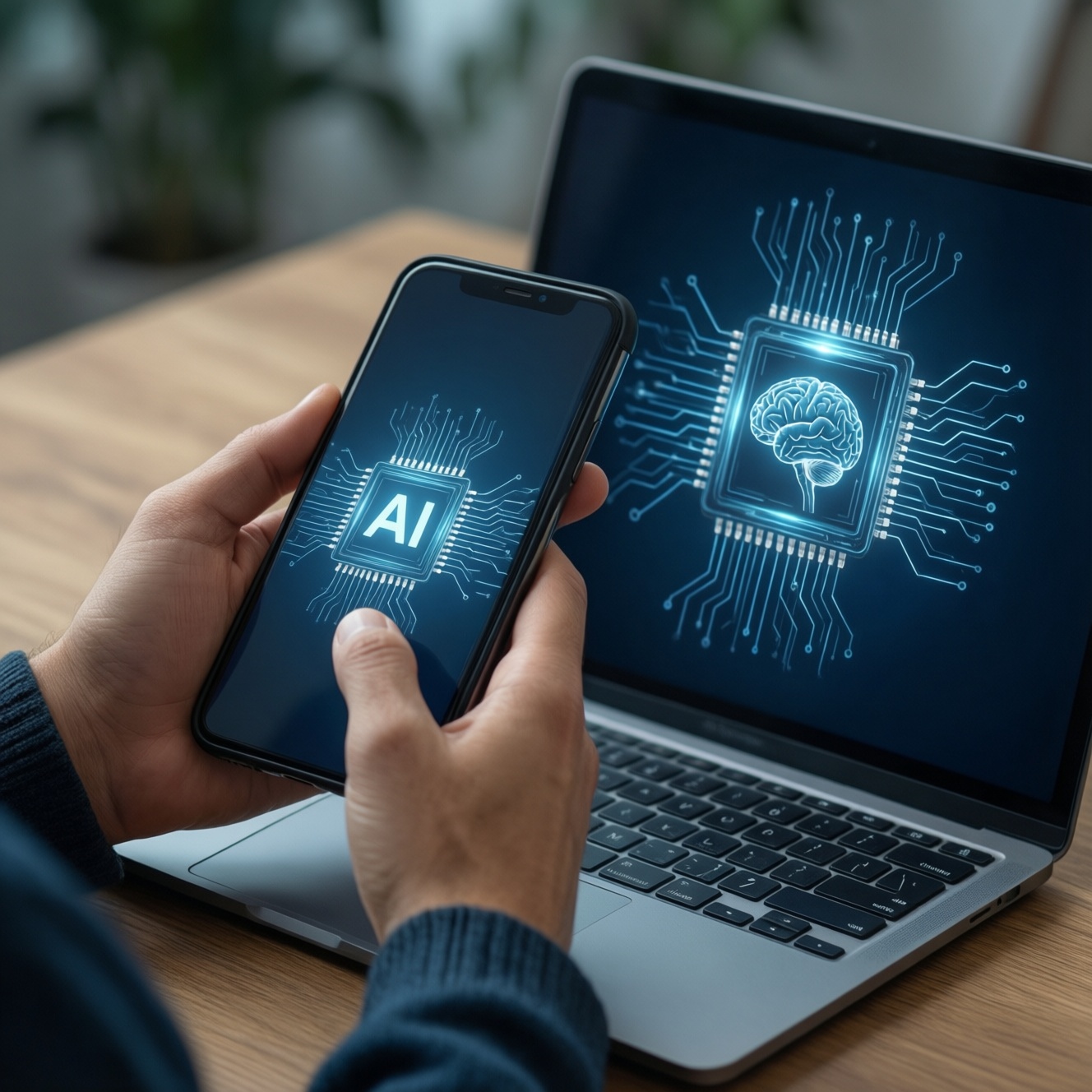
On-device AI means AI features that run directly on your phone or PC using local compute (often an NPU) instead of relying on cloud servers. This year, the practical impact is faster everyday assistance, more offline capability, and tighter privacy controls-if you buy hardware with the right accelerators and evaluate performance using task-based metrics, not marketing labels.
At-a-glance practical summary
- Prioritize devices that clearly state which AI tasks run locally (transcription, image enhancement, translation), not just "AI-ready."
- An NPU helps most for sustained AI workloads; CPU/GPU still matter for apps, graphics, and mixed pipelines.
- For มือถือ AI บนอุปกรณ์ รุ่นใหม่, verify offline modes and supported languages before upgrading.
- For โน้ตบุ๊ก NPU รุ่นใหม่ ราคา, compare the whole platform (RAM, SSD, thermals, battery behavior), not only the NPU claim.
- If you plan to ซื้อคอมพิวเตอร์ Copilot+ PC NPU, check which features are local, which are cloud, and how your organization handles data.
- Use "real task" benchmarks (latency, battery impact, model support) rather than single headline scores.
Common myths about on-device AI and NPU capabilities
Myth: "On-device AI means no internet is ever used." In practice, many products ship hybrid workflows: quick local inference for responsiveness, plus optional cloud calls for larger models or up-to-date knowledge. A reliable indicator is whether the feature still works in airplane mode and what quality drop you observe.
Myth: "An NPU automatically makes everything faster." Only workloads that are compiled/optimized for the NPU benefit. If the app can't target it, the CPU or GPU may do the work, sometimes with higher battery drain.
Myth: "Offline AI is always private." Local processing reduces exposure, but privacy also depends on logging, telemetry, file permissions, and whether prompts or outputs are synced. For buyers looking for สมาร์ทโฟน AI ออฟไลน์ ประมวลผลบนเครื่อง, the key is policy + controls, not the word "offline."
Practical recommendations
- Test the exact feature you care about (e.g., voice notes to text) with Wi‑Fi off and with a long session (10-20 minutes) to see throttling or quality changes.
- Look for explicit statements on supported models/frameworks (e.g., ONNX/Core ML/NNAPI/DirectML) rather than vague "AI engine."
- Ask vendors where prompts, audio, and derived text are stored and whether you can disable cloud enhancement.
Technical foundations: NPUs versus CPUs and GPUs
CPU, GPU, and NPU are complementary. On-device AI typically chains them: CPU orchestrates, GPU accelerates parallel compute (and rendering), and NPU targets efficient tensor operations for neural networks. The best user experience comes from a well-integrated stack (drivers, runtimes, app support), not a single component.
- CPU: best for control flow, small models, pre/post-processing, and general app logic; can run AI but often less efficient for sustained inference.
- GPU: strong for large parallel workloads and some model classes; may cost more power under continuous AI use, but often flexible.
- NPU: optimized for neural network operators (matmul/conv/attention variants depending on generation); designed for low power per inference and steady throughput.
- Memory matters: model size and activation memory pressure can dominate; insufficient RAM or slow memory can bottleneck even a great NPU.
- Software path: frameworks, quantization support (e.g., INT8/FP16), operator coverage, and compiler maturity determine whether apps actually hit the NPU.
- Thermals: thin devices may throttle; a "fast burst" demo can differ from real-day workloads.
| Aspect | CPU | GPU | NPU |
|---|---|---|---|
| Best at | Orchestration, mixed workloads, pre/post-processing | Parallel compute, graphics + some ML workloads | Efficient neural inference, sustained AI features |
| Typical AI performance signal | Latency for small models, single-thread vs multi-thread scaling | Throughput for larger tensors, kernel efficiency | Stable throughput with low power draw |
| Energy behavior | Can spike under heavy inference | Can be power-hungry for continuous AI | Designed to minimize energy per inference |
| Common bottlenecks | Vector width, cache/memory bandwidth | VRAM/memory bandwidth, driver/runtime overhead | Operator support, compiler maturity, model quantization limits |
| What to verify before buying | Overall CPU class, sustained performance | GPU generation, driver support, app compatibility | Supported runtimes/models, offline feature coverage, vendor toolchain |
Practical recommendations
- When you see "AI PC/AI phone," ask which runtime is used and whether your key apps already support NPU execution.
- Prefer platforms with clear developer tooling (profilers, model converters) if you rely on specialized apps.
- In-store tests: repeat the same AI task multiple times to observe sustained behavior (heat, speed, battery impact).
Relevant performance metrics and benchmarking for real-world tasks
For intermediate buyers and teams, the most reliable evaluation is task-first benchmarking: measure what you actually do daily. This also helps answer the common question in Thai communities: เปรียบเทียบชิป NPU สำหรับ AI บนอุปกรณ์ รุ่นไหนดีที่สุด-"best" depends on the task and software stack.
- Voice transcription: end-to-end latency, accuracy in noisy environments, offline language support, and device heat during long meetings.
- Live translation/subtitles: delay (speech-to-text-to-translation), stability when switching apps, and whether it works fully offline.
- Photo enhancement: time to process bursts, consistency across lighting, and whether results are applied locally or uploaded.
- Document summarization: speed per page, handling of PDFs/scanned docs, and whether content leaves the device.
- Background AI helpers: battery drain over a normal day, not only "instant" demo performance.
Practical recommendations
- Use the same prompt/audio clip/photo set across devices; otherwise comparisons are noise.
- Check "model size class" and quantization options if you run custom models; many devices shine only within certain constraints.
- Measure over time: a 30-second test can hide throttling that appears after repeated inference.
Privacy, security, and data handling on-device

On-device AI can reduce data exposure, but it does not automatically solve governance. In Thailand, this matters for individuals (personal recordings) and teams (client data): you want predictable data paths, auditable settings, and strong isolation between apps.
Where on-device AI helps
- Prompts, audio, and images can be processed without sending raw content to external servers.
- Lower risk of interception in transit and fewer third-party processors involved.
- More consistent availability when connectivity is poor or restricted.
Limits and checks you should still do
- Confirm whether telemetry includes prompts, embeddings, or derived summaries; disable where possible.
- Check storage location: are transcripts saved in plain files, app sandboxes, or encrypted containers?
- Understand account sync: some "offline" features still sync results to cloud for continuity across devices.
- For enterprises, verify MDM support, local policy enforcement, and whether AI features can be controlled per app/user.
Everyday applications: productivity, imaging, and accessibility
Most daily benefits come from small, frequent interactions: cleaning up audio, turning notes into structured text, fixing photos quickly, and making content more accessible. The common failure mode is expecting "one AI chip" to upgrade everything without checking app support and offline boundaries.
- Productivity: meeting notes, email drafting, document summarization-verify if your language and your apps are supported locally.
- Imaging: denoise, super-resolution, portrait effects-watch for over-processing and inconsistent skin tones in mixed lighting.
- Accessibility: live captions, voice control, on-screen reading-offline performance matters most when you need reliability.
- Battery reality: background AI assistants can be "always-on"; test a full day with your messaging, camera, and navigation patterns.
- App dependency: a strong NPU won't help if your preferred apps haven't adopted the platform runtimes yet.
Practical recommendations
- Pick 3 daily workflows and validate them end-to-end (including file export/sharing), not just the AI demo app.
- Prefer devices that expose toggles for offline processing and cloud enhancement separately.
- For buyers comparing upgrade value, focus on reliability and time saved per day, not novelty features.
Deployment trade-offs for developers and product teams
Teams building on-device AI must trade model quality against latency, battery, and coverage across chipsets. A simple strategy is capability-tiering: ship a baseline small model that runs everywhere, then selectively enable NPU-optimized paths on supported devices (including Copilot+ class PCs where available).
Mini-case: capability-tiered inference path
// Pseudocode for an app that prefers NPU but falls back safely
caps = detectDeviceCapabilities()

if (caps.supportsNPU && runtime.hasCompiledModel("intent-int8")) {
  model = load("intent-int8")          // quantized, NPU-friendly
  policy = { mode: "on-device", maxLatency: "interactive" }
} else if (caps.supportsGPU) {
  model = load("intent-fp16")          // GPU path
  policy = { mode: "on-device", maxLatency: "interactive" }
} else {
  model = load("intent-small-cpu")     // CPU fallback
  policy = { mode: "on-device", maxLatency: "best-effort" }
}

result = runInference(model, input, policy)
return postprocess(result)
Practical recommendations
- Design UX for "quality tiers" so outputs remain acceptable on CPU-only devices.
- Profile memory and thermals early; battery regressions often come from pre/post-processing, not the model core.
- Document data paths clearly (local vs cloud) to prevent surprise compliance issues when features ship.
Practical questions users and teams commonly raise
How can I tell whether a feature is truly on-device?
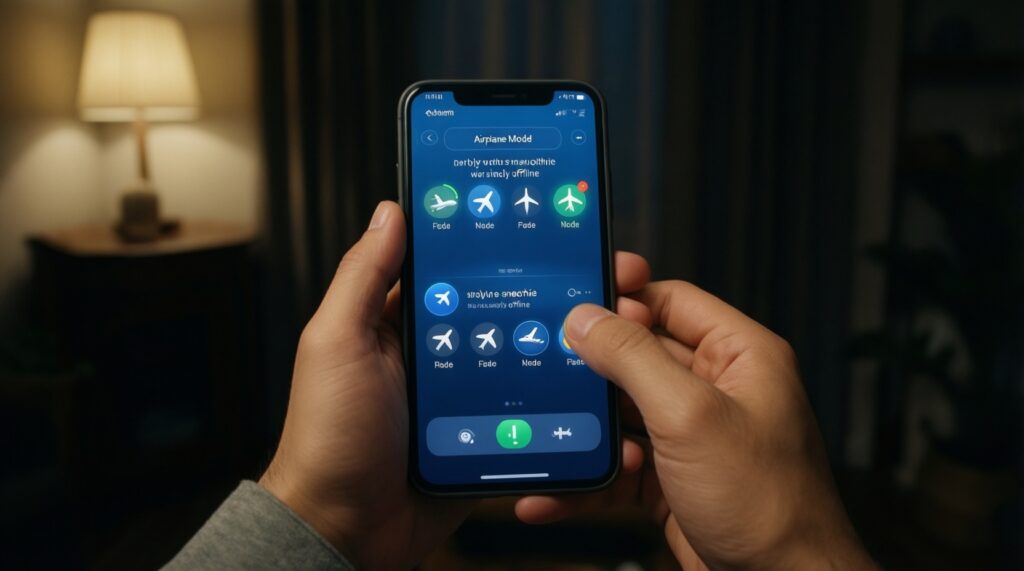
Turn on airplane mode and run the feature repeatedly. If it still works with similar quality and speed, it is likely on-device or at least has a local fallback.
Is an NPU required for good on-device AI?
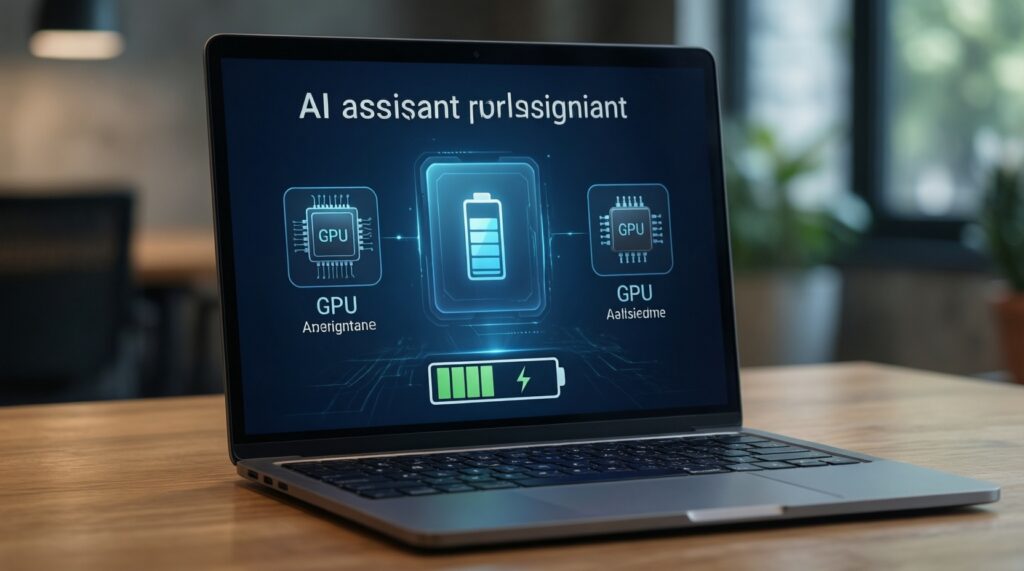
No, but it helps for sustained or always-on features. Without NPU support, you may still get the feature via CPU/GPU with higher battery use or lower throughput.
What should I check before buying a phone advertised as มือถือ AI บนอุปกรณ์ รุ่นใหม่?
Verify offline availability, supported languages, and which apps actually use local inference. Also check whether results are synced to cloud by default.
When comparing โน้ตบุ๊ก NPU รุ่นใหม่ ราคา, what matters besides the NPU?
RAM capacity, SSD speed, thermals, and the OS/runtime support determine real experience. An NPU claim alone doesn't guarantee your apps will use it.
Does buying a ซื้อคอมพิวเตอร์ Copilot+ PC NPU automatically improve my productivity?
Only if the features you use run locally and integrate with your workflow. Check what is on-device versus cloud and test your top applications.
What's the most useful way to answer เปรียบเทียบชิป NPU สำหรับ AI บนอุปกรณ์ รุ่นไหนดีที่สุด?
Compare by task: transcription, translation, imaging, and summarization. Also confirm framework support and sustained performance, not just peak demos.