To pick the best new‑gen GPU value in Thailand for 1080p, 1440p, or 4K, compare three things in this order: stable FPS at your target settings, VRAM headroom for the games you actually play, and total platform cost (PSU + case airflow). Then choose the cheapest card that still meets your minimum FPS without relying on heavy upscaling.
Quick verdicts for budget-focused GPU buyers
- If you want 1080p high settings with the best efficiency per baht, start with RTX 4060 or RX 7600, then decide based on features (DLSS/Frame Gen vs driver ecosystem and pricing).
- If you play newer AAA titles and hate lowering textures, prioritize more VRAM sooner (e.g., 12-16GB class) before chasing a small FPS bump.
- For a practical 1440p "set-and-forget" experience, midrange cards like RX 7700 XT / RX 7800 XT or RTX 4070 SUPER are where cost and detail often balance.
- For 4K, "value" depends on whether you accept upscaling; native 4K pushes you into higher tiers quickly.
- When comparing deals (เปรียบเทียบการ์ดจอรุ่นใหม่ ราคา), include PSU upgrade risk and cooler quality, not only the GPU sticker price.
Testing approach: measuring FPS-per-baht, settings, and repeatability
Executive conclusion: "การ์ดจอ FPS ต่อบาท ดีที่สุด" only makes sense when every card is tested under the same constraints and you price the full upgrade, not just the GPU. Use repeatable settings, measure 1% lows, and treat VRAM limits as a hard fail (stutters/texture drops) rather than a small penalty.
One-sentence recommendation: Lock your target resolution and settings first, then compare candidates by (1) minimum acceptable smoothness and (2) total cost-to-run, not peak FPS.
- Target resolution & refresh: 1080p/1440p/4K and your monitor Hz define what "enough FPS" means.
- Preset discipline: Use the same preset (e.g., High) and the same upscaler mode across cards; record any exceptions.
- Upscaling policy: Decide upfront if DLSS/FSR/XeSS is allowed; don't mix "native" and "upscaled" results.
- Frame generation rule: If you use it, treat it as a separate mode; compare like-for-like, and watch input latency.
- 1% lows and pacing: Smoothness matters more than an average FPS headline for real playability.
- VRAM headroom checks: Validate the same scene with the same texture settings; flag any VRAM-triggered stutter or pop-in.
- CPU/RAM neutrality: Use a CPU that won't cap midrange GPUs at 1080p; keep RAM speed/timings fixed.
- Power/thermals behavior: Note if a card is frequently power-limited, noisy, or thermal-throttling in your case.
- Thai-market cost: Compare street price, warranty handling, and bundle value (games, adapters) as part of "per-baht."
1080p recommendations: top budget performers and VRAM trade-offs
Executive conclusion: At 1080p, the best "FPS per baht" is usually a mainstream GPU that stays efficient and avoids VRAM pressure at your chosen textures. Paying extra here only makes sense if you need better ray tracing, frame generation, content creation features, or you plan to move to 1440p soon.
One-sentence recommendation: Buy for smoothness + VRAM safety first, then pick the cheapest card that meets that bar with your preferred upscaling option.
| Option | Who it fits | Pros | Cons | When to choose |
|---|---|---|---|---|
| GeForce RTX 4060 (8GB) | 1080p competitive and mixed gaming; small/quiet builds | Strong efficiency; DLSS features; typically easy on PSU | 8GB can constrain textures in newer AAA; weaker uplift if you refuse upscaling | When you want a predictable 1080p experience and prioritize efficiency and DLSS workflow |
| Radeon RX 7600 (8GB) | Budget-first 1080p with traditional raster focus | Often strong value in Thai promos; good raster at 1080p | 8GB limitations show up in some new titles; ray tracing typically less forgiving | When "เปรียบเทียบการ์ดจอรุ่นใหม่ ราคา" points to a clear discount and you mainly play esports/raster-heavy games |
| Radeon RX 7600 XT (16GB) | 1080p players who keep high textures/mods and want extra VRAM | 16GB reduces texture compromises; better long-term headroom for VRAM-heavy games | Value depends heavily on pricing; not always much faster than 7600 in raw FPS | When you see stutter/texture drops on 8GB cards and the price gap is reasonable for your budget |
| GeForce RTX 4060 Ti (16GB) | 1080p/1440p crossover with VRAM safety plus NVIDIA features | 16GB helps in VRAM-bound cases; strong feature stack (DLSS/creator tooling) | Can be poor FPS-per-baht if priced high; may feel like paying for VRAM rather than speed | When you specifically need NVIDIA features and want to avoid the 8GB ceiling without jumping to higher tiers |
| Intel Arc A770 (16GB) | Value hunters comfortable with tuning and checking game compatibility | 16GB; can be compelling in certain APIs/titles; good media/AV1 capabilities | More variability across games; needs updated drivers and a bit more troubleshooting | When you want 16GB on a tight budget and you're okay validating your main games before committing |
1440p picks: sweet spots where cost and detail balance
Executive conclusion: 1440p is where GPU choice starts to look like "settings management." The best buys are cards that keep 1% lows stable without forcing aggressive upscaling, and with enough VRAM to hold high textures. This is why "การ์ดจอเล่นเกม 1440p แนะนำ" lists often favor the upper-midrange.
One-sentence recommendation: For 1440p, prioritize VRAM headroom and consistent lows over small average-FPS differences.
- If you want budget-first 1440p and accept using upscaling on heavy games, then consider RX 7700 XT as a pragmatic entry point; it usually balances cost with strong raster performance.
- If you want high textures at 1440p with fewer VRAM surprises, then choose RX 7800 XT (16GB), especially if you play open-world AAA titles and keep texture packs enabled.
- If you want premium 1440p with better ray tracing behavior and you use DLSS, then RTX 4070 SUPER is often the cleanest "pay more, get more consistency" step.
- If you mostly play competitive shooters and chase high refresh rates, then pick the card with the best sustained clocks and lowest latency in your setup-often an efficient NVIDIA option, unless AMD is priced significantly lower.
- If you plan to move to 4K later, then choose the 1440p card that also has the VRAM and bandwidth to scale-typically the 16GB class-rather than the cheapest 12GB-ish solution.
Budget vs premium emphasis at 1440p
- Budget path: Choose a strong raster card at a discount and lean on sensible settings (High instead of Ultra) plus quality upscaling.
- Premium path: Pay for fewer compromises: steadier 1% lows, higher RT comfort, and a wider "no-tweak" game list.
4K contenders: when spending more actually raises playable FPS
Executive conclusion: At 4K, you're buying headroom, not just frames. "การ์ดจอ 4K รุ่นไหนคุ้ม" depends on whether you demand native 4K, whether ray tracing is on, and how much upscaling you accept. The "value" card is the one that hits your minimum smoothness with your preferred image-quality policy.
One-sentence recommendation: For 4K, choose the lowest tier that meets your minimum FPS with your chosen upscaling mode, then only spend more if it removes a specific compromise (VRAM, RT, or 1% lows).
- Define your 4K mode: Native 4K, or 4K output with upscaling; decide before shopping.
- Set a hard floor for smoothness: Pick a minimum 1% low you'll accept (not just average FPS).
- Pick your "must-have" features: Ray tracing on/off, frame generation on/off, and whether you rely on DLSS/FSR/XeSS.
- Shortlist realistic tiers: For many players this starts around RTX 4070 SUPER / RX 7800 XT (upscaled 4K focus) and scales up to RX 7900 XTX / RTX 4080 SUPER-class for fewer compromises.
- Check VRAM risk: If you use ultra textures or heavy mods, bias toward higher VRAM tiers to avoid streaming stutter.
- Validate power and case: Ensure PSU capacity/quality and airflow match the card class; instability ruins "value."
- Buy based on constraints: Spend more only when it clearly fixes your bottleneck (RT performance, VRAM, or minimum FPS), not for small spec-sheet differences.
VRAM guidance: when extra memory matters and when it's marketing
Executive conclusion: VRAM is not "more FPS"; it's "fewer problems." The practical answer to "การ์ดจอ VRAM 12GB 16GB ต่างกันยังไง" is: 16GB more often preserves texture quality and reduces stutter in memory-heavy scenes, while 12GB can be fine at 1440p if you avoid ultra textures/mods and accept some tuning.
One-sentence recommendation: Treat VRAM as a stability and texture-quality budget-buy enough to avoid stutter first, then pay for raw speed.
- Mistake 1: Assuming 16GB automatically beats 12GB-if the GPU is slower, extra VRAM won't fix low compute/bandwidth.
- Mistake 2: Buying 8GB for "AAA at Ultra" expectations-8GB can still work, but you must be willing to reduce textures in some newer titles.
- Mistake 3: Ignoring that VRAM needs rise with resolution + textures + RT + mods combined, not with resolution alone.
- Mistake 4: Blaming "bad optimization" when it's actually a VRAM overflow (stutter, texture pop-in, sudden hitching).
- Mistake 5: Comparing VRAM numbers without checking memory bus/bandwidth behavior; capacity is only one part of the pipeline.
- Mistake 6: Treating upscaling as a VRAM fix-it can reduce render load, but textures and assets can still exceed memory.
- Mistake 7: Overbuying VRAM while under-budgeting PSU/cooling, leading to throttling or instability that ruins real performance.
- Mistake 8: Forgetting your game mix: esports titles rarely demand high VRAM, while open-world AAA and modded games often do.
Consolidated tables and purchase plans for tight, mid, and stretch budgets
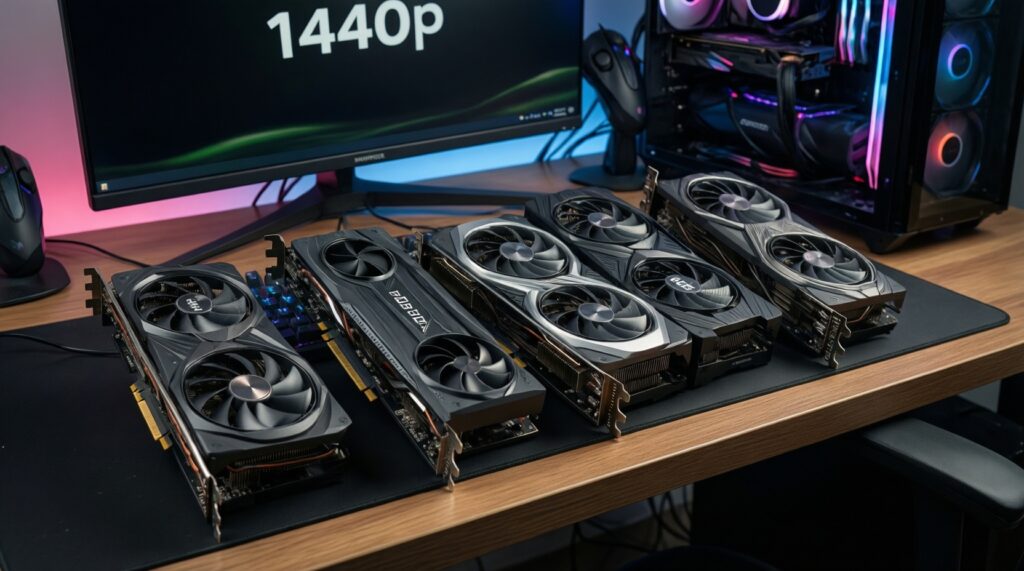
For a tight, value-led build, start with RTX 4060 or RX 7600 and only move up if your specific games force texture cuts. For a balanced 1440p plan, RX 7700 XT / RX 7800 XT are often the "best for high textures per baht," while RTX 4070 SUPER can be "best for DLSS + ray tracing comfort" when priced reasonably.
| Resolution target | Budget-lean pick (value) | Mid pick (balanced) | Stretch pick (fewer compromises) | What to optimize for |
|---|---|---|---|---|
| 1080p | RX 7600 / RTX 4060 | RX 7600 XT (16GB) / RTX 4060 Ti (16GB) | RX 7700 XT | Lowest total cost, quiet operation, and avoiding VRAM-related texture drops |
| 1440p | RX 7700 XT | RX 7800 XT (16GB) | RTX 4070 SUPER | Stable 1% lows, high textures, and predictable performance across newer AAA |
| 4K | RX 7800 XT / RTX 4070 SUPER (upscaled 4K focus) | RX 7900 XTX | RTX 4080 SUPER | Whether you accept upscaling, plus VRAM headroom and ray tracing expectations |
Typical buyer questions and decisive answers
How do I decide "การ์ดจอ FPS ต่อบาท ดีที่สุด" without a single benchmark number?
Use consistent settings, then rank cards by: (1) meets your minimum smoothness, (2) avoids VRAM issues in your games, (3) lowest total upgrade cost. If any card fails VRAM stability, remove it even if it's cheaper.
Is 8GB still okay for 1080p in 2026?
Yes for many esports and older titles, and for AAA if you accept occasional texture reductions. If you want "High textures everywhere," 12-16GB is the safer long-term choice.
For "การ์ดจอเล่นเกม 1440p แนะนำ", what matters more: VRAM or ray tracing?
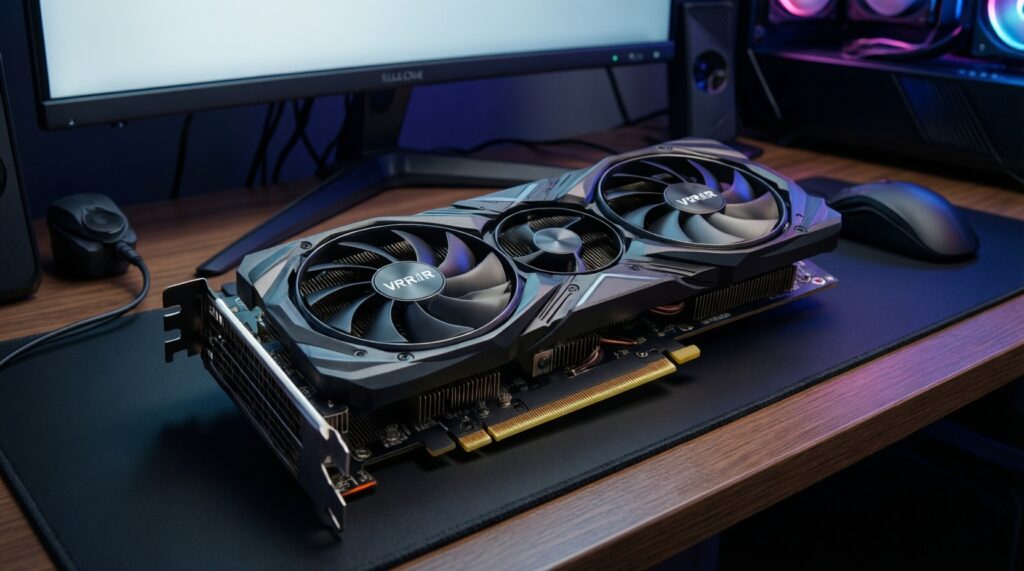
VRAM usually affects baseline smoothness and texture quality across more games. Ray tracing is a preference feature; prioritize it only if you actually keep RT on.
Which is more "คุ้ม" for 4K: a cheaper card with upscaling or a higher-tier GPU?
If you accept upscaling, a cheaper tier can be the better value. If you want native 4K or heavy RT with fewer compromises, paying for a higher tier becomes more rational.
What's the practical difference in "การ์ดจอ VRAM 12GB 16GB ต่างกันยังไง" at 1440p?
16GB more often preserves high textures in newer open-world titles and reduces streaming stutter. 12GB can still be fine if you avoid ultra textures/mods and keep settings sensible.
When should I choose NVIDIA over AMD (or vice versa) for Thailand pricing?
Choose based on your required feature set (DLSS/Frame Gen/creator tooling vs raster-per-baht and VRAM pricing) and current local deals. For "เปรียบเทียบการ์ดจอรุ่นใหม่ ราคา", compare warranty terms and cooler quality, not only the sticker price.