
To choose the right SSD for gaming, video editing, or office work, prioritize different metrics: games benefit most from low latency and fast random reads, editing needs sustained write speed and endurance, and office PCs mainly need reliability and adequate capacity. Start with interface (NVMe vs SATA), then match capacity, TBW/DWPD, and thermal behavior to your workload.
Primary SSD metrics to prioritize for each workload
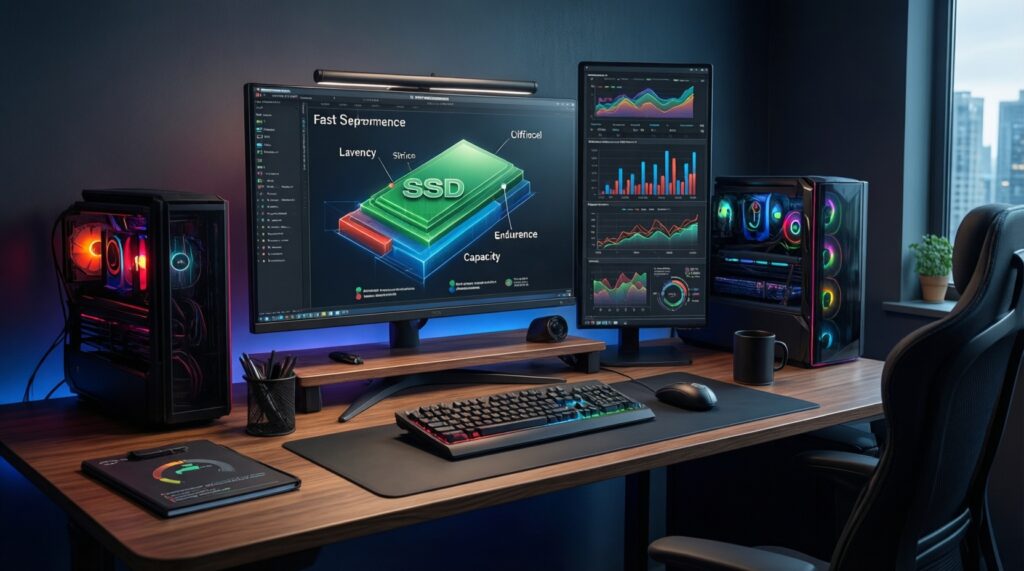
- Gaming: low real-world latency, strong random read IOPS, and enough capacity to avoid constant install/uninstall cycles.
- Video editing: sustained write speed (not just peak), higher endurance (TBW/DWPD), and a capacity buffer for active projects + cache.
- Office work: consistent responsiveness, basic reliability/warranty, and the best cost per GB at the capacity you actually use.
- Any workload: compatibility (slot/interface/PCIe generation), thermal control, and firmware/warranty terms.
- When comparing "SSD SATA กับ NVMe ต่างกัน ซื้อแบบไหน": treat NVMe as a performance tool, SATA as a compatibility/value tool.
Performance: sequential throughput, random IOPS and real-world latency
Use these criteria to compare drives beyond marketing peak numbers:
- Real-world latency consistency: choose models known for stable response under multitasking (game + Discord + browser; edit + proxies + exports).
- Random read performance: matters most for OS/app launches and game asset streaming; a practical target is >100k random read IOPS (vendor spec).
- Random write performance: impacts scratch/cache and heavy multitasking; helpful for editing and content creation workflows.
- Sequential read throughput: matters for moving large files and loading big project assets; NVMe PCIe 3.0/4.0 typically leads; consider >3000 MB/s read as a strong NVMe-class baseline.
- Sequential write throughput: relevant for exporting and copying footage; treat peak write as "best case" only.
- Sustained write speed after cache fills: critical for long exports, proxies, and multi-GB writes; avoid drives that collapse dramatically after a short burst.
- Queue depth behavior: gamers and office users often operate at low queue depths; editing/export can push higher queues-prefer controllers that stay stable in both.
- System-level bottlenecks: CPU, RAM, chipset lanes, and external enclosures can cap SSD gains; don't overspend on speed your platform cannot use.
| Metric | Gaming priority | Video editing priority | Office priority |
|---|---|---|---|
| Latency consistency | High | High | High |
| Random read IOPS | High | Medium | Medium |
| Sustained write (post-cache) | Medium | Very high | Low |
| Sequential read/write peaks | Medium | High | Low |
| Endurance (TBW/DWPD) | Medium | High | Low-Medium |
If you're asking "SSD เล่นเกม รุ่นไหนดี", read "รุ่นไหนดี" as "which spec profile fits my platform and library size": prioritize latency + random reads first, then capacity.
Capacity versus cost: choosing sizes for games, editing projects and office files
Capacity is usually the hidden performance feature: once an SSD is close to full, write behavior and housekeeping get worse. Choose a size that keeps meaningful free space for updates, caches, and temporary files.
| Variant | Who it fits | Pros | Cons | When to choose |
|---|---|---|---|---|
| 500GB SATA SSD (2.5") | Older desktops/laptops; office PCs | High compatibility; usually simple thermals; good for OS + apps | Limited peak and sustained throughput vs NVMe | When you need an easy upgrade and you're comparing "SSD สำหรับงานออฟฟิศ ราคา" first, not peak speed |
| 1TB SATA SSD (2.5") | Office + light gaming library | More breathing room for updates and files; good value per GB | Still capped by SATA; not ideal for heavy scratch workloads | When you want capacity stability with minimal platform risk |
| 500GB NVMe M.2 (PCIe 3.0) | Budget gaming/creator boot drive on supported boards | Lower latency than SATA; fast OS/app responsiveness | Can run hot in thin laptops; capacity can be tight for modern games | When you want a noticeable snappiness upgrade and keep a separate larger game/media drive |
| 1TB NVMe M.2 (PCIe 3.0/4.0) | Mainstream gaming + mixed workloads | Strong all-rounder; room for several large titles; good project space | Price varies a lot; some models have weak sustained writes | When searching "ซื้อ SSD NVMe 1TB ราคา", focus on sustained write specs/reviews, not only the lowest price |
| 2TB NVMe M.2 (PCIe 4.0) | Large game libraries; frequent editing; single-drive simplicity | More spare area for performance; fewer storage juggling tasks | Thermals can be a factor; higher upfront cost | When you want fewer compromises and have a heatsink/airflow plan |
| Two-drive setup: NVMe (OS/apps) + SATA/NVMe (data/projects) | Editors and power users | Separates OS background I/O from active projects; easier maintenance | Requires slots/bays; more planning | When you follow "SSD สำหรับตัดต่อวิดีโอ แนะนำ" and you want predictable editing/export behavior |
Endurance and reliability: TBW, DWPD and expected lifespan under load
Endurance matters when your workflow writes a lot (caches, proxies, exports, VMs). Use TBW/DWPD as a comparative indicator, then match it to how write-heavy your routine is.
- If you edit daily and generate large caches/proxies, then prioritize higher TBW/DWPD and documented sustained write behavior over maximum advertised MB/s.
- If your SSD is mostly for gaming installs + patching, then endurance is usually secondary; prioritize capacity and consistent latency so updates don't choke the drive near full.
- If it's an office PC with documents, mail, and web apps, then moderate endurance is fine; put more weight on warranty terms, firmware maturity, and compatibility.
- If you frequently fill and delete large files (footage offload, backups, scratch exports), then avoid ultra-budget models with weak post-cache writes; choose a drive known to sustain writes without dramatic drop-offs.
- If you run VMs, databases, or heavy local builds, then treat it like a creator workload: prioritize endurance, thermal control, and stable performance under sustained random I/O.
Interface and form factor: NVMe, SATA, M.2, U.2 and platform constraints
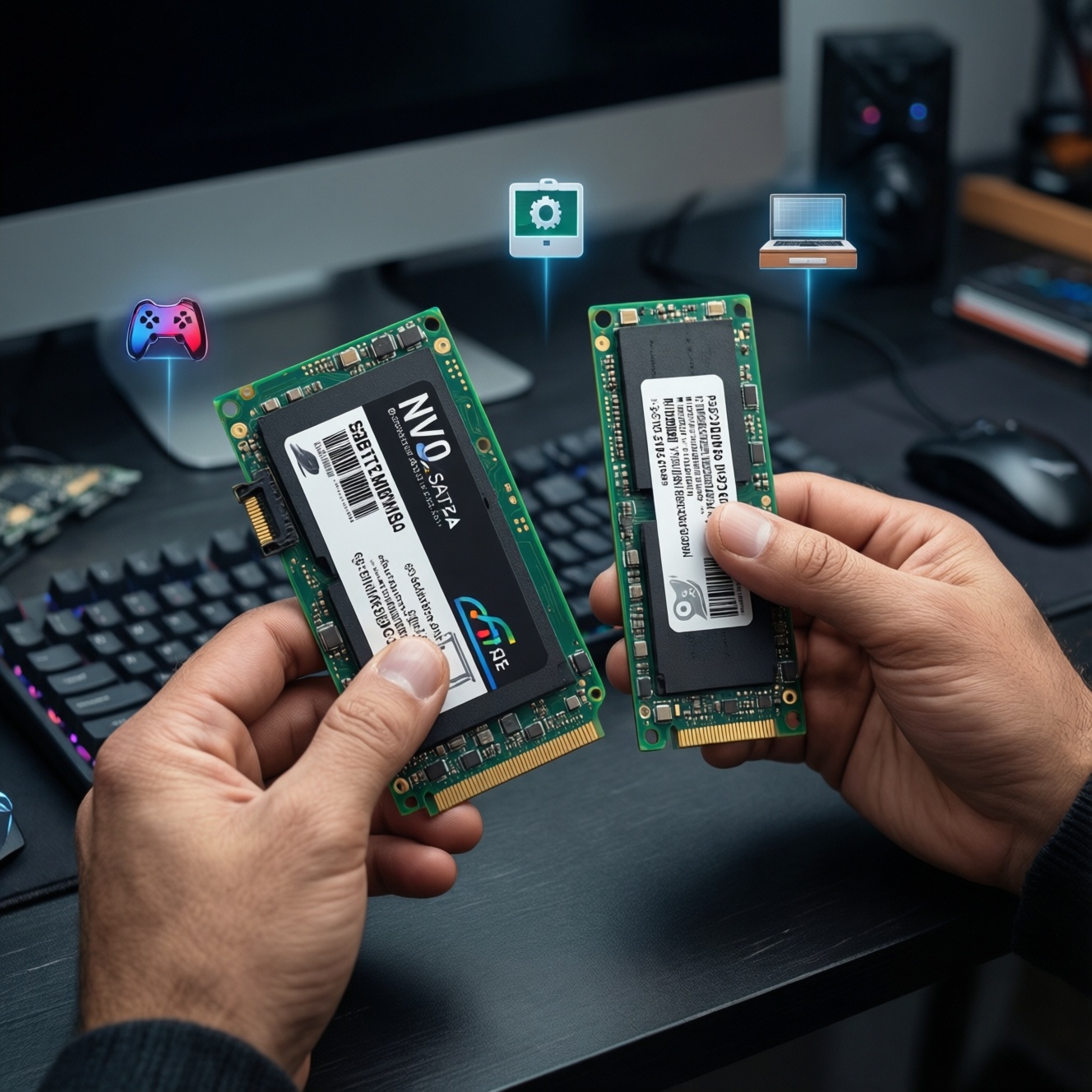
- Identify your slot first: 2.5" SATA bay, M.2 (NVMe/SATA), or PCIe add-in options. M.2 is a form factor; it can be SATA or NVMe.
- Confirm what the M.2 slot supports: some laptops accept only NVMe, some only M.2 SATA, some both-check the manual.
- Match PCIe generation realistically: PCIe 4.0 SSDs work in PCIe 3.0 systems but may not deliver full peak speeds; you still may get latency benefits.
- Decide NVMe vs SATA by workload: for editing and high I/O multitasking pick NVMe; for office upgrades and maximum compatibility pick SATA.
- Plan thermals for NVMe: ensure a motherboard heatsink or airflow; thin laptops can throttle without it.
- Skip U.2 unless you know you need it: it's uncommon on consumer PCs and often requires specific cabling/backplanes.
Sustained performance factors: thermal throttling, cache behavior and sustained write speed
- Buying on peak MB/s alone: peak sequential numbers can ignore post-cache reality, which is what editing/exporting stresses.
- Ignoring thermal throttling: an NVMe drive without heatsink/airflow may slow down mid-export or during large game installs.
- Overfilling the drive: leaving too little free space can worsen write consistency and background housekeeping.
- Assuming all 1TB models behave the same: controller + NAND type + firmware matter; similarly named drives can vary by revision.
- Using the OS drive as heavy scratch without planning: mixing OS background writes with editing cache can create latency spikes.
- Ignoring enclosure limitations: for external SSD use, USB bridge chips and USB versions can cap speeds far below the SSD's capability.
- Forgetting laptop power modes: aggressive power saving can reduce sustained performance under long writes.
- No firmware update path: lack of vendor tools/support can mean unresolved compatibility or stability issues later.
Practical compatibility: OS support, controllers, firmware updates and warranty caveats
Compact decision tree (Thailand context) to land on one configuration
- Is your device limited to 2.5" SATA? Choose a 1TB SATA SSD for balanced space and simplicity; use 500GB only for tight budgets or basic office PCs.
- Do you have an M.2 NVMe slot? Go NVMe unless your workload is purely office and SATA is significantly cheaper.
- Main workload is video editing? Choose 1TB-2TB NVMe with strong sustained writes and higher TBW/DWPD; consider a two-drive setup if you cache/export often.
- Main workload is gaming? Choose 1TB NVMe (or 2TB if your library is large). Prioritize capacity and latency over extreme peak throughput.
- Main workload is office? Choose 500GB-1TB SATA or entry NVMe depending on slots; prioritize warranty/compatibility and avoid overspending on top-tier PCIe 4.0 peaks.
- Unsure and want the safest all-round pick? Choose a 1TB NVMe M.2 from a vendor with clear firmware tools and warranty terms, plus a heatsink plan.
Best fit for gaming is typically a 1TB NVMe focused on low-latency responsiveness and enough capacity to keep free space, while video editing is usually better served by 1TB-2TB NVMe with strong sustained writes and higher endurance. For office work, a cost-effective 500GB-1TB SATA or entry NVMe is usually sufficient, provided your platform supports it and vendor firmware/warranty support is clear.
Decision-driven scenarios and rapid recommendations
I mostly play games-do I need PCIe 4.0 speeds?
Not necessarily. For gaming, latency and random reads plus enough capacity matter more than chasing the highest sequential MB/s, especially if your system is PCIe 3.0.
I edit video weekly-what should I prioritize first?
Prioritize sustained write behavior and endurance (TBW/DWPD) over peak specs. If your exports/caches are large, prefer 1TB-2TB NVMe with good thermals.
Office PC upgrade: what's the best value path?
If your device has only SATA, a 1TB SATA SSD is the simplest high-impact upgrade. If you have NVMe, entry NVMe is fine, but don't overpay for top-tier peak throughput.
"SSD SATA กับ NVMe ต่างกัน ซื้อแบบไหน" for mixed use?
Pick NVMe if you multitask heavily, edit content, or want the best responsiveness on a supported platform. Pick SATA when compatibility and cost per GB dominate and your workload is light.
How much capacity should I pick if I'm comparing "ซื้อ SSD NVMe 1TB ราคา" deals?
1TB is the balanced starting point for gaming and mixed use; 2TB is safer for large libraries or frequent media work. Choose the deal only after verifying sustained write behavior and warranty terms.
"SSD สำหรับตัดต่อวิดีโอ แนะนำ" - is a single drive enough?
It can be, but a two-drive setup (OS/apps + projects/cache) is often more consistent. If you keep one drive, prioritize higher capacity and sustained writes.
"SSD เล่นเกม รุ่นไหนดี" if my laptop gets hot?
Choose an NVMe known for efficiency, and ensure it has a heatsink/thermal pad or adequate airflow. Avoid models that throttle heavily under long installs or large writes.