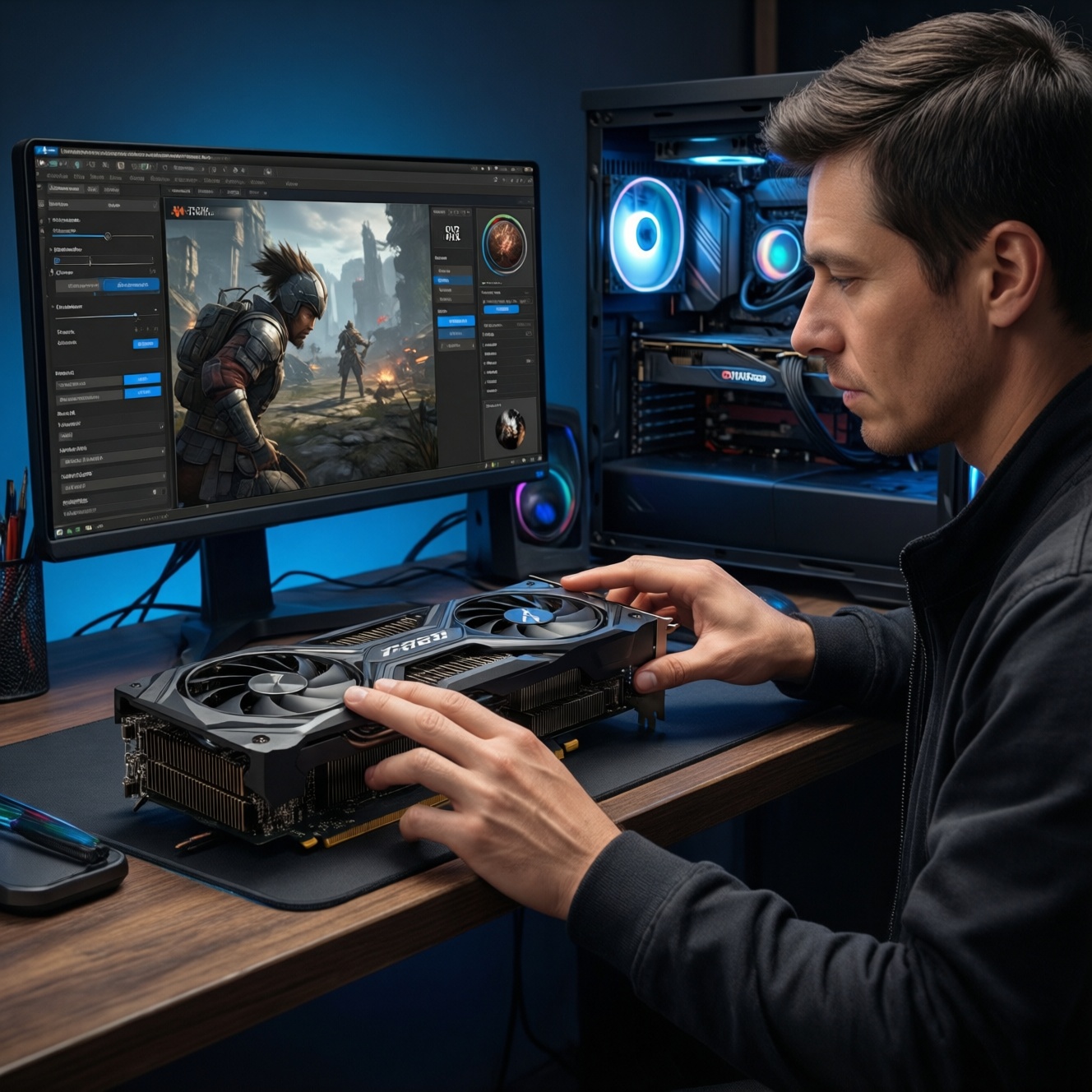
If you mainly game at 1080p or tuned 1440p, 8GB can still be enough, but you'll need to manage textures and ray tracing. For balanced 1440p, mixed creator work, and smoother "no-surprises" gaming, 12GB is the practical sweet spot. For 4K textures, heavy RT, and modern AI workloads, 16GB gives the most headroom.
VRAM at a Glance: What Really Changes Between 8GB, 12GB and 16GB
- 8GB: works for 1080p and some 1440p, but you must control texture packs, RT, and background apps to avoid stutter.
- 12GB: reduces "VRAM cliff" moments at 1440p; better stability with high textures + RT-lite settings and creator apps.
- 16GB: enables higher texture residency at 4K, heavier ray tracing, and larger AI models/batches without constant memory juggling.
- When VRAM is tight, average FPS can look fine while frametimes spike (micro-stutter) from swapping and eviction.
- VRAM need scales with resolution, texture quality, RT features, and the size/number of assets loaded simultaneously.
- For AI and some pro apps, VRAM is a hard capacity limit (the workload may fail to run, not just run slower).
How VRAM Capacity Impacts Game Performance Across Resolutions
Use these criteria to decide what you actually need (this is the core of "การ์ดจอ 8GB 12GB 16GB ต่างกันยังไง" in practice):
- Target resolution and refresh: 1080p, 1440p (2K), or 4K; higher res increases render targets and buffers.
- Texture quality and texture packs: "Ultra" textures and high-res packs are the fastest way to exceed 8GB.
- Ray tracing level: RT reflections/gi/denoising and higher-quality RT presets tend to increase VRAM pressure.
- Upscaling strategy: DLSS/FSR helps performance, but VRAM can still be dominated by textures/RT and game engine allocation.
- Open-world streaming behavior: large hubs, fast traversal, and heavy asset streaming punish low VRAM with hiccups.
- Modding: texture mods and reshade-style pipelines can push 12-16GB quickly depending on the mod set.
- Multitasking overhead: browser/video capture/Discord overlays can reduce available VRAM and increase fragmentation.
- Engine-specific allocation: some games reserve more VRAM than they strictly need; headroom prevents the "VRAM cliff."
VRAM Needs for Creative Apps and GPU-accelerated Workflows
For intermediate creators, VRAM demand is less about "FPS" and more about keeping assets, frames, and compute buffers resident. If you're looking for "การ์ดจอ VRAM 12GB แนะนำ" for mixed gaming + creator use, this section is usually why.
| Variant | Who it fits | Pros | Cons | When to choose |
|---|---|---|---|---|
| 8GB VRAM GPU | Light photo work, light 1080p video, casual 3D scenes | Often the most affordable; fine for beginner-to-intermediate edits and smaller projects | Can hit limits with high-res timelines, complex effects, or large 3D textures; more cache eviction | If your creator work is occasional and you optimize (proxy media, lower preview resolution, smaller textures) |
| 12GB VRAM GPU | Regular 1440p gaming + consistent creator workloads | Better headroom for effects, larger frames, and more simultaneous layers/assets; fewer "out of memory" surprises | Not the maximum headroom for heavy 3D/AI; may still require proxies for demanding projects | If you want one GPU for gaming and creator apps without constant micromanagement |
| 16GB VRAM GPU | Heavier 3D scenes, higher-res textures, more demanding GPU render/compute workflows | Highest flexibility: larger scenes, higher texture budgets, smoother iteration with fewer compromises | Typically costs more; may be overkill if you never push large assets or AI | If your projects frequently scale up (more assets, higher-res outputs) and time lost to workarounds matters |
| 8GB with strong workflow optimization | Creators who can use proxies, baked sims, and texture discipline | Can be productive with the right habits; avoids paying for unused capacity | More process overhead; less spontaneous experimentation | If you're comfortable with "optimize-first" habits and your project scope is predictable |
| 12GB as "single-PC hybrid" setup | Streamers/content creators gaming + encoding + editing on one machine | More stability when gaming while recording/streaming; better for multi-app sessions | Still not guaranteed for the heaviest pipelines | If you routinely run game + capture + browser + editor together |
| 16GB for future-facing asset sizes | Anyone expecting to adopt heavier textures/RT pipelines or higher-res deliverables | More future tolerance for rising asset sizes and heavier GPU pipelines | May reduce value if you upgrade frequently anyway | If you keep GPUs longer and want fewer hard capacity constraints |
VRAM Behavior with Modern AI Tasks: Training, Fine-tuning and Inference
AI is where VRAM becomes a strict gate. If you're comparing "การ์ดจอ VRAM 16GB รุ่นไหนดี" for local AI, prioritize capacity first, then compute. Use these scenario rules:
- If you mostly run inference on smaller or quantized models, then 8GB can work provided you accept smaller context, lower batch sizes, and occasional offloading to system RAM.
- If you want smoother local inference plus light fine-tuning (LoRA/QLoRA style workflows), then 12GB is the more forgiving minimum because it tolerates larger activations and less aggressive offload.
- If you plan to fine-tune more reliably or keep larger models fully on-GPU, then 16GB is the safer target, especially when combining model + optimizer states + higher batch/sequence settings.
- If you do multi-modal or large-context workloads (larger images, more tokens, bigger batches), then 16GB gives practical headroom to reduce constant parameter compromises.
- If your budget is constrained and you're comparing "การ์ดจอสำหรับ AI VRAM 16GB ราคา", then prioritize VRAM capacity over small performance tier jumps; the ability to run the job at all beats a modest speed gain.
Empirical Comparison: Benchmarks and Memory Bottlenecks for 8/12/16GB
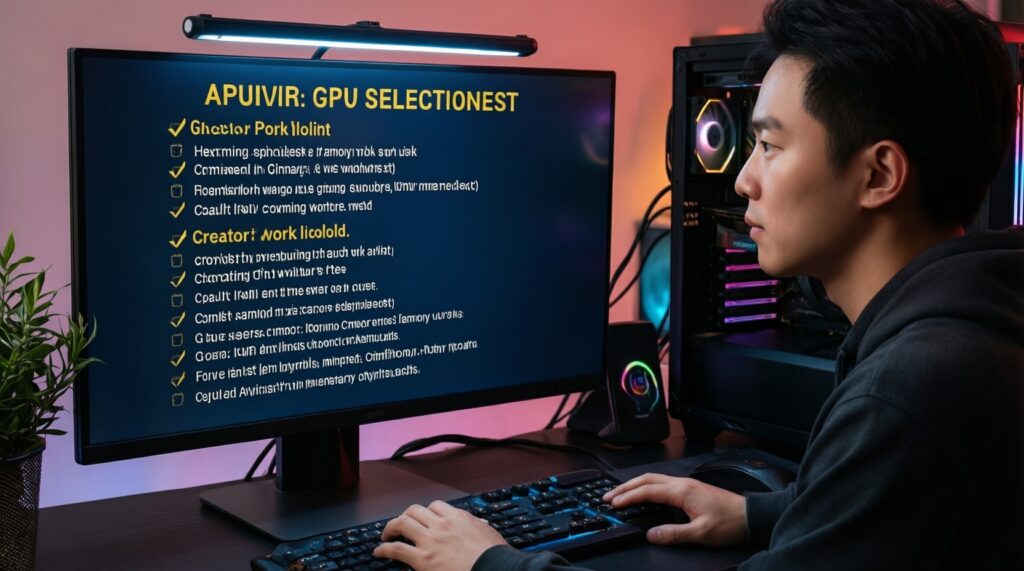
You don't need perfect benchmarks to choose correctly; you need a quick way to detect whether you'll hit memory bottlenecks. Follow this selection checklist:
- Lock your target: decide your main scenario: 1080p/1440p/4K gaming, creator apps, AI (or a mix).
- Pick your "worst-case" game/app (the one you actually play/use most) and assume you'll want higher textures over time.
- Decide your tolerance for tweaking: if you dislike adjusting textures/RT per title, move up one VRAM tier.
- Plan for concurrency: if you game + stream/record + browser, treat your VRAM as effectively smaller and favor 12GB/16GB.
- For 1440p (2K) and 4K, answer "การ์ดจอเล่นเกม 2K 4K VRAM เท่าไหร่" with your settings: high textures/RT pushes you toward 12GB at 2K and toward 16GB at 4K.
- For AI: if any of your target models/workflows fail due to memory, jump directly to 16GB rather than chasing minor GPU core upgrades.
- Sanity check longevity: if you keep GPUs longer, buy headroom (12GB over 8GB, or 16GB over 12GB) to reduce mid-cycle compromises.
Resolution, Texture Quality and Ray Tracing: Practical VRAM Thresholds
- Assuming VRAM only affects "ultra" settings: in practice, VRAM pressure can show up as stutter even on "high" when RT or large worlds are involved.
- Mixing 4K output with ultra textures on 8GB: you might get playable averages but inconsistent frametimes from asset eviction.
- Turning on RT without budgeting textures: RT features can silently increase memory use; compensate by lowering texture quality first.
- Believing upscaling always fixes VRAM: upscaling reduces render resolution, but textures and some buffers remain large; VRAM can still be the limiter.
- Ignoring "background VRAM" usage: overlays, capture tools, and browsers can push an 8GB card over the edge in borderline titles.
- Relying on "allocated VRAM" readouts: some engines reserve VRAM aggressively; the symptom that matters is hitching or settings being forced down.
- Overbuying VRAM for pure esports: competitive 1080p low settings rarely benefit from 16GB; compute and CPU often matter more.
- Underestimating mods: modded textures and ENB-style pipelines can move you from "fine on 8GB" to "needs 12-16GB" quickly.
Decision Tree: Which VRAM Size to Buy Based on Use Case and Budget
- If your main use is gaming:
- If 1080p and you're fine with tuned textures/RT-off or RT-light → 8GB.
- If 1440p (2K) with high textures and you want fewer tweaks → 12GB.
- If 4K, texture-heavy games, or you want higher RT settings with fewer compromises → 16GB.
- If your main use is creator work:
- If projects are small/medium and you can use proxies/optimized assets → 8GB can be workable.
- If you want a comfortable "one GPU does everything" setup → 12GB.
- If you routinely push heavy 3D scenes or high-res assets → 16GB.
- If your main use is local AI:
- If you mostly do inference and accept tighter limits → 8GB-12GB depending on model size and offloading tolerance.
- If you want consistent fine-tuning/inference headroom → 16GB is the more reliable choice.
Best fit for most 1440p gamers who also edit or stream sometimes: 12GB. Best fit for 4K texture-heavy gaming and serious local AI where capacity is the main limiter: 16GB. Best fit for budget 1080p or disciplined settings tweaking: 8GB-as long as you're comfortable managing textures, RT, and multitasking overhead.
Short answers to pragmatic VRAM dilemmas
Is 8GB VRAM still viable for new games this year?
Yes for 1080p and some 1440p, but you'll often need to lower textures or ray tracing to avoid stutter when VRAM is tight.
Why does 12GB feel smoother than 8GB even when FPS looks similar?
Because frametime spikes often come from memory eviction and swapping; extra VRAM reduces "VRAM cliff" behavior in busy scenes.
How should I answer "การ์ดจอเล่นเกม 2K 4K VRAM เท่าไหร่" for my setup?
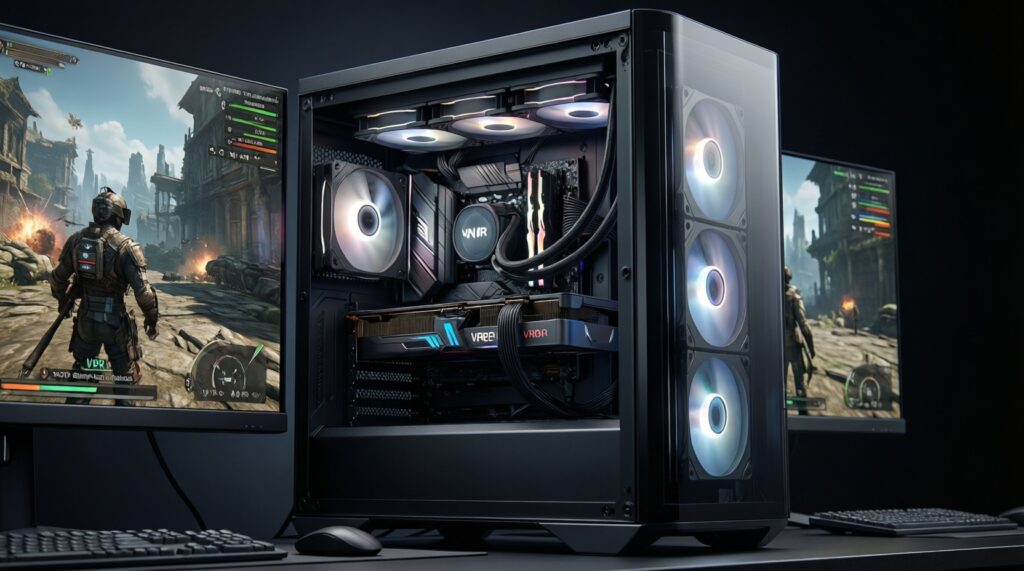
For 2K with high textures, 12GB is the safer baseline; for 4K with high textures and heavier RT, 16GB is the more comfortable target.
When does 16GB become a must-have rather than a nice-to-have?
When you target 4K textures/RT or you run AI workloads that fail or require extreme compromises on 8-12GB.
Does VRAM matter for esports titles?
Usually less; competitive settings are often VRAM-light, so GPU compute and CPU performance can be more impactful than moving from 12GB to 16GB.
What's the most sensible "การ์ดจอ VRAM 12GB แนะนำ" use case?
1440p gaming with high textures plus regular multitasking (streaming/recording) and moderate creator workloads where you want fewer setting adjustments.
How do I think about "การ์ดจอสำหรับ AI VRAM 16GB ราคา" without chasing the wrong spec?
For local AI, prioritize VRAM capacity and software compatibility first; a card that can hold your model and batch reliably is more useful than a slightly faster card that can't.