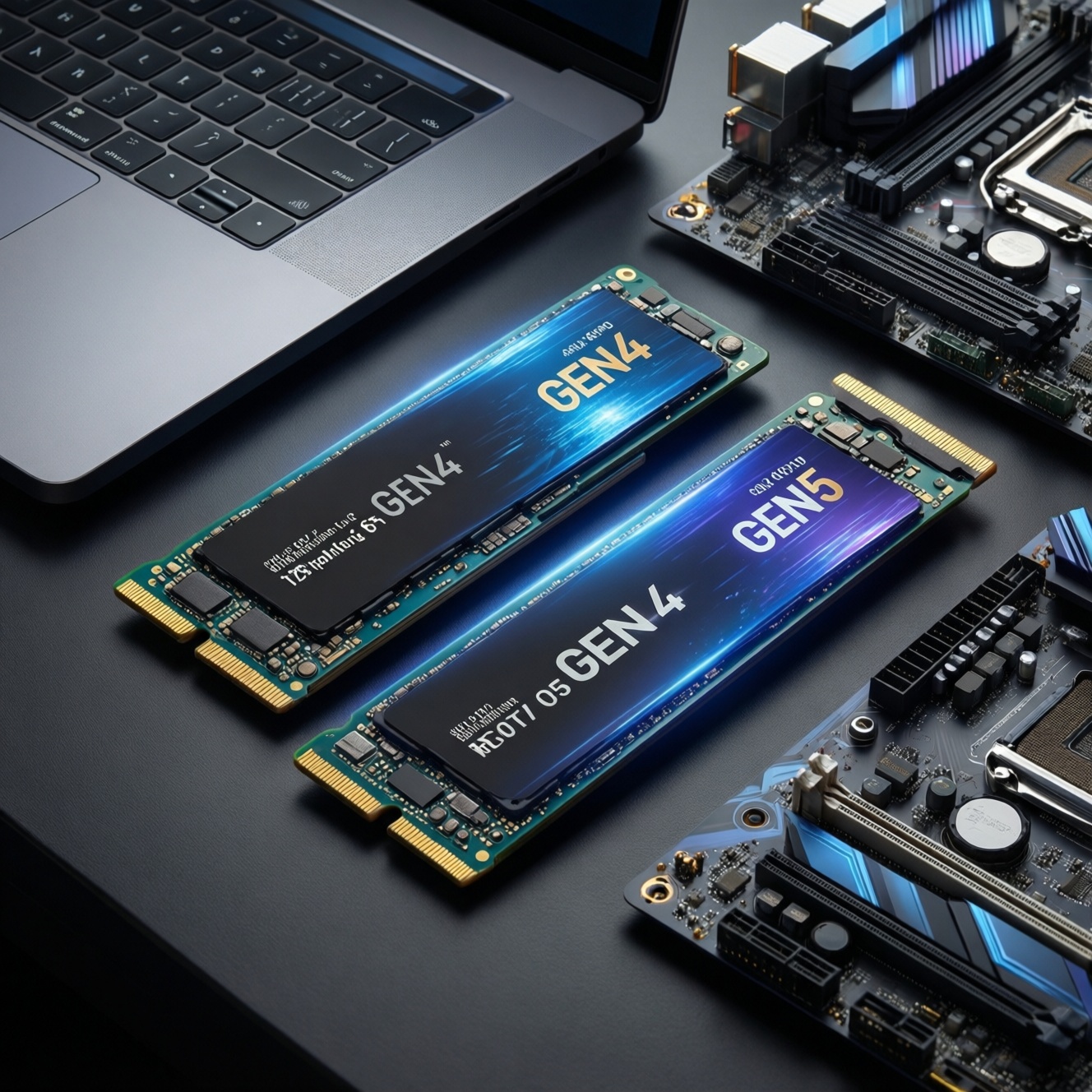
Choose Gen4 NVMe if you want strong everyday speed, wide laptop compatibility, and easier thermals; choose Gen5 NVMe mainly for sustained, large-file workloads on a desktop with proven cooling. The "best" option is the one that matches your real workload (random vs sequential), your motherboard's PCIe support, and how you'll manage heat during long writes.
Critical Criteria for Choosing Gen4 vs Gen5 SSDs
- Your workload type: OS/app/game loading (random) benefits less from Gen5 than long sequential transfers.
- Sustained performance: Prefer drives that hold speed under long writes without heavy throttling.
- Cooling plan: Gen5 is far more sensitive to heatsink quality and case airflow.
- Platform fit: M.2 slot version, PCIe lane sharing, and BIOS support can erase Gen5 advantages.
- Value: When comparing "ซื้อ SSD NVMe Gen4 ราคา" vs "ซื้อ SSD NVMe Gen5 ราคา", evaluate cost-per-GB and required extras (heatsink, airflow) together.
- Reliability signals: Stable firmware history, power-loss behavior (if needed), and consistent reviewer results matter more than peak specs.
Real-world Performance: Sequential vs Random Workloads
- Boot/app launches: Prioritize low-latency behavior and consistent random reads; Gen4 is often "enough" if the drive has mature firmware.
- Gaming: Focus on fast asset streaming and decompression pipeline; choose a quality Gen4 unless you frequently move very large game libraries between drives.
- Creator workloads (4K/8K, RAW caches, proxies): Favor sustained sequential writes and strong SLC-cache behavior; Gen5 helps when writes are long and continuous.
- Large file copies (hundreds of GB): Evaluate post-cache performance and temperature stability; a "fast-on-paper" drive can drop sharply if it overheats.
- Multitasking and VM images: Look for consistent random mixed I/O and good QoS under load rather than headline sequential speed.
- External enclosures: Many USB4/Thunderbolt enclosures cap real-world throughput; a premium Gen5 may be wasted.
- Noise/energy constraints: Laptops and small-form-factor PCs usually favor efficient Gen4 drives for cooler operation.
| Gen4 vs Gen5 (what you feel) | Latency (typical user feel) | Sequential throughput | Heat output tendency | $/GB tendency |
|---|---|---|---|---|
| Gen4 NVMe | Low and stable | High (already fast for most tasks) | Moderate; easier to cool | Usually better value |
| Gen5 NVMe | Similar in many light tasks | Very high (best for sustained transfers) | High; throttling risk without strong cooling | Usually higher total cost |
Thermal Behavior and Throttling Under Sustained Load
| Variant | Who it fits | Pros | Cons | When to choose |
|---|---|---|---|---|
| Gen4 drive + motherboard M.2 heatsink | Mainstream desktop users, most gamers | Simple; typically stable under typical desktop loads | Heatsink quality varies by board | When you want set-and-forget cooling and strong value |
| Gen4 drive + thin laptop heat spreader | Laptop upgrades | Best compatibility; lower heat density | Limited thermal headroom in thin chassis | When portability and battery/temps matter most |
| Gen5 drive + large passive heatsink | Desktop creators moving large datasets | Quiet; can keep sustained performance closer to spec | Clearance issues near GPU; airflow still required | When your case has decent airflow and you avoid tiny SFF builds |
| Gen5 drive + active (fan) M.2 cooler | Workstations, heavy sustained writes | Best protection from throttling in long write sessions | Extra noise, dust; more points of failure | When your workload is truly sustained and repeatable (scratch disks, ingest) |
| Gen5 drive used "bare" (no heatsink) | Almost nobody | Cheapest install | High throttling risk; unstable long-copy behavior | Only for very light, bursty use and open-air test setups |
| Gen4/Gen5 in external enclosure | People needing portability | Convenient; can be fast for backups and shuttling projects | Enclosure is often the bottleneck; heat trapped | When you need a fast portable drive and can pick a proven, well-cooled enclosure |
Practical takeaway for Thailand buyers: if you keep asking "ฮีตซิงก์ SSD NVMe จำเป็นไหม", treat it as mandatory for Gen5 desktops and strongly recommended for sustained Gen4 writes; for laptops, prioritize fit/clearance and airflow rather than oversized heatsinks.
Controller, NAND and Firmware: Components that Determine Speed
- If you do long video exports or large sequential writes, then prefer drives known for stable sustained write behavior (post-cache) and mature firmware, even if peak spec is not the highest.
- If you run VMs, databases, or multitask with heavy background I/O, then prioritize consistent mixed random performance and controller stability over marketing throughput.
- If you sleep/wake a lot (laptop) or care about idle power, then choose a Gen4 model with proven power management and good thermal efficiency.
- If you value predictable behavior during full-drive conditions, then avoid drives with widely reported performance collapse near high fill levels; favor conservative firmware and good garbage-collection behavior.
- If you are comparing "SSD Gen4 ยี่ห้อไหนดี" or "SSD Gen5 ยี่ห้อไหนดี", then shortlist by platform fit first (cooling and motherboard support), then by warranty/firmware reputation, then by capacity and value.
Capacity, Endurance and Cost-per-GB Tradeoffs
- Write down your primary workload: OS/apps, gaming library, creator scratch, VM storage, or mixed.
- Pick a capacity that avoids living at "almost full": leaving free space helps sustained performance and long-term consistency.
- Decide if you need one-drive or two-drive layout: OS/apps on one, scratch/projects on another often beats one premium drive.
- Check endurance and warranty terms: compare like-for-like between models in the same capacity class; don't assume higher generation means higher endurance.
- Compare total cost, not just sticker price: when you search "ซื้อ SSD NVMe Gen4 ราคา" or "ซื้อ SSD NVMe Gen5 ราคา", add the cost of heatsink/active cooling (if needed) and any required platform upgrade.
- Plan for heat and placement: the fastest slot near a hot GPU may underperform unless you control airflow.
Platform Compatibility, PCIe Lanes and BIOS/OS Requirements
- Assuming Gen5 speed on a Gen4 slot: a Gen5 SSD will work in many Gen4 M.2 slots, but it will run at Gen4 speeds.
- Lane sharing surprises: some boards reduce GPU lanes or disable SATA ports when certain M.2 slots are populated.
- M.2 key/length mismatch: verify 2280/2242 length support and heatsink clearance, especially in laptops.
- Heatsink clearance with GPUs: thick M.2 coolers can collide with large graphics cards or motherboard shrouds.
- Thermal pad mistakes: wrong thickness can prevent contact or bend the module, causing worse thermals.
- Outdated BIOS/UEFI: firmware updates can improve NVMe compatibility and reduce sleep/wake issues.
- Wrong slot selection: not all M.2 slots are equal; some are chipset-attached and share bandwidth more aggressively.
- Expecting external ports to show Gen5 benefits: USB/Thunderbolt limits often dominate, so pay for enclosure quality first.
Decision Matrix: Practical Recommendations by Typical Use Case
- If your main workload is OS/apps/gaming: choose a high-quality Gen4, then spend savings on higher capacity.
- If you frequently move huge project folders or write long caches: choose Gen5 only if you can commit to strong cooling (large heatsink or active cooler) and have a true Gen5 M.2 slot.
- If you upgrade a laptop: choose an efficient Gen4 with a thin heat spreader; avoid thick Gen5 cooling solutions.
- If you run workstation-like loads: consider a two-drive layout (OS Gen4 + scratch Gen5 with strong cooling) for balanced thermals and stability.
Best fit for most gaming and everyday PCs is a reputable Gen4 model with adequate capacity and the motherboard heatsink; best fit for sustained creator transfers is a Gen5 model paired with proven cooling and good case airflow; best fit for laptops is typically an efficient Gen4 that runs cool and is physically compatible with your chassis and heat spreader.
Answers to Common Purchase and Compatibility Concerns
Will a Gen5 NVMe SSD work in a Gen4 M.2 slot?
Usually yes, but it will negotiate down to Gen4 speeds. You still need to check physical clearance for the heatsink and your board's lane-sharing rules.
Do I need a heatsink for an NVMe SSD?
For Gen5 desktops, treat it as required; for Gen4 it depends on sustained writes and airflow. If you're asking "ฮีตซิงก์ SSD NVMe จำเป็นไหม", the safe default is: yes for long writes, optional for light use.
Is Gen5 noticeably faster for Windows and game loading?
Often not dramatically, because many everyday tasks are latency- and CPU-bound. Gen5 shows clearer wins in long sequential transfers and heavy sustained writes.
What should I prioritize when comparing brands?
Start with platform fit and cooling, then firmware reputation and consistent reviews, then warranty and capacity. This is the practical way to answer "SSD Gen4 ยี่ห้อไหนดี" and "SSD Gen5 ยี่ห้อไหนดี" for your specific PC.
Should I buy one big SSD or two smaller ones?
Two drives can be more stable under load: one for OS/apps and one for games/projects/scratch. It can also reduce heat concentration on a single module.
How do I shop by price in Thailand without overpaying?
Compare "ซื้อ SSD NVMe Gen4 ราคา" and "ซื้อ SSD NVMe Gen5 ราคา" using total build cost: required cooling, any motherboard upgrade, and whether your workload can actually use Gen5 sustained performance.