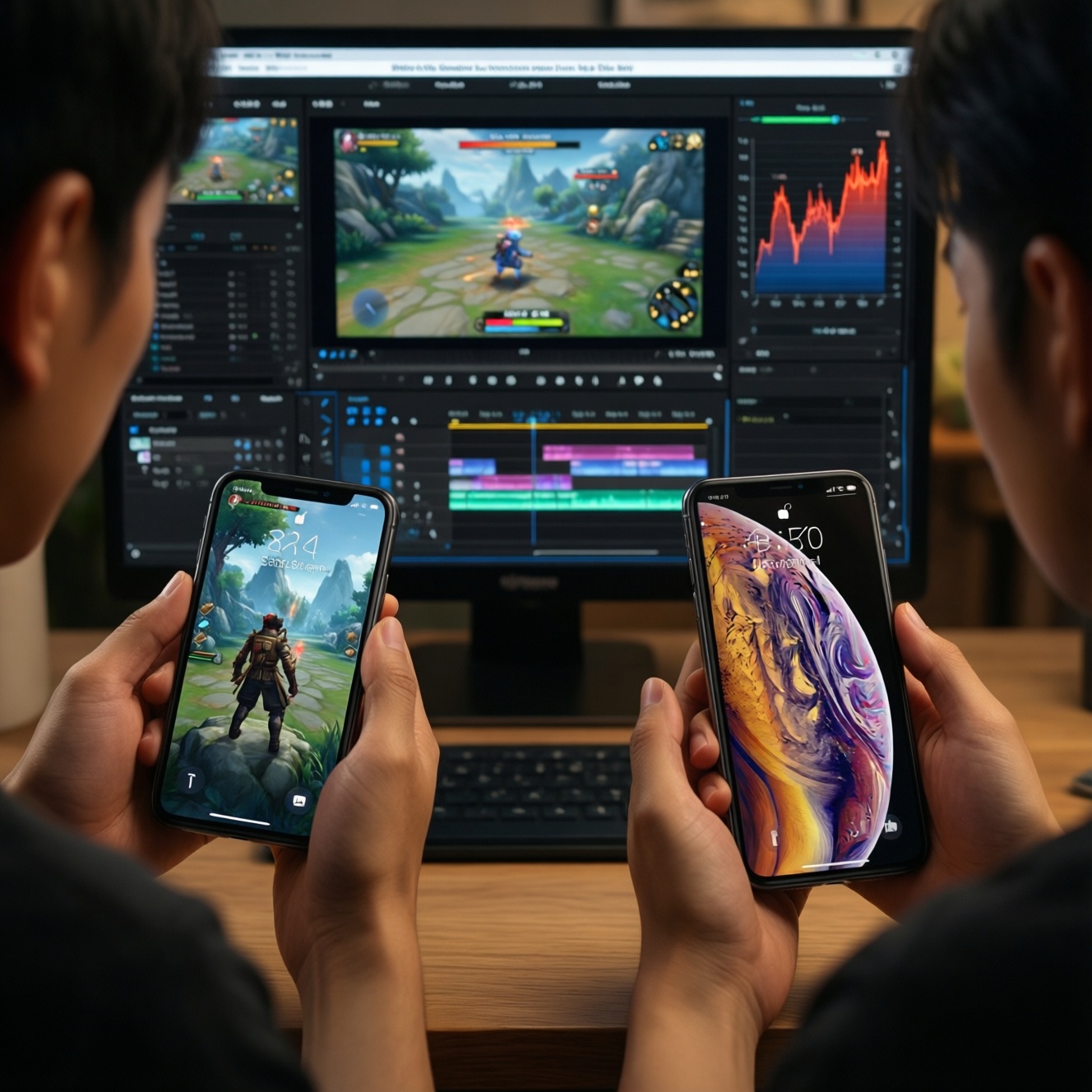
Upgrading to a newer iPhone chip is usually worth it only when your daily bottleneck is sustained performance (gaming, video work, camera processing) or you need longer software runway; otherwise, older chips often feel identical in messaging, browsing, and social apps. The best choice is the cheapest chip tier that meets your heaviest task without overheating or throttling.
Quick Verdict: Real-World Gains vs Spec Sheets
- For everyday apps, perceived speed differences between new vs old chips are often small; multitasking stability and storage/RAM tier matter more.
- For heavy workloads, newer chips mainly win by holding performance longer under heat, not just peaking higher.
- Camera and computational features can be chip-gated; check the exact model feature list before buying for photography.
- Gamers benefit most from newer GPU efficiency and sustained frame rates, especially in hot Thai weather and non-air-conditioned use.
- Budget-first buyers usually get best value from "last-gen flagship" rather than "latest flagship," unless a specific feature is exclusive.
Raw Benchmarks and Everyday Performance
Benchmarks are helpful for ranking chips, but your decision should map them to real tasks. If you are doing a "เปรียบเทียบชิป iPhone รุ่นใหม่กับรุ่นเก่า", use these criteria to judge whether higher scores will actually change your day-to-day.
- Sustained performance: how well the chip maintains speed after several minutes of load (exporting video, long gaming sessions).
- Single-app responsiveness: opening apps, camera launch, quick edits; often similar across recent generations.
- Multitasking headroom: switching between camera, maps, chat, and browser without reloads (also depends on RAM/storage tier).
- Thermal efficiency: less heat means fewer slowdowns, better comfort, and steadier battery behavior.
- GPU capability: not just peak power, but stability for 30-60 minute play sessions.
- Media engines: hardware acceleration for video formats can change export speed and battery drain during editing.
- ISP/camera pipeline: faster HDR merges, better low-light processing, quicker burst-to-gallery time.
- On-device AI capability: voice, photo classification, and newer ML features may require newer silicon generations.
- Longevity: how many iOS versions and app updates you realistically want to ride out.
When people ask "iPhone รุ่นใหม่แรงกว่ารุ่นเก่าจริงไหม", the practical answer is: yes for sustained/heavy tasks; not always for casual use.
Battery Life, Thermal Behavior and Throttling
In Thailand, heat is a deciding factor. A chip that is slightly faster on paper may feel slower if it throttles in warm environments, in a car, or under 5G. Use the variants below to match your usage and budget.
| Variant | Who it fits | Pros | Cons | When to choose |
|---|---|---|---|---|
| Latest flagship chip (current-year Pro tier) | Heavy creators, frequent gamers, buyers keeping the phone longest | Best sustained performance headroom; typically strongest camera/AI pipeline support | Highest price; gains may be invisible in casual apps | When your phone heats up today, or you regularly export video/play long sessions |
| Latest non‑Pro chip (current-year base tier) | Mainstream users wanting newer efficiency without Pro pricing | Modern efficiency; smooth for daily use; often strong camera processing | May miss some Pro-only GPU/camera features | When you want a new device but don't need maximum sustained GPU performance |
| Last‑gen flagship chip (previous-year Pro tier) | Budget-first upgraders who still want high-end behavior | Near-flagship feel; good thermals; usually the best value/performance balance | Shorter future runway than latest; some newer features may be missing | When asking "อัปเกรด iPhone รุ่นไหนดีคุ้มสุด" and you can find a good deal |
| Two‑gen‑old flagship chip | Light-to-moderate users upgrading from much older phones | Still fast for daily apps; often cheaper in retail promos | More likely to throttle in heat under gaming/video; fewer chip-gated features | When you mostly do social, chat, and photos-and want the lowest cost |
| Three‑gen‑old (or older) chip | Strict budget buyers or secondary phone users | Lowest entry cost; OK for basic tasks | Highest risk of heat-related slowdowns and shorter iOS runway; weaker camera compute | When price dominates and you accept earlier replacement |
For "รีวิวประสิทธิภาพชิป iPhone รุ่นล่าสุด", pay attention to long-run tests (looped gaming, extended exports) rather than short peak scores; throttling is where user experience changes most.
Camera Processing, AI Features and Computational Tasks
Chip choice matters most when features depend on the image signal processor, media engines, and on-device ML. Use scenario logic, and separate budget vs premium needs:
- If you shoot lots of low-light photos or moving subjects, then prioritize the newest camera/ISP generation you can afford; premium tiers often deliver faster HDR merges and fewer "processing delays."
- If you mostly take daytime social photos, then a last‑gen flagship chip usually gives near-identical results for far less money (budget-first sweet spot).
- If you edit video on-device (exports, filters, stabilization), then choose a latest or last‑gen flagship chip for better sustained speed and less heat during long renders.
- If you rely on on-device AI features (voice, photo search, newer ML tools), then verify which iOS features are supported on your target model; premium chips tend to keep eligibility longer.
- If you record long clips outdoors, then lean newer for thermal efficiency; older chips can warm up and reduce capture stability or performance.
Gaming, Graphics and Sustained Frame Rates
- List your top 3 games and note whether you play 10 minutes or 60 minutes per session.
- If you play long sessions, prioritize sustained performance over peak FPS claims.
- Check whether you need high refresh rate support; pairing a capable chip with a suitable display tier matters.
- Assume hotter environments increase throttling risk; if you often play without A/C, bias toward newer efficiency.
- Decide your "minimum acceptable" settings (resolution/graphics preset). If you won't compromise, jump at least to last‑gen flagship.
- If gaming is occasional, pick the best deal on two‑gen‑old flagship and allocate budget to storage.
- Before buying, watch a gameplay test that includes 20-30 minutes continuous play on the exact model (not just the chip name).
Compatibility, Longevity and Software Support
If you're debating "ซื้อ iPhone รุ่นใหม่หรือรุ่นเก่าดี", these are the mistakes that usually create regret later:
- Assuming the chip alone defines speed, while choosing too little storage and suffering from reloads and slower installs.
- Comparing peak benchmark numbers while ignoring throttling under real heat and long usage.
- Buying an older chip for camera improvements that are actually tied to the sensor or to a specific model tier, not the chipset.
- Expecting all iOS AI/camera features to arrive via updates on older chips; some remain model-limited.
- Overpaying for the latest chip when your workload is mostly chat, social, and streaming.
- Underestimating how quickly gaming demands rise; a "barely OK today" GPU becomes "not fun" sooner than you expect.
- Ignoring repairability and resale: older chips can be fine, but the device age affects battery health and long-term cost.
- Mixing up chip generation with phone generation; the same chip name can appear in different tiers with different thermal constraints.
Value Assessment: Which Chip Suits a Budget-Minded Buyer
Best value for most budget-first upgraders is typically a last‑gen flagship chip: it's strong enough for demanding apps while avoiding the top pricing of the latest models. Best fit for light users is a two‑gen‑old flagship chip if priced aggressively. Best fit for heavy creators and long keepers is the latest flagship chip when you'll actually use its sustained performance and feature eligibility.
Common Practical Concerns When Choosing an iPhone Chip
How do I tell if the new chip will feel faster in daily use?
If your current phone is already smooth in your top apps, you'll notice bigger gains from storage/RAM tier and battery health than from a one-generation chip bump.
Is "last-gen flagship" a safe buy for the next few years?

Usually yes for intermediate users, because it still has high-end headroom. Confirm your must-have camera/AI features are available on that exact model.
What's the quickest way to judge throttling risk in Thailand's heat?
Look for long-run tests (extended gaming or repeated exports) and real-world outdoor usage notes. Peak benchmark charts alone don't predict throttling.
Will an older chip reduce photo quality?
It can, mainly in low-light processing speed and certain computational features. Daylight photos often look similar across close generations.
Do I need the newest chip for gaming?
Not always. If you play casually, last‑gen or two‑gen‑old flagships are typically enough; the newest chip matters more for sustained high settings.
What upgrade jump is most "worth it"?
Bigger jumps (two or more generations) are more noticeable than one-generation upgrades, especially for battery/thermals and camera processing.
How should I decide between a newer base model and an older Pro model?
Choose newer base if you value newer efficiency and general longevity; choose older Pro if you value sustained GPU performance and Pro-tier camera features at a discount.