

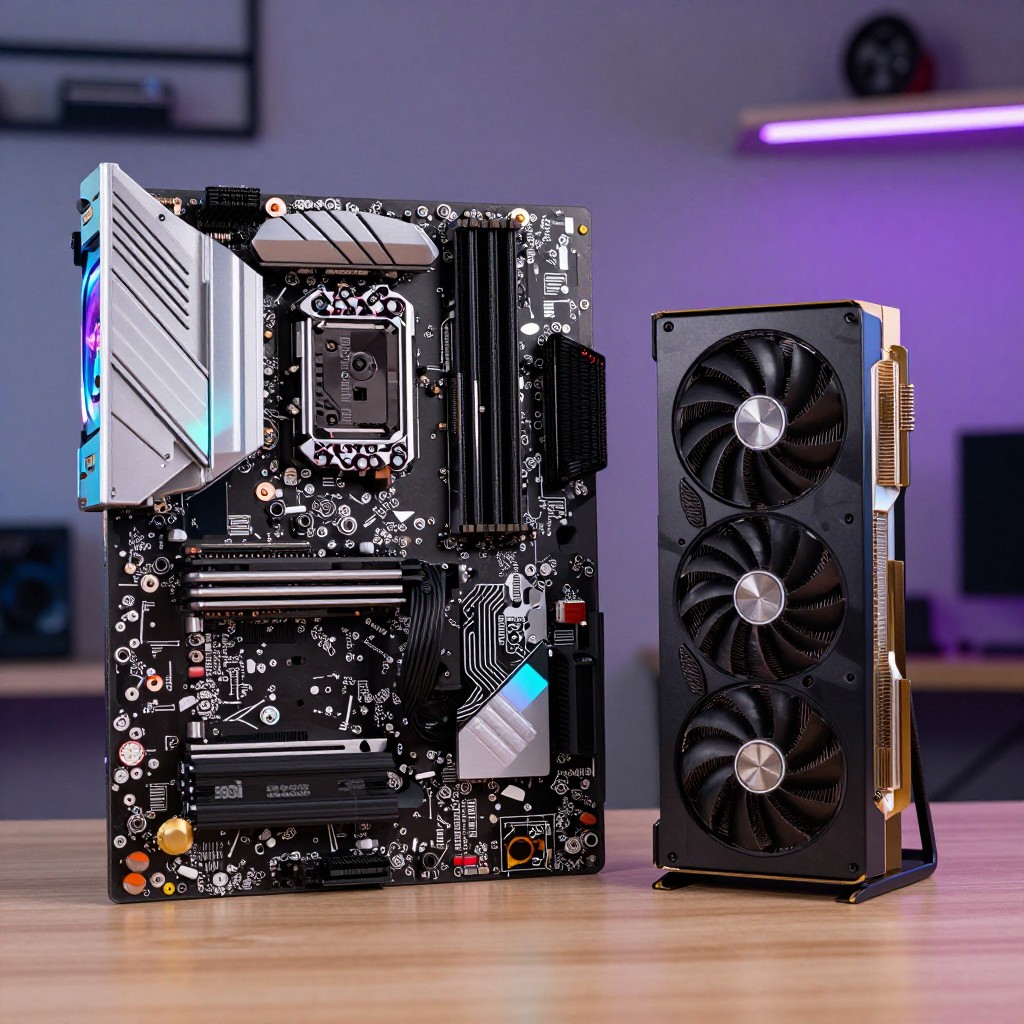
DDR5 speed affects memory bandwidth, but the benefit depends on the processor, workload, and graphics card. For many gaming PCs, a compatible midrange kit with a working XMP or EXPO profile is a sensible balance; creators handling large projects may gain more from extra capacity. Compare stability and total cost, not the speed label alone.
The Practical Difference Between DDR5 Speed Tiers
- Higher data rates can increase bandwidth, but do not guarantee a noticeable improvement in every game or application.
- Memory capacity matters when projects or workloads exceed available RAM; speed cannot compensate for insufficient capacity.
- Compare latency alongside the advertised data rate to understand the kit more fully.
- Check motherboard and processor compatibility before choosing a high-speed profile.
- For gaming, prioritize a balanced build; a graphics-card or processor limitation can make memory differences hard to notice.
- For creator workloads, assess whether your software benefits from bandwidth, capacity, or both.
DDR5 Speed, Latency, and Bandwidth: What the Numbers Actually Mean
A DDR5 kit's advertised speed describes its data rate, while latency timings describe delays in memory operations. Faster data rates can provide more bandwidth, but comparing the speed label alone is incomplete: timings, system compatibility, capacity, and workload all affect the result. Treat rated speeds as a target profile, not a guarantee that every system will run it stably.
- Workload: Identify whether your priority is gaming, editing, rendering, or everyday multitasking.
- Capacity: Choose enough memory for your projects and applications before paying extra for a higher data rate.
- Data rate: Compare kits within the range supported by your processor and motherboard.
- Timings: Check the timing specification as well as the advertised speed; neither alone captures the full picture.
- Platform support: Confirm that the motherboard, processor, and memory kit are compatible.
- Profile support: Check whether the board supports the kit's XMP or EXPO profile.
- Stability: A profile that boots is not necessarily stable under sustained use; test after enabling it.
- Total cost: Compare the price difference against the likely benefit in your actual applications.
Gaming at Different DDR5 Speeds: Where Frame Rates Improve-and Where They Do Not
For a gamer choosing แรม DDR5 สำหรับเล่นเกม, the useful comparison is not simply "slow versus fast." Results depend on the game, graphics settings, processor, and whether the system is limited by memory. Faster memory may help in some CPU-limited situations; when the graphics card is the bottleneck, the difference may be difficult to notice.
| Variant | Who it suits | Pros | Cons | When to choose it |
|---|---|---|---|---|
| Entry-level DDR5 profile | Budget-conscious general-use or gaming builds | Can keep the memory portion of the build economical | May leave performance available from a compatible rated profile unused | When cost is the priority and the system performs well for the intended games |
| Compatible midrange DDR5 profile | Most gaming and mixed-use builds | Often balances system compatibility, setup, and cost | Still requires profile support and stability checks | When you want a practical all-round choice without paying for a marginal speed increase |
| Higher-speed DDR5 profile | Enthusiasts and users with workloads that benefit from bandwidth | Offers more potential bandwidth on a compatible system | May cost more and can require more careful compatibility or stability testing | When your platform supports it and your workload makes the extra bandwidth worthwhile |
| Capacity-focused DDR5 kit | Players who multitask, use large mods, or run memory-heavy applications | More headroom for workloads that would otherwise exhaust available memory | Does not automatically improve performance in tasks that do not need the extra capacity | When monitoring or project demands show that capacity is the constraint |
Benchmark changes and perceived smoothness are not the same thing. If frame rates are already limited by the graphics card, changing memory speed may produce little visible difference. Compare results in the games and settings you actually use before treating a small benchmark gain as a reason to upgrade.
For Creators: How Memory Speed Affects Editing, Rendering, and Heavy Projects
For แรม DDR5 สำหรับงานตัดต่อ, first distinguish workloads limited by memory capacity from those that can benefit from additional bandwidth. Faster RAM is not a substitute for a suitable processor, graphics card, or enough memory for the active project.
- If your editing project runs out of memory, prioritize more capacity before paying for a higher speed tier.
- If you work with large assets and several applications at once, choose a kit with enough headroom for the full workload, not just the editor alone.
- If your rendering software is primarily limited by the processor or graphics card, a faster memory kit may not meaningfully shorten render times.
- If your application is sensitive to memory bandwidth, compare performance on your own platform before deciding that a faster profile is worth its cost.
- If you need a dependable workstation, favor a profile that passes stability testing over a higher advertised speed that causes errors.
When comparing แรม DDR5 32GB ราคา, consider whether that capacity fits your actual projects and multitasking habits. Price alone does not establish value: compare the kit's capacity, timings, supported profile, and compatibility as a complete package.
A Side-by-Side DDR5 Speed Comparison for Common PC Builds
Use this selection process to match the kit to a real user profile rather than choosing the largest speed number:
- Competitive gamer: Identify whether games are processor-limited at your chosen settings. If not, direct the budget toward the component that is limiting performance.
- Casual gamer: Choose a compatible, good-value kit and confirm that its rated profile works; avoid paying extra for speed you are unlikely to use.
- Video editor: Check project memory use first. Favor adequate capacity, then compare speed options for your editing and export workflow.
- 3D artist or heavy multitasker: Match capacity to scene complexity and simultaneous applications, and prioritize stability for long sessions.
- General-use builder: Select a compatible kit that fits the budget and does not require unnecessary tuning.
- Enthusiast: Consider a higher-speed kit only after checking platform support and accepting the possibility of additional stability testing.
For a search such as แรม DDR5 6000MHz ราคา, compare current listings by full kit specifications and platform support rather than assuming the speed label makes one product the best choice. Prices and availability vary by retailer and date.
Choosing XMP or EXPO: Getting the Rated Speed Without Guesswork
XMP and EXPO are memory profiles that let a compatible system apply the kit's rated settings. Memory may initially run at a default setting until its profile is enabled. Before changing firmware settings, check the motherboard manual and the memory kit's specifications.
- Buying a kit without checking motherboard and processor compatibility.
- Assuming the highest advertised speed is guaranteed on every processor and board.
- Choosing a profile without checking whether the motherboard supports XMP, EXPO, or the relevant profile format.
- Forgetting to enable the profile in firmware and then assuming the rated speed is active.
- Changing several memory settings at once, making it harder to identify the cause of a boot or stability problem.
- Skipping stability checks after applying the profile.
- Ignoring firmware guidance from the motherboard manufacturer when troubleshooting memory compatibility.
For วิธีเปิด XMP EXPO DDR5, open the motherboard's firmware setup, locate the memory profile setting, select the supported profile, save, and restart. Menu names differ by board. If the system becomes unstable, return to default settings or try a more conservative supported profile, then test again.
When Faster DDR5 Is Not Worth the Extra Cost
A compatible midrange kit is often the best fit for a general-purpose gamer who wants a straightforward balance; a capacity-focused kit may be the better fit for a creator whose projects use more memory. A higher-speed kit can suit an enthusiast with a compatible platform and a workload that benefits from extra bandwidth, but there is no universally best choice: pay for measurable benefit, sufficient capacity, and reliable operation.
Answers to Common DDR5 Speed and Profile Questions
Does faster DDR5 always improve game performance?
No. The effect depends on the game and the system bottleneck. If the graphics card is limiting performance, a faster memory profile may make little noticeable difference.
Should I choose more capacity or a higher speed?
Choose capacity first when your applications or projects use more memory than the system has available. Consider higher speed after capacity is sufficient and the platform supports the profile.
Are XMP and EXPO the same thing?
They are memory profile formats used to apply rated settings on supported systems. Check the memory kit and motherboard documentation to confirm which profile is available and supported.
Will my DDR5 kit run at its advertised speed automatically?
Not necessarily. Many systems use default memory settings until a supported XMP or EXPO profile is enabled in firmware.
Can a high-speed DDR5 profile cause instability?
It can, depending on the kit and platform. If the system has errors or fails to boot, revert to default settings or use a more conservative supported profile, then test stability.
Is a 32GB DDR5 kit enough for editing?
It depends on the software, project size, and other applications running at the same time. Check actual memory use during your typical workload before deciding whether more capacity is needed.
Should I pay more for a higher DDR5 speed label?
Only when your platform supports it and the likely workload benefit justifies the added cost. Compare the full kit specifications and compatibility rather than the speed label alone.