For most people in Thailand, 1TB is the practical "no-regrets" SSD size; 2TB becomes the safer choice for large game libraries or ongoing video projects, while 500GB only works with strict housekeeping. Decide by what must stay on the SSD (current games/projects) versus what can live on HDD/NAS/cloud.
At-a-glance SSD capacity summary
- General work + study: 500GB minimum, 1TB recommended for smooth updates, apps, and caches.
- Gaming-focused PC: 1TB for a handful of big titles; 2TB if you keep many installed and avoid uninstalling.
- Video editing workstation: 1TB workable only with strict project offloading; 2TB+ recommended if you keep footage/proxies locally.
- Best quick rule: keep 20-25% free space on the SSD to avoid slowdowns and painful maintenance.
- If you're asking "ซื้อ SSD ความจุเท่าไรดี": default to 1TB unless you clearly match the 2TB cases below.
| User profile | Minimum (works if disciplined) | Recommended (low friction) | When to choose 2TB+ | Typical storage layout |
|---|---|---|---|---|
| General professionals (office, web, light creative) | 500GB | 1TB | Many large apps, VMs, heavy local datasets | 1 SSD (OS+apps+files) or SSD + HDD for bulk |
| Gamers | 1TB | 2TB | Large library always installed, frequent big updates, multiple launchers | Fast NVMe for OS+games; optional second SSD for overflow |
| Video editors (Premiere/DaVinci/After Effects) | 1TB | 2TB | 4K+ footage, proxies, multiple active projects, local archives | NVMe for OS+apps + NVMe "scratch/project" + HDD/NAS for archive |
Capacity targets by user profile: gamers, editors, general professionals
Gamers: 1TB is the entry point; 2TB is the comfort zone if you keep many modern titles installed. If you want "แนะนำ SSD สำหรับเล่นเกม", prioritize NVMe (PCIe) and capacity that matches your library habits, not peak sequential speed marketing.
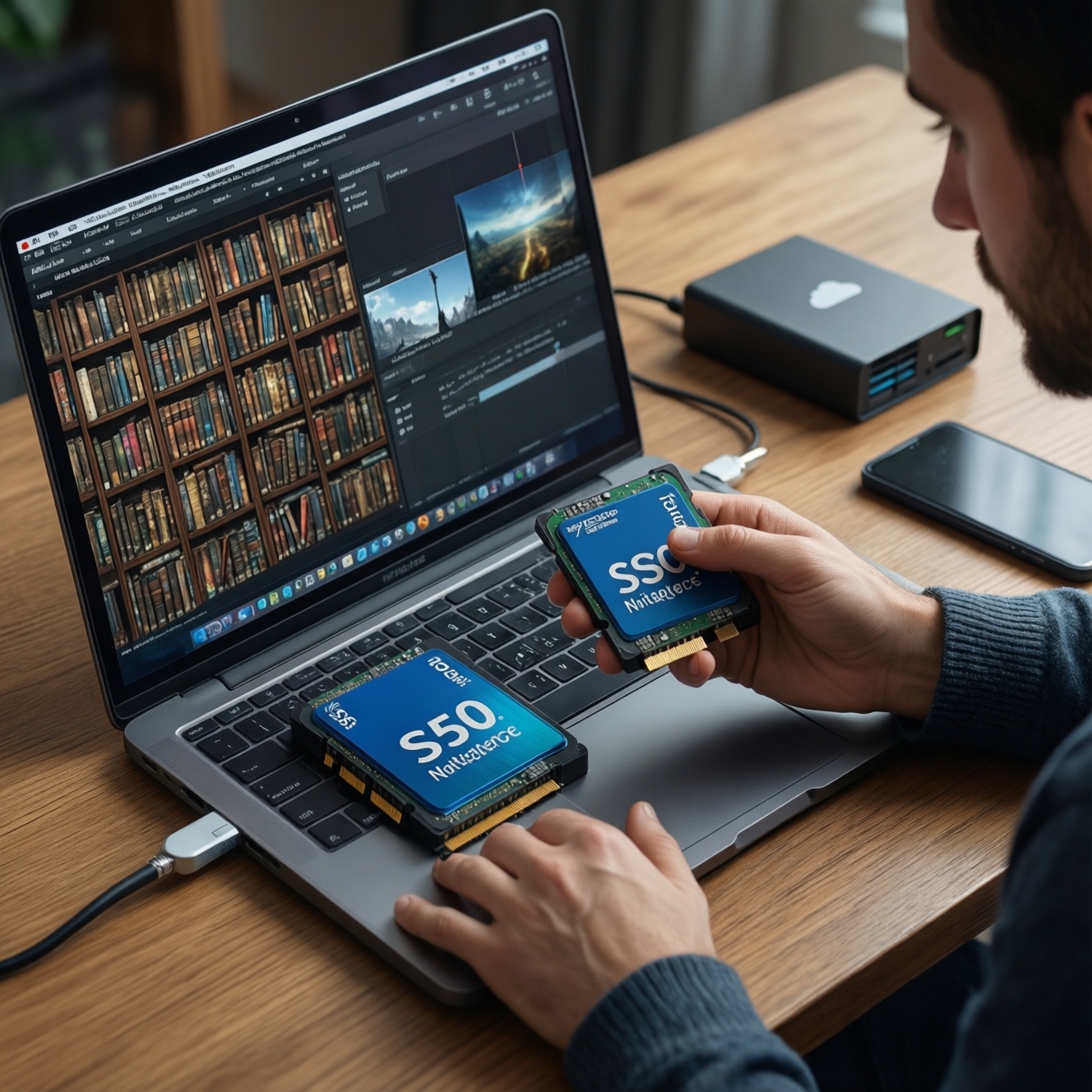
Editors: 2TB is often the practical baseline if you edit frequently and keep footage/proxies local. If you need "SSD สำหรับตัดต่อวิดีโอ แนะนำ", plan around active projects plus scratch/cache space.
General professionals: 1TB reduces constant cleanup, especially with large apps, browser caches, and OS updates.
When you should NOT do this approach: don't buy a bigger SSD to "avoid backups." SSDs fail too; capacity planning is not a data-protection plan.
How modern game libraries and updates eat space: planning for installs
Before you decide between 1TB and 2TB, list what must remain installed and what can be rotated. You don't need special tools-just accurate storage visibility and a realistic install/update workflow.
- Access you need: admin access to check disk usage and move libraries (Steam/Epic/Xbox app).
- What to check: current free space, largest installed games, and how many you keep "always installed."
- Space planning rule: keep 20-25% of the SSD free for updates, shader caches, and temporary files.
- Library management capability: confirm the launcher supports moving install folders to a second drive without re-downloading.
- Budget reality check: "SSD 1TB ราคา" and "SSD 2TB ราคา" vary by brand/controller/NAND and promos; compare by TBW/warranty, presence of DRAM or HMB behavior, and capacity per baht, not just headline speed.
Video editing needs: footage, proxies, scratch disks and archive strategy
-
Separate "active project" from "archive"
Decide what stays on fast SSD now (active projects) versus what can move to HDD/NAS after delivery (archive). This single decision determines whether 1TB is enough or you should jump to 2TB+.
-
Estimate active storage: footage + project files
Create a folder-size estimate per active project: original media, project files, exports, and any audio assets. Keep extra headroom for versions and re-exports.
- If you regularly keep multiple projects "open," sum them; don't size SSD for one best-case project.
- If clients deliver mixed media, assume more duplicates and transcodes.
-
Plan proxies and optimized media explicitly
Proxies and optimized media can be as large as (or larger than) you expect, especially if you generate them for smooth timeline playback. Put them on the same fast SSD as the active project when possible.
- Set a predictable proxy location per NLE and clean it at project close.
- If capacity is tight, prefer regenerating proxies over hoarding old ones.
-
Allocate scratch/cache space (don't ignore it)
Editing apps generate caches, preview renders, and conform files. Reserve space so the SSD doesn't run nearly full mid-project, which can cause slowdowns and failed exports.
- Keep at least 200-300GB free on a 1TB drive during heavy work; more is better on 2TB.
- Use a dedicated "cache/scratch" folder you can purge safely.
-
Choose a safe offload + backup routine
After delivery, move the whole project bundle (media + project + exports) to archive storage and keep a backup copy. This is how 1TB remains viable; without offloading, you will inevitably want 2TB+.
Fast mode: capacity decision in 60 seconds
- If you edit video weekly: choose 2TB unless you reliably offload after each project.
- If you game heavily and hate uninstalling: choose 2TB; otherwise 1TB is fine with library rotation.
- If it's mostly work/study: choose 1TB unless you run VMs or keep big local datasets.
- Whatever you choose: keep 20-25% free space and set a monthly cleanup/removal habit.
Everyday workstations: OS, apps, caches and sensible minimums
- After OS + essential apps are installed, you still have at least 25% free space on the SSD.
- System restore points, update downloads, and temp folders won't push the drive into "nearly full" status.
- Your largest folders (Downloads, AppData/Caches, project folders) are located where you intended.
- You have a clear place for bulky files (secondary drive, external SSD, NAS), not "somewhere on C:".
- Cloud sync (OneDrive/Google Drive) is configured to avoid duplicating huge media locally unless needed.
- For laptops, you confirmed whether the SSD is upgradeable (M.2 slot type) before committing to a small size.
- Your backup target exists (external drive/NAS/cloud) and is not the same SSD.
Choosing interfaces and tiers: NVMe vs SATA, cache drives and external SSDs
- Overbuying speed, underbuying capacity: for most users, a larger NVMe at mid-tier specs beats a tiny flagship SSD that constantly runs full.
- Ignoring DRAM/HMB behavior: some DRAM-less drives drop performance sharply on heavy sustained writes; this matters for "SSD สำหรับตัดต่อวิดีโอ แนะนำ" use cases.
- Assuming SATA is "fine for everything": SATA SSDs are okay for general work, but NVMe helps with large asset loads, caching, and multi-file workflows.
- No heatsink/airflow planning: cramped M.2 placement can throttle; check motherboard/laptop cooling design and use an appropriate heatsink if supported.
- Filling the SSD to the brim: performance and maintenance get worse; keep the free-space buffer.
- Mixing system and scratch on a single small drive: OS updates + caches + exports compete for space and write bursts.
- Buying external SSD without checking USB spec: a fast external drive on a slow port won't behave like an internal NVMe.
- Relying on price keywords only: "SSD 1TB ราคา" and "SSD 2TB ราคา" should be compared with warranty/TBW, controller tier, and real capacity needs.
Upgrade paths, backups and longevity: when to expand or offload storage
- Add a second SSD (internal): best when you have a desktop or a laptop with an extra M.2 slot; dedicate one drive to OS/apps and the other to games or active projects.
- Use an external SSD for "current rotation": practical for laptops; keep active games/projects externally, but confirm port speed and maintain backups for critical work.
- Archive to HDD/NAS, keep SSD for active work: ideal for editors-fast SSD for timeline/scratch, cheaper bulk storage for completed projects.
- Move rarely-used games to a secondary drive: rotate installs to keep the main NVMe fast and clean; this is often better than forcing 1TB to behave like 2TB.
Short practical questions and concise answers
Is 500GB SSD enough in 2026?
It can be enough for basic work/study if you avoid keeping large games or media locally. For most people, 1TB reduces constant cleanup and leaves safer free space for updates and caches.
Should gamers pick 1TB or 2TB?
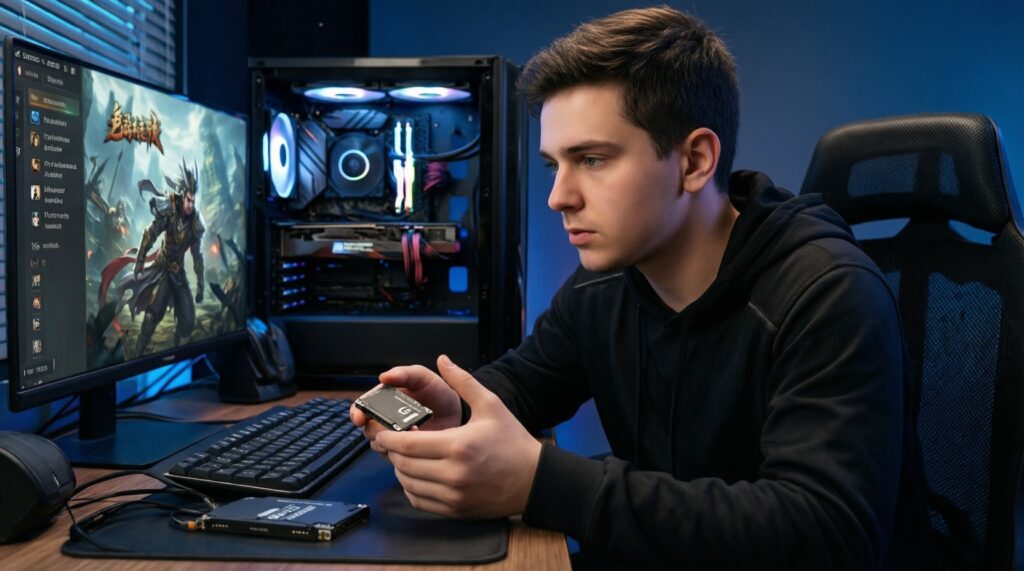
If you keep only a few big titles installed and rotate, 1TB is workable. If you keep a large library installed or multiple launchers, 2TB is the more comfortable choice-this is usually what people mean when asking "แนะนำ SSD สำหรับเล่นเกม".
Why do editors feel like SSD space disappears so fast?
Footage, proxies/optimized media, and scratch caches stack up quickly and are easy to forget. If you want "SSD สำหรับตัดต่อวิดีโอ แนะนำ", prioritize enough capacity to keep active projects plus a dedicated cache buffer.
Does NVMe always matter versus SATA?
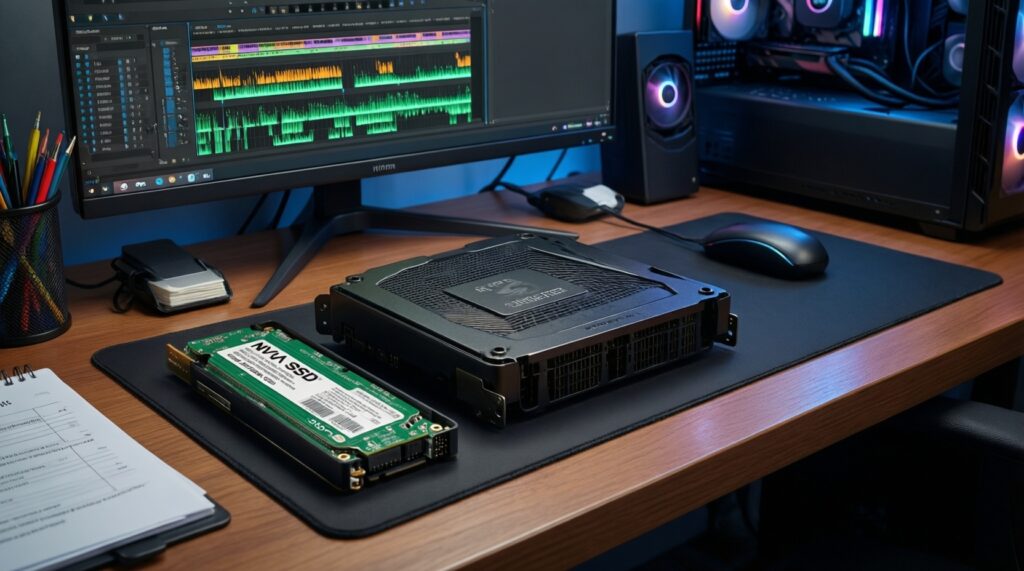
For general office use, SATA is often fine. For heavy gaming loads and editing caches/exports, NVMe is noticeably better, especially when many files are read/written simultaneously.
How much free space should I keep on an SSD?
Aim for 20-25% free space for stable performance and fewer update/install failures. If you routinely drop below that, you sized too small or need a stricter offload routine.
How should I think about SSD pricing in Thailand?
"SSD 1TB ราคา" and "SSD 2TB ราคา" swing with promotions and model tiers, so compare total value: warranty/TBW, controller tier, and whether the drive suits sustained writes. Pick capacity first, then choose the best-quality model within budget.